41
Measurement Preparation
[Selecting Method]
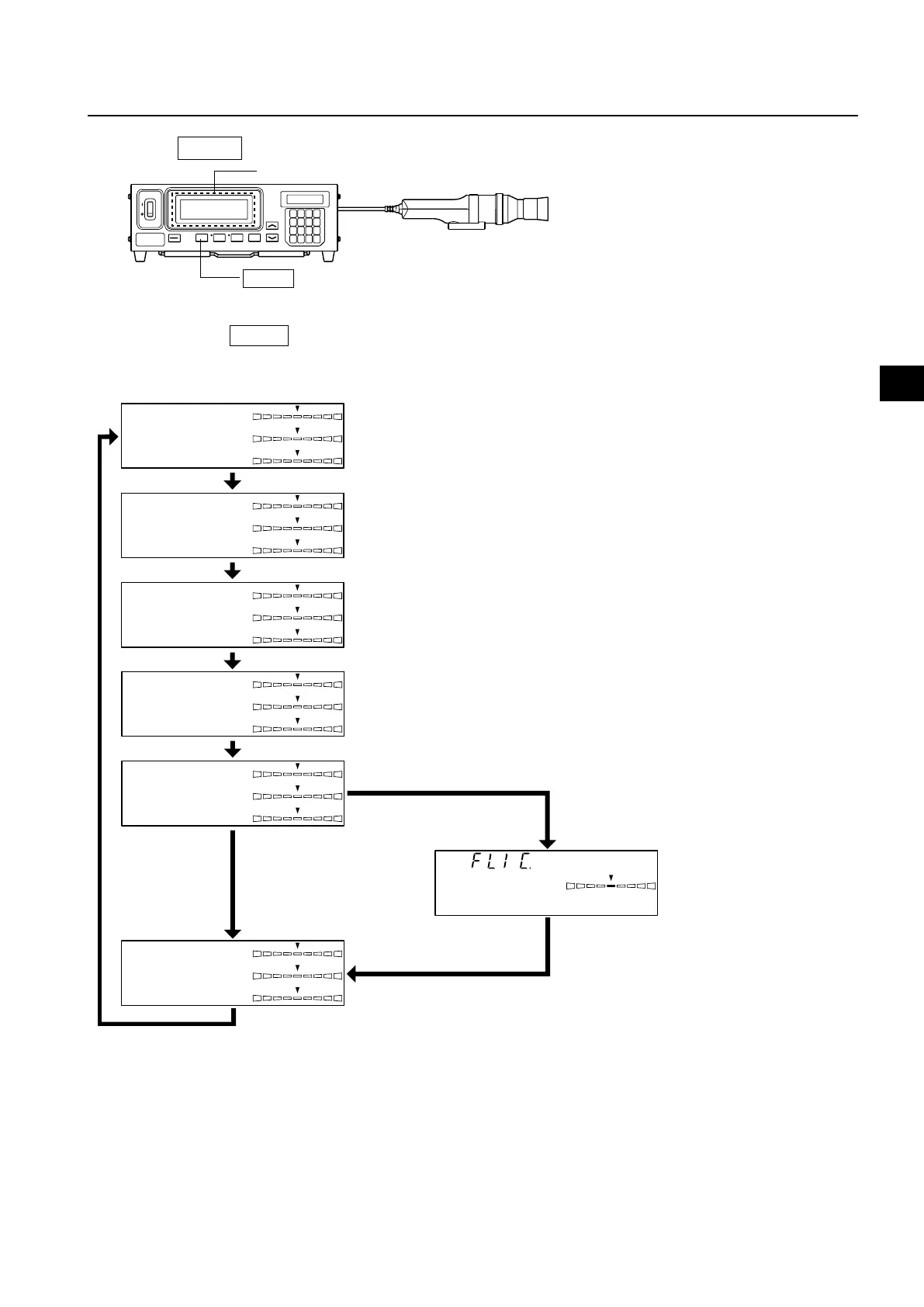
Press the MODE key to display the measurement mode you want to select.
Each time the MODE key is pressed, measurement mode will switch as shown below.
MODE key
Measurment
* By default (factory setting), the instrument is set so that xyLv mode will be selected automatically when the POWER switch is set to ON ( | ).
x
y
Lv
∆x
∆y
∆Lv
T
Lv
∆uv
∆x
∆y
∆Lv
R
B
G
R/G
B/G
∆G
R
B
G
∆R
B/R
G/R
u'
Lv
v'
∆x
∆y
∆Lv
∆x
∆y
∆Lv
xyLv mode
T∆uvLv mode
Analyzer mode (G Standard)
XYZ mode
Analyzer mode (R Standard)
u'v'Lv mode
When LED Flicker Measuring ø27 Probe(CA-
P32/35) or LED Flicker Measuring ø10
Probe(CA-PS32/35) is connected,
When LED Universal Measur-
ing ø27 Probe(CA-PU32/35) is
or LED Universal Measuring
ø10 Probe(CA-PSU32/35) con-
nected,
Flicker mode















 To Next Page