32
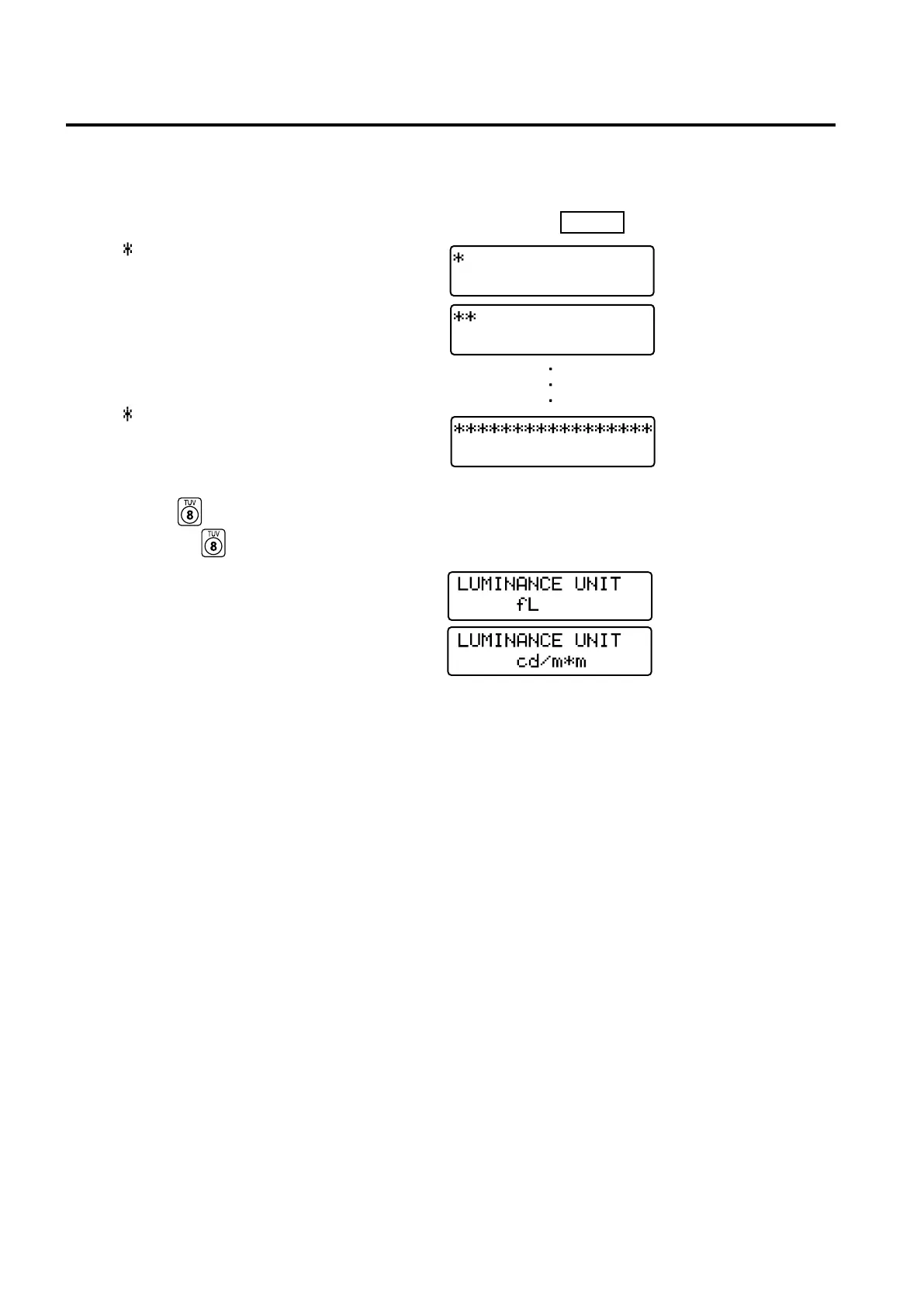
3. About the change of Luminance Unit
This instrument allows you to switch the unit for the displayed luminance between “cd/m
2
” or “fL”. The method is
given below.
1. Set the POWER switch to ON while holding down the MODE key.
“ ” will appear.
“
” will be added one after another as shown.
2. Press the
key before a total of sixteen asterisks appear.
Keeping the key held down will display as shown below, switching the luminance unit from one to
another.
Unit before Unit after
fL → cd/m
2
cd/m
2
→ fL
The newly set luminance unit will remain unchanged until it is changed again by the above method, even if
the power is turned OFF.
* At the time of shipment, the luminance unit is set as cd/m
2
.















 To Next Page