58
Analyzer Mode
1. About Analyzer Mode
<What is Analyzer Mode?>
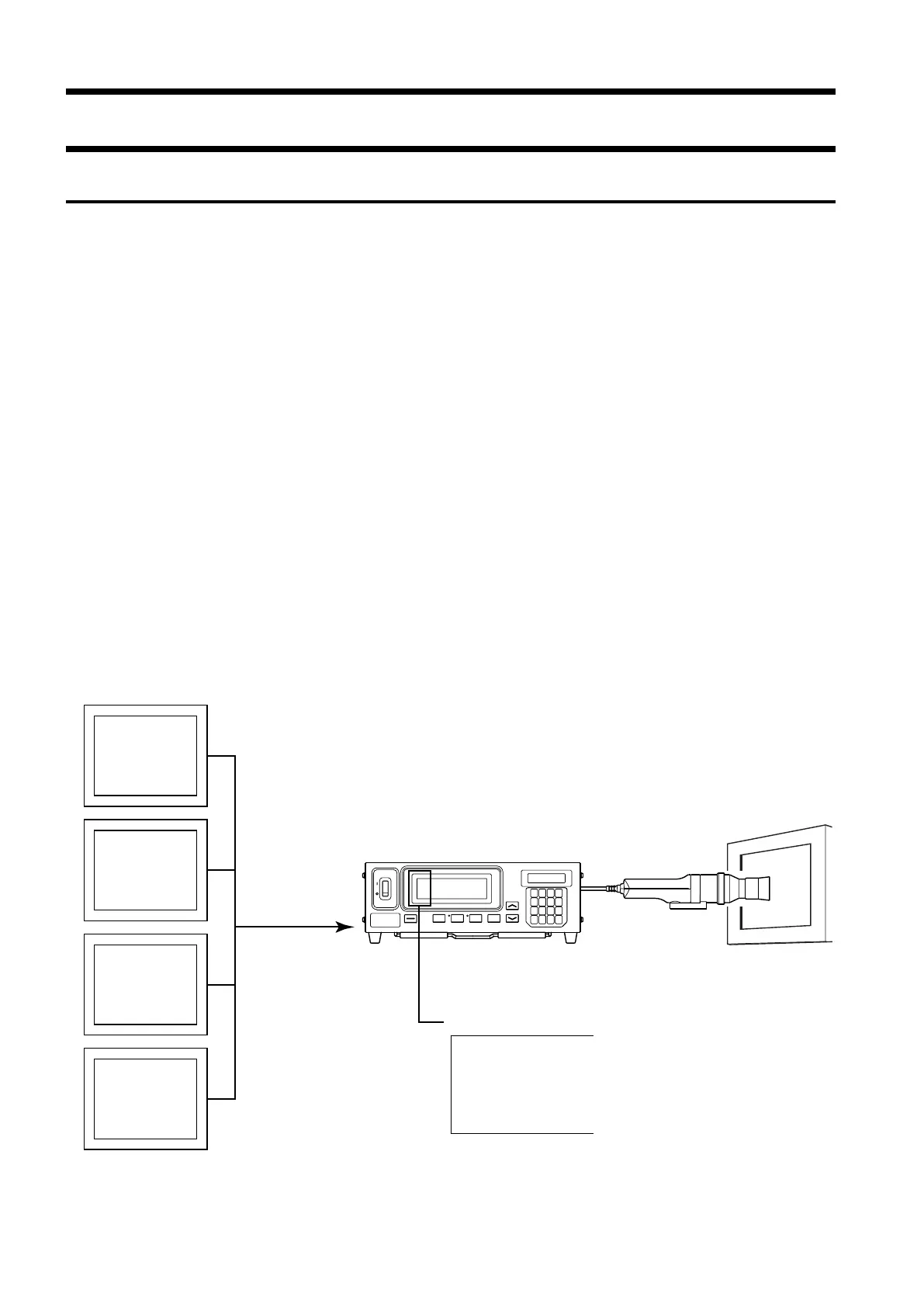
Analyzer measurement mode is provided for adjustment of the display’s white balance.
The measured colors are expressed in output of each R, B and G monochromatic light based on the display’s
analyzer mode RGB emission characteristic (input to the instrument) and the target color (W).
Thus, adjusting the emission intensity of R causes the measured value of R only to change, and measured values
for B and G remain unchanged This mode is useful when you adjust the emission intensity of R, B and G to match
the target color (W).
The following measured values will be displayed when the display’s emission intensity (emission intensity of R, B
and G monochrome lights) and the target color (W) are set and measurement is performed in analyzer mode.
• Digital display section ............................... R, B, G : Outputs of the currently measured monochrome lights R,
B and G in ratio (%) to those of the specified target color (W)
• Analog display section ............................... When analyzer mode (G-reference) is selected
R/G, B/G : Ratio of measured values
∆G:Difference from the target color in the case of monochrome
light G
When analyzer mode (R-reference) is selected
∆R:Difference from the target color in the case of monochrome
light R
G/R, B/R : Ratio of measured values
Measurement in analyzer mode (page 79)
White balance adjustment in analyzer mode (page 81)
Measurement mode
R
B
G
Inputting display’s
analyzer mode RGB
emission character-
istic
(See next page)
Emission char-
acteristic of R
Emission char-
acteristic of G
Emission char-
acteristic of B
Target color
(W)















 To Next Page