Checking the Machine Status and Settings
2-9
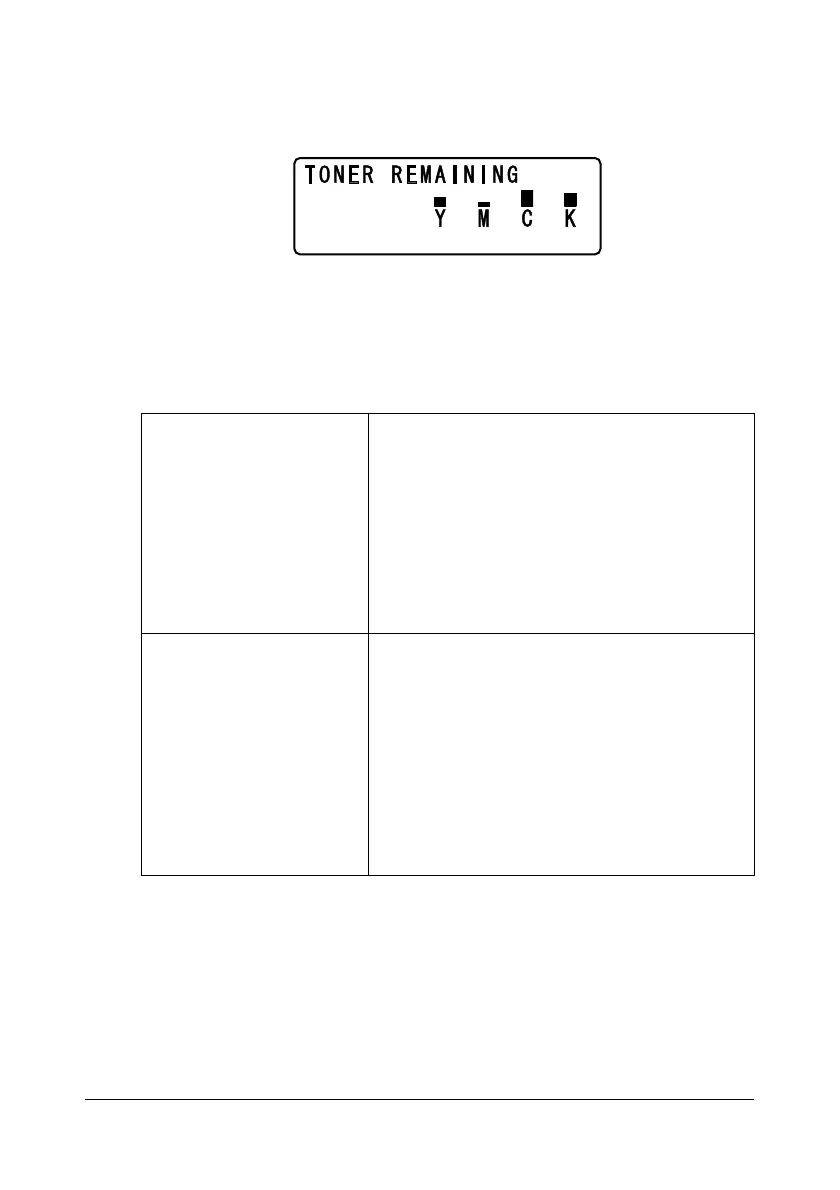
TONER REMAINING
A general estimate of the amount of toner remaining in the toner cartridges
can be viewed.
" If the Select key is held down for at least 2 seconds while the screen
described above is displayed, the configuration page will be printed.
T/C CHANGE
REPLACE MODE
Switches the machine to the REPLACE MODE.
This mode is used when replacing a toner car-
tridge.
For details on replacing a toner cartridge, refer
to “Replacing a Toner Cartridge” on page 7-5.
" To return to normal operation mode from
REPLACE MODE, press the Stop/Reset
key.
EJECT MODE
Switches the machine to the EJECT MODE.
This mode is used when removing all toner car-
tridges.
For details on removing all toner cartridges,
refer to “Removing All Toner Cartridges” on
page 7-10.
" To return to normal operation mode from
EJECT MODE, press the Stop/Reset
key.














 To Next Page