Scanning From a Computer Application
6-2
Scanning From a Computer Application
Documents can be scanned from a computer connected to this machine with
a USB cable. Scanning settings can be specified and the scanning operation
can be performed from TWAIN- or WIA-compatible applications. From the
scanner driver, a preview can be displayed and various adjustments, such as
the size of the scan area, can be specified.
" For details on the installation of the scanner driver refer to the Installa-
tion Guide.
Basic Scanning Operation
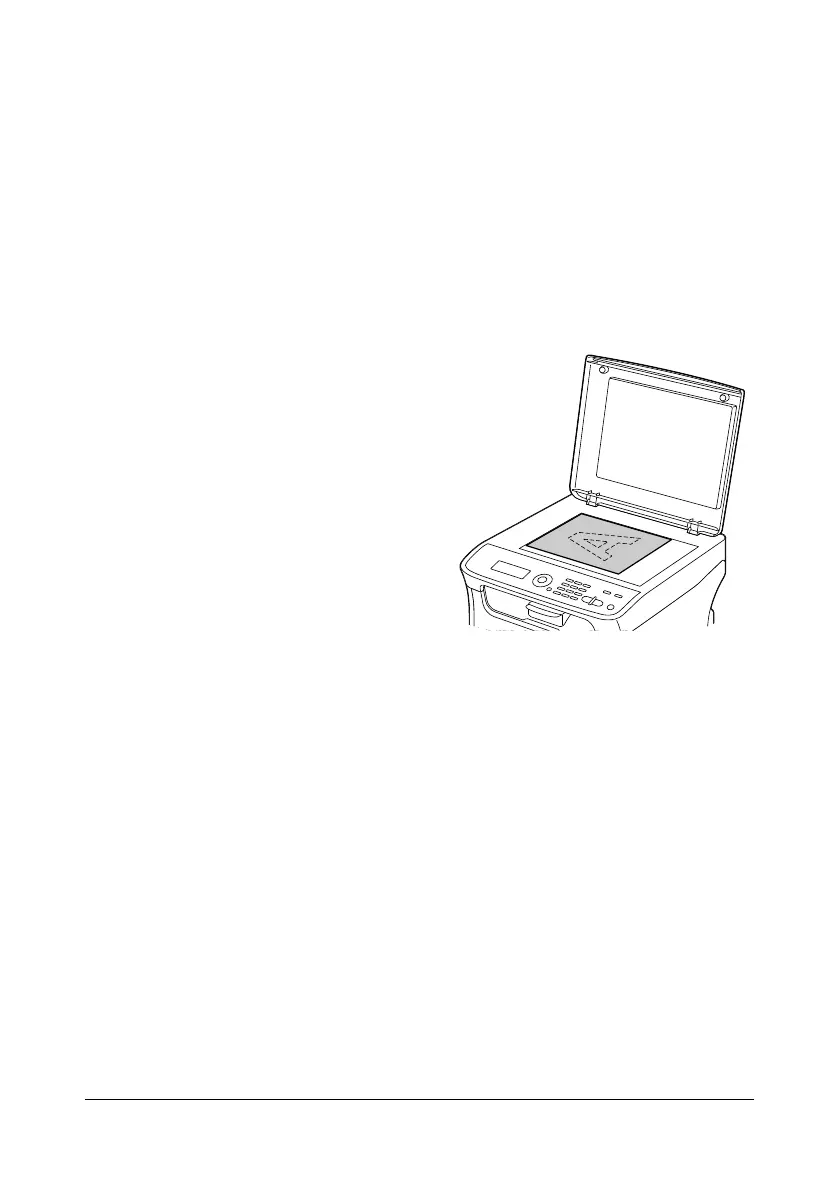
1 Position the document to be
scanned.
" For details on positioning
the document, refer to
“Placing a Document to
be Copied” on page 3-19.
2 Start the application to be used
for scanning.
3 Start the scanner driver according to the application settings.
4 Specify the necessary scanner driver settings.
5 Click the Scan button in the scanner driver.














 To Next Page