Making Advanced Copies
5-5
Making Advanced Copies
This section contains descriptions on setting ID card copying, repeat copying
and poster copying.
Setting a Copy Function
ID card copying, repeat copying and poster copying can be set.
" If a copy function other than NORMAL COPY has been set, the zoom
ratio is automatically set (and cannot be changed).
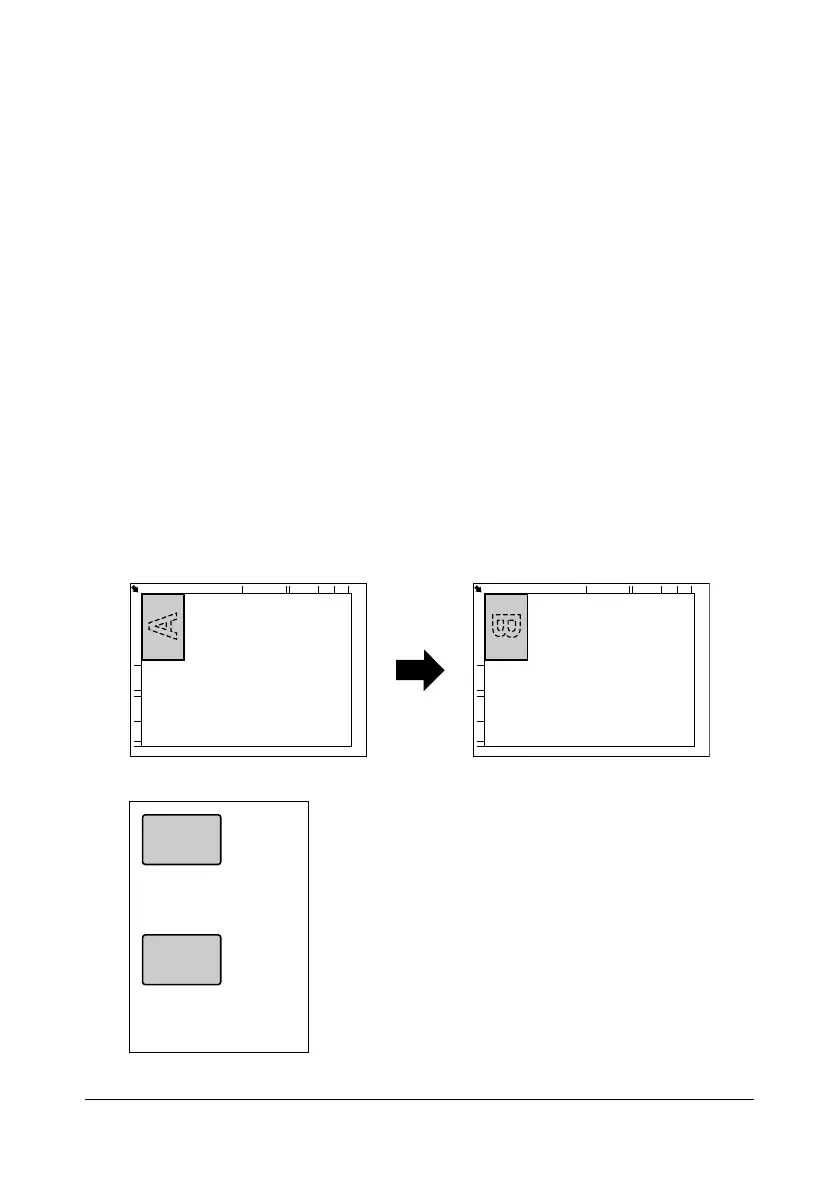
" With ID card copying, repeat copying or poster copying, position the
document pages to be scanned so that they are aligned in the
upper-left corner of the original glass. Since the image is printed 4 mm
from the top and left side, adjust the position of the document as nec-
essary. For details on positioning the document on the original glass,
refer to “Placing a Document to be Copied” on page 3-19.
ID Card Copying
With ID card copying, the back and front of a document, such as a certificate,
are copied at full size on a single sheet of paper.














 To Next Page