Making Basic Copies
5-2
Making Basic Copies
This section contains descriptions of the basic copy operation procedure and
the functions that are frequently used when making copies, such as specify-
ing the zoom ratio and the copy density.
" Before making copies, check that the Copy key is lit up in green. If the
key is not lit up in green, press the Copy key to enter Copy mode.
" The default paper size setting can be changed with TRAY1 PAPER
SETUP
in the UTILITY menu. For details, refer to “TRAY1 PAPER
SETUP Menu” on page 2-17.
If, while specifying settings, no key is pressed for the length of time specified
for
AUTO PANEL RESET, the entered settings are canceled and the main
screen (Copy mode) is displayed.
Basic Copy Operation
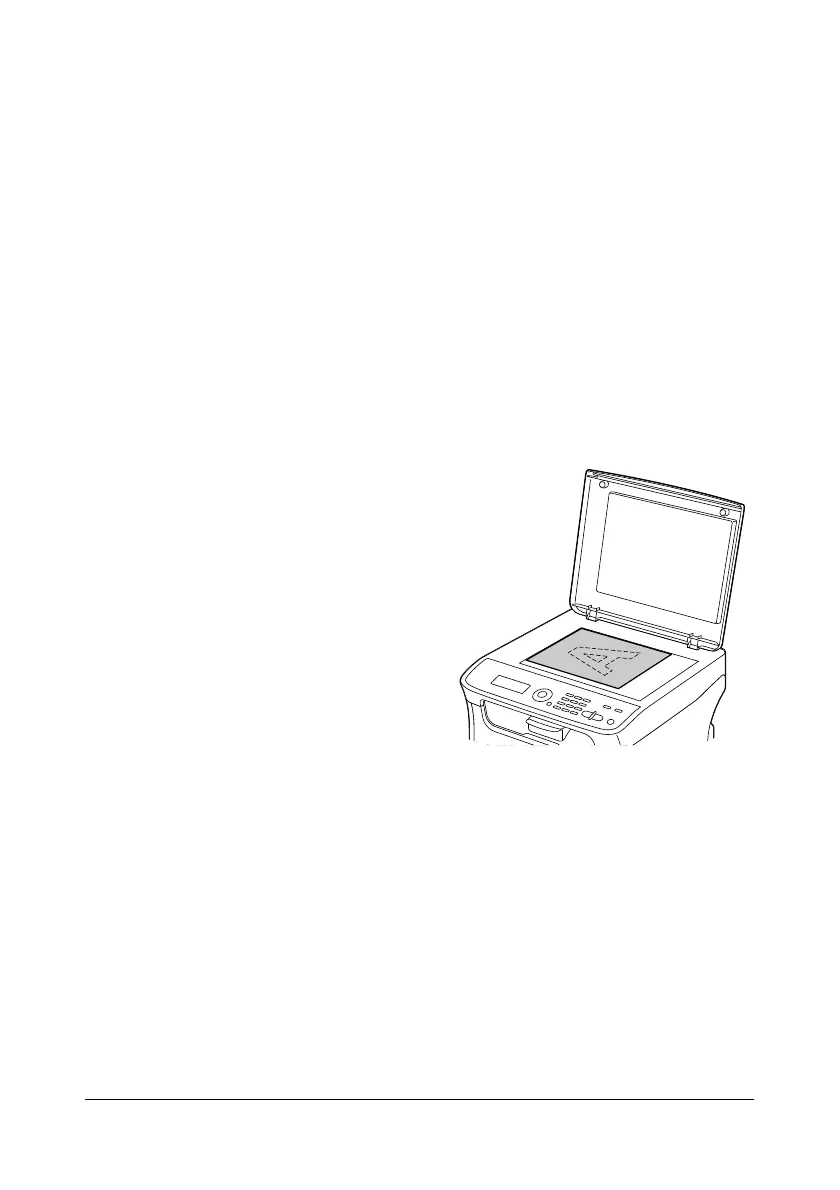
1 Position the document to be
copied.
" For details on positioning
the document, refer to
“Placing a Document to
be Copied” on page 3-19.
2 Press the Copy key.
3 Specify the desired copy settings.
" For details on specifying the copy mode and the copy density, refer
to “Specifying the Copy Quality Setting” on page 5-3.
For details on specifying the zoom ratio, refer to “Specifying the
Zoom Ratio” on page 5-4.
For details on ID card copying, repeat copying or poster copying,
refer to “Setting a Copy Function” on page 5-5.
4 Using the keypad, specify the desired number of copies.
" If the number of copies was incorrectly entered, press the Back
key, and then specify the correct number of copies.















 To Next Page