Loading Media
3-12
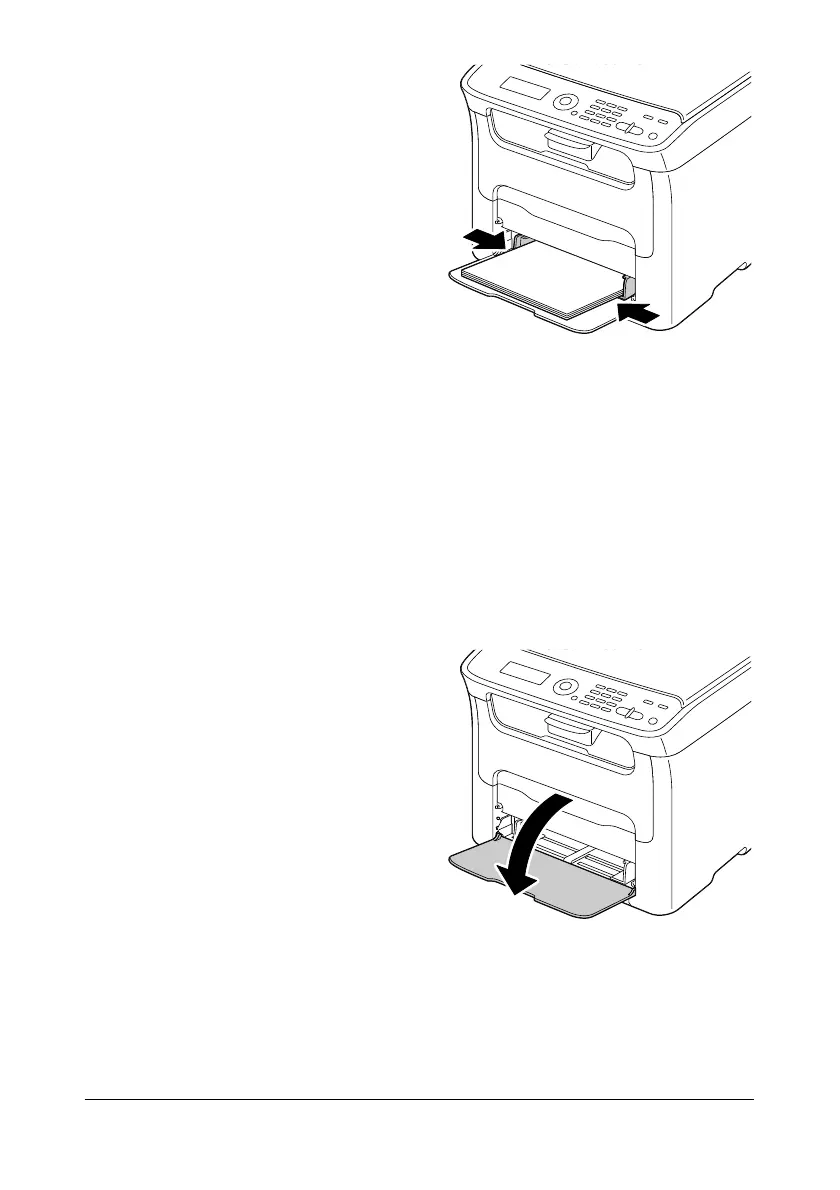
4 Slide the media guides against
the edges of the paper.
5 Select TRAY1 PAPER SETUP in the UTILITY menu, and then select
the settings for the size and type of paper that is loaded. See also “Print
Media” on page 3-2.
Other Media
When loading media other than plain paper, set the media mode (Envelope,
Label, Letterhead, Postcard, Thick Stock 1, or Thick Stock 2) in the driver for
optimum print quality.
Loading Envelopes
1 Open Tray 1.
" If media has been loaded
into Tray 1, remove all media
from the tray.














 To Next Page