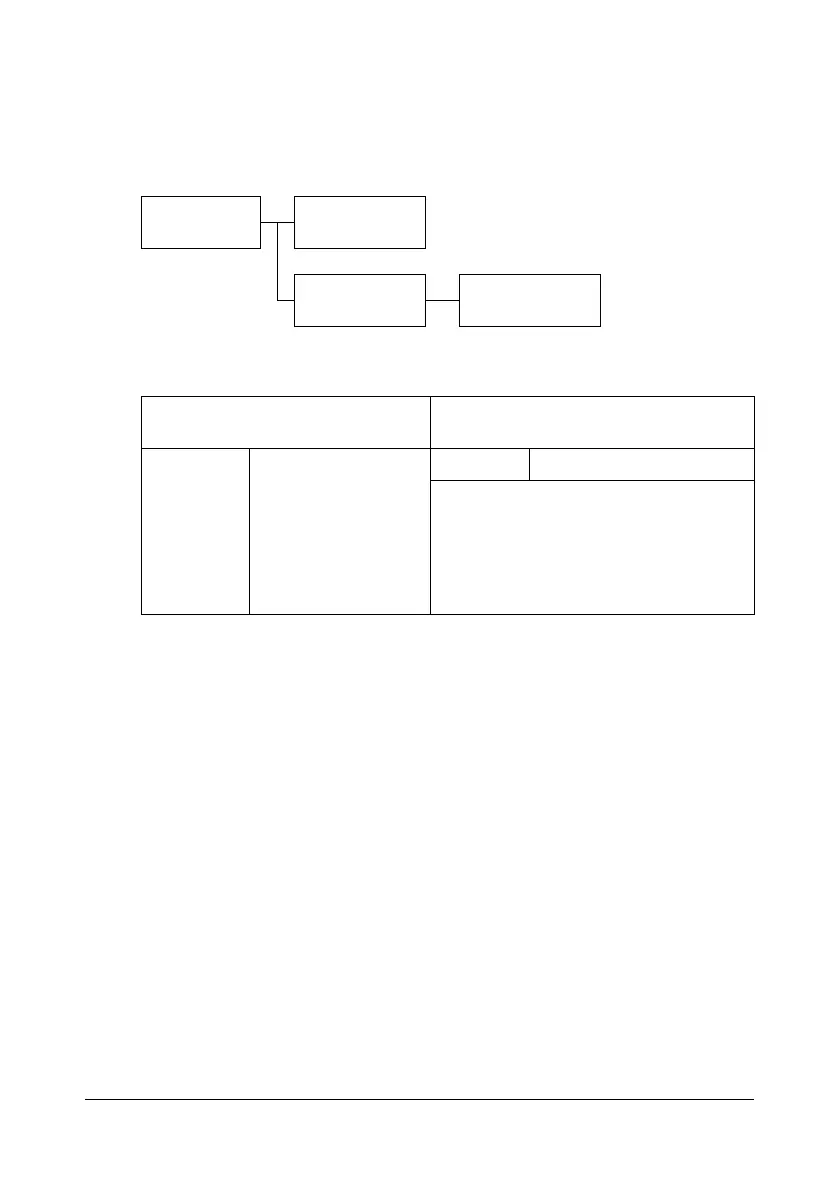
Configuration Menu Overview
2-19
ADMIN. MANAGEMENT Menu
" The ADMIN. MANAGEMENT menu is accessible only by the adminis-
trator. To display the settings for this menu, select
ADMIN. MANAGE-
MENT
, use the keypad to type in the 6-digit administrator access code
(default: 000000), and then press the Select key.
" Manufacturer’s default settings appear in bold.
ADMIN. MAN-
AGEMENT
ADMINISTRATOR
NO.
USER SETTING PRESET ZOOM
ADMINISTRATOR NO.
Specify the new administrator access
code.
USER
SETTING
PRESET ZOOM
Setting
INCH / METRIC
Select the measurement units for the
preset zoom ratios.
The default setting is
INCH for USA
and Canada, and
METRIC for other
countries.














 To Next Page