Checking the Machine Status and Settings
2-11
REPORT/STATUS Menu
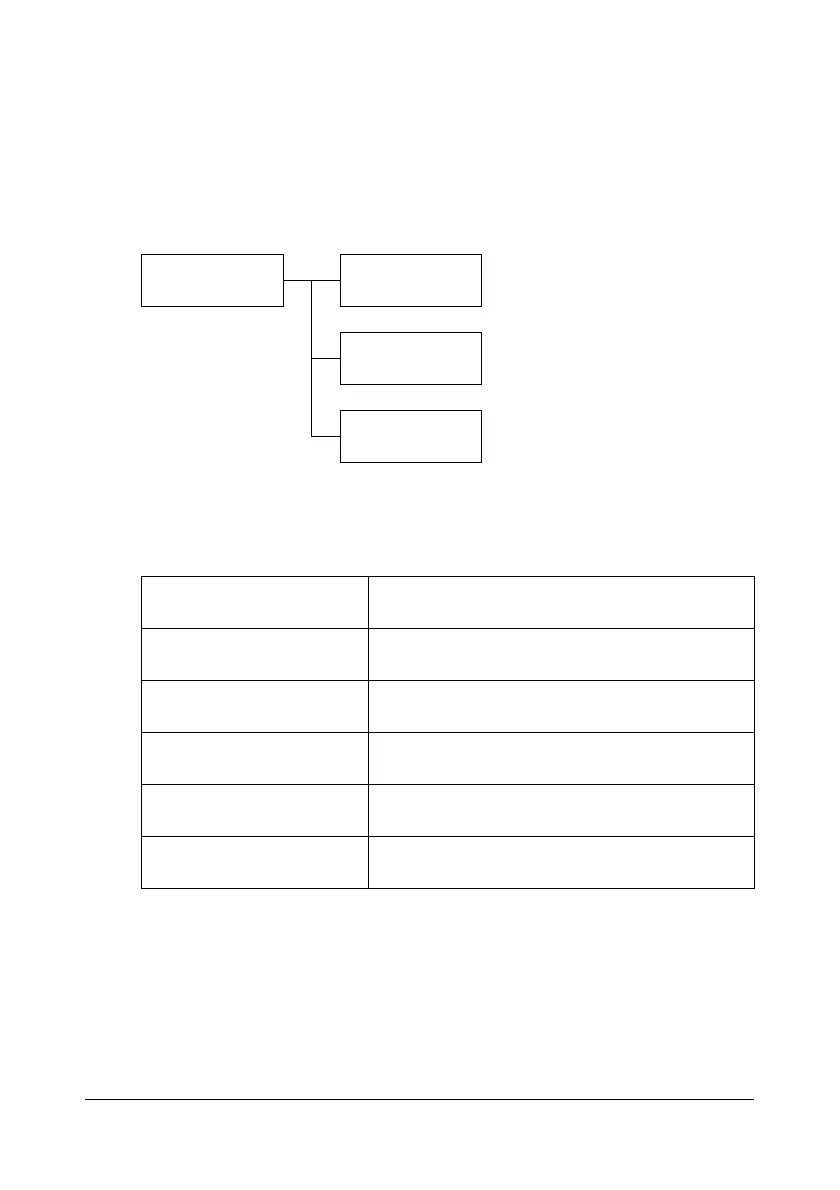
To display the REPORT/STATUS screen, select REPORT/STATUS in the
main screen, and then press the Select key. From this menu, the total num-
ber of pages printed by this machine can be viewed. In addition, the reports
can be printed. The REPORT/STATUS menu is structured as shown below.
" To return to the previous screen, press the Back key. To display the
main screen, press the Stop/Reset key.
TOTAL PRINT
The total number of pages for each of the following can be checked.
REPORT/STATUS TOTAL PRINT
SUPPLY STATUS
REPORT
TOTAL PRINT
This counter shows the total number of pages
printed.
MONO COPY
This counter shows the total number of pages
copied in black-and-white.
COLOR COPY
This counter shows the total number of pages
copied in color.
MONO PRINT
This counter shows the total number of pages
printed in black-and-white.
COLOR PRINT
This counter shows the total number of pages
printed in color.
TOTAL SCAN
This counter shows the total number of docu-
ment pages that were scanned.














 To Next Page