Loading the demo song data
When you perform the following operation, the data stored within the KROME will be discarded and overwritten
by the preset program and combination data and the demo song data. If you don’t want to lose the data that you
edited or created, you should save it to an SD card (commercially available) before you proceed.
1. Press the GLOBAL button (the LED will light up) to enter Global mode.
2. Access the P0: Play/REC Program T0108 page.
If this page is not displayed, you’ll need to press the EXIT button a few times.
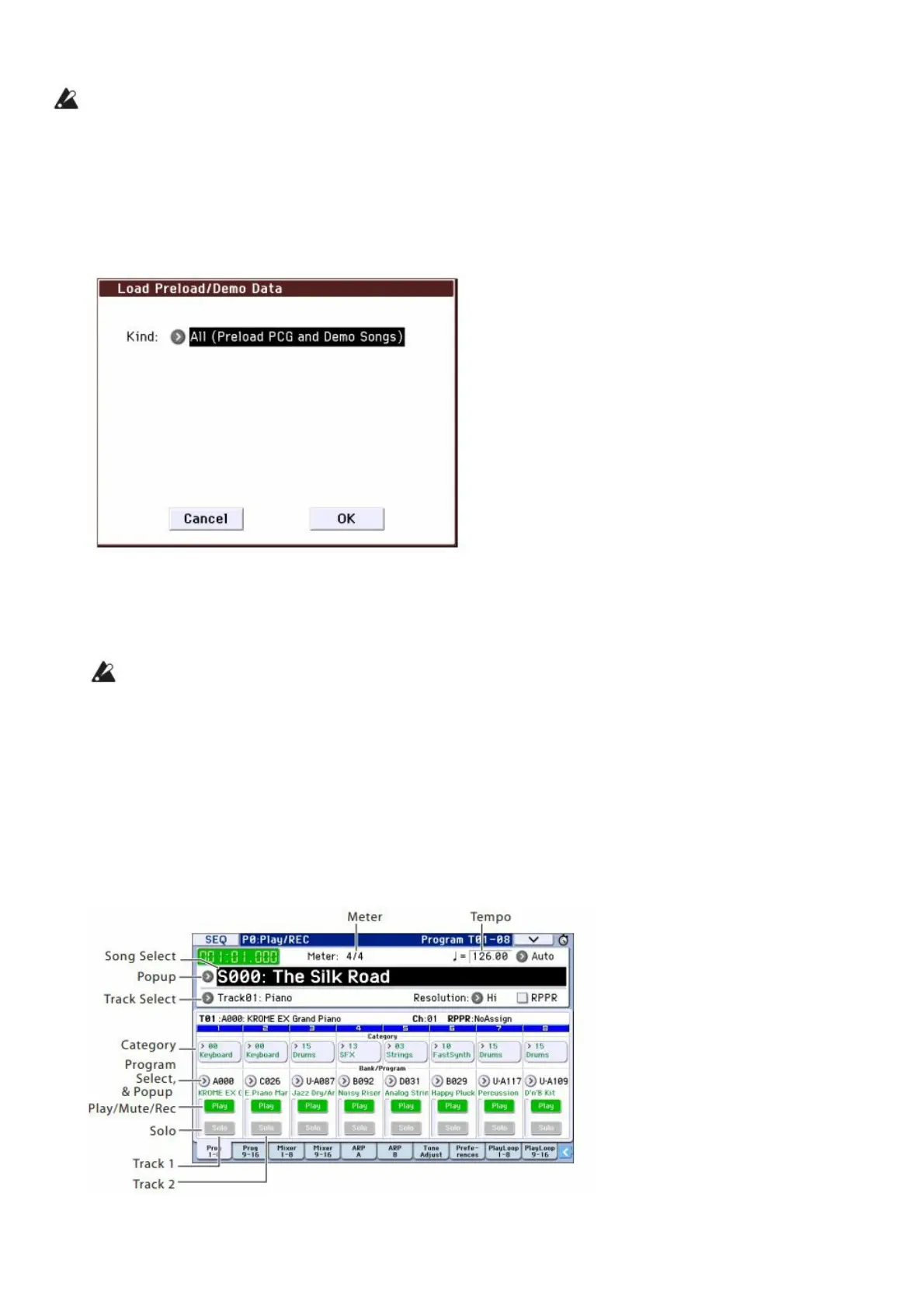
3. Press the menu button on the upper right side of the display, and choose “Load Preload/Demo Data.”
4. In the “Kind” field, choose “All (Preload PCG and Demo Songs).”
When you execute loading, the preloaded data and the demo song data will be loaded.
5. Press the OK button or ENTER button.
A dialog box will ask you for confirmation. Press the OK button or ENTER button once again to load the data.
Never turn off the power while data is being loaded. If the Memory Protected dialog appears, press the
System Pref. tab and clear the check mark from the Memory Protect Song setting. Then load the data again.
Listening to the demo songs
Here’s how to listen to the demo songs in Sequencer mode.
1. Press the SEQ button (the LED will light up) to enter Sequencer mode.
2. Access the P0: Play/REC– Program T01–08 page.
If this page is not displayed, you’ll need to press the
EXIT button a few times.
3. Let’s start by listening to song S000.
Verify that song S000 is selected. If another song is selected, press the song name display area (Song Select)



 To Next Page