to highlight it. Then press the numeric key 0, and then the ENTER button.
4. Press the SEQUENCER START/STOP button.
The LED will blink, and the song will begin playing back.
5. If you want to stop playback mid-way through the song, press the START/STOP button once
again.
6. Let’s listen to the next song.
Press the song name display area (Song Select). Press the numeric key 1, and then press the ENTER button.
(Song “S001” will be selected.)
Alternatively, you can press the round button (Song Select popup) located to the left of the song name, and a
list of song names will appear. Press one of the song names to select a song.
7. Press the START/STOP button to begin playback. To stop playback, press the START/STOP
button once again.
The demo song will not be retained when the power is turned off, but you can load it again at any time.
Playing multiple songs in succession
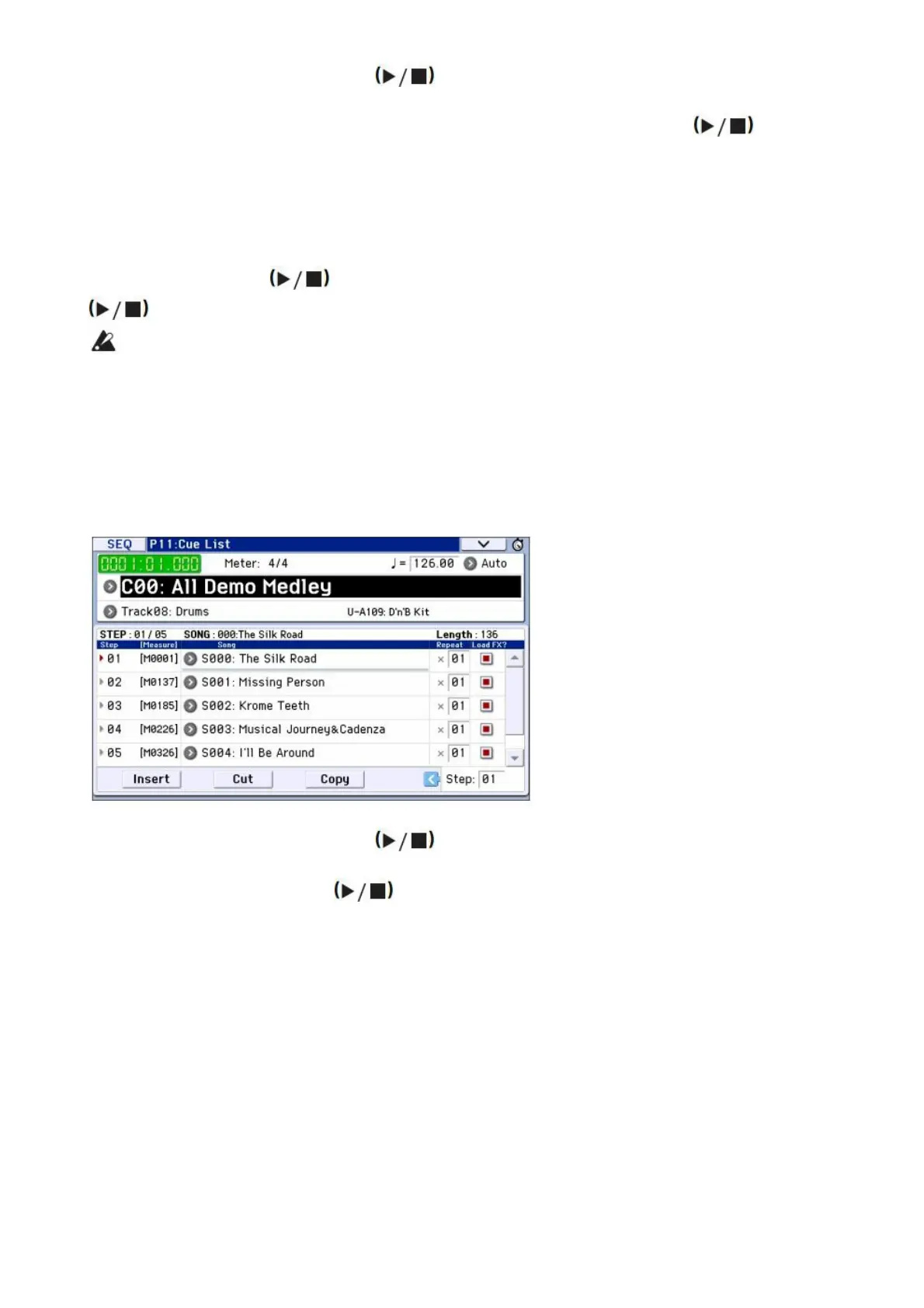
Songs can be assigned to a cue list, and will playback in the specified order. You can also specify the number of
times that each song will be repeated. Here’s how to play back the demo songs that are assigned to a cue list.
1. ccess the P11: Cue List page.
Press the PAGE button to access the Seq Page Select page. Press “P11 Cue List” in the display.
2. Press the SEQUENCER START/STOP button.
You will hear the songs in the list in the assigned order. If you want to stop playback before you reach the end
of the list, press the START/STOP button once again.
Performing with RPPR
In Sequencer mode, the RPPR (Realtime Pattern Play/Recording) function allows you to assign a preset pattern or
user pattern (and a track to play it) to each key.
This way, you can play a pattern simply by pressing the key where it is assigned. You can also record the resulting
playback.
The demo songs you loaded contain data that uses the RPPR function. Here’s how you can use it.
1. Access the P0: Play/REC Program T0108 page, and select S002.
For details, refer to steps 6 and 7 on the preceding page.



 To Next Page