10 Operation
10.2 Key assignment
10.2 Key assignment
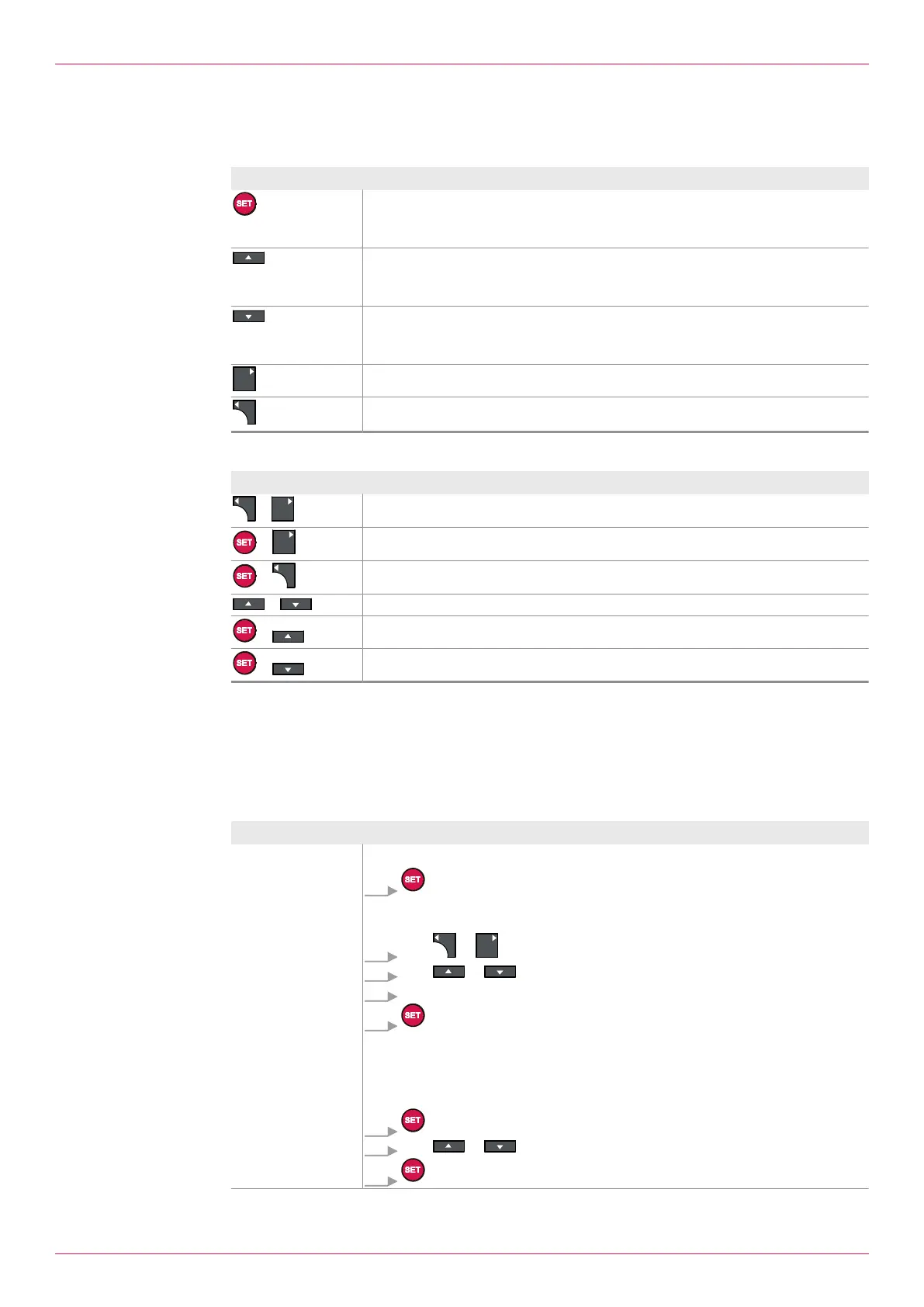
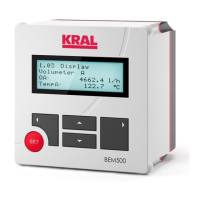
The electronic unit is operated by means of five keys.
Button Function
o Confirmation of the entry
o Reset of total values
o Confirmation of the selection
o Switching to the following menu item
o Select the previous unit
o Increase the digit
o Switching to the previous menu item
o Select the next unit
o Decrease the digit
Navigate one menu higher
Navigate one menu lower
Menu items can be called up via key combinations.
Key combination Function
+
1.31Help on operation
+
1.13Setting Select Language
+
Menu 8: Alarms
+ 1.01Consumption display
+
Increase brightness of the display
+
Reduce brightness of the display
10.3 Operation at a glance
General operating steps
The following table describes the input and modification of the password as well as general operating
steps, such as the changing of values and units. The password is included in the scope of delivery and
consists of four digits.
Aim Operating steps
Enter the password,
see 2.01 Setting
Enable Password
Press Deactivate password protection
1. .
ð 1.30Enter password setting is displayed.
ð Flashing cursor indicates the active input field.
2. With or Change the position within the number input.
3. With or Increase or decrease the digit.
4. Repeat Steps 2 and 3 for all the digits.
5. Press.
ð Password protection is deactivated: It is displayed No In the display.
Change of settings possible. Password protection is reactivated auto-
matically after approx. 30 minutes.
Press Activate password protection
1. Press.
2. With or Yes select.
3. Press.
Operating instructions
OIE 12en-GB Edition 2020-03
23


 To Next Page