10 Operation
10.3 Operation at a glance
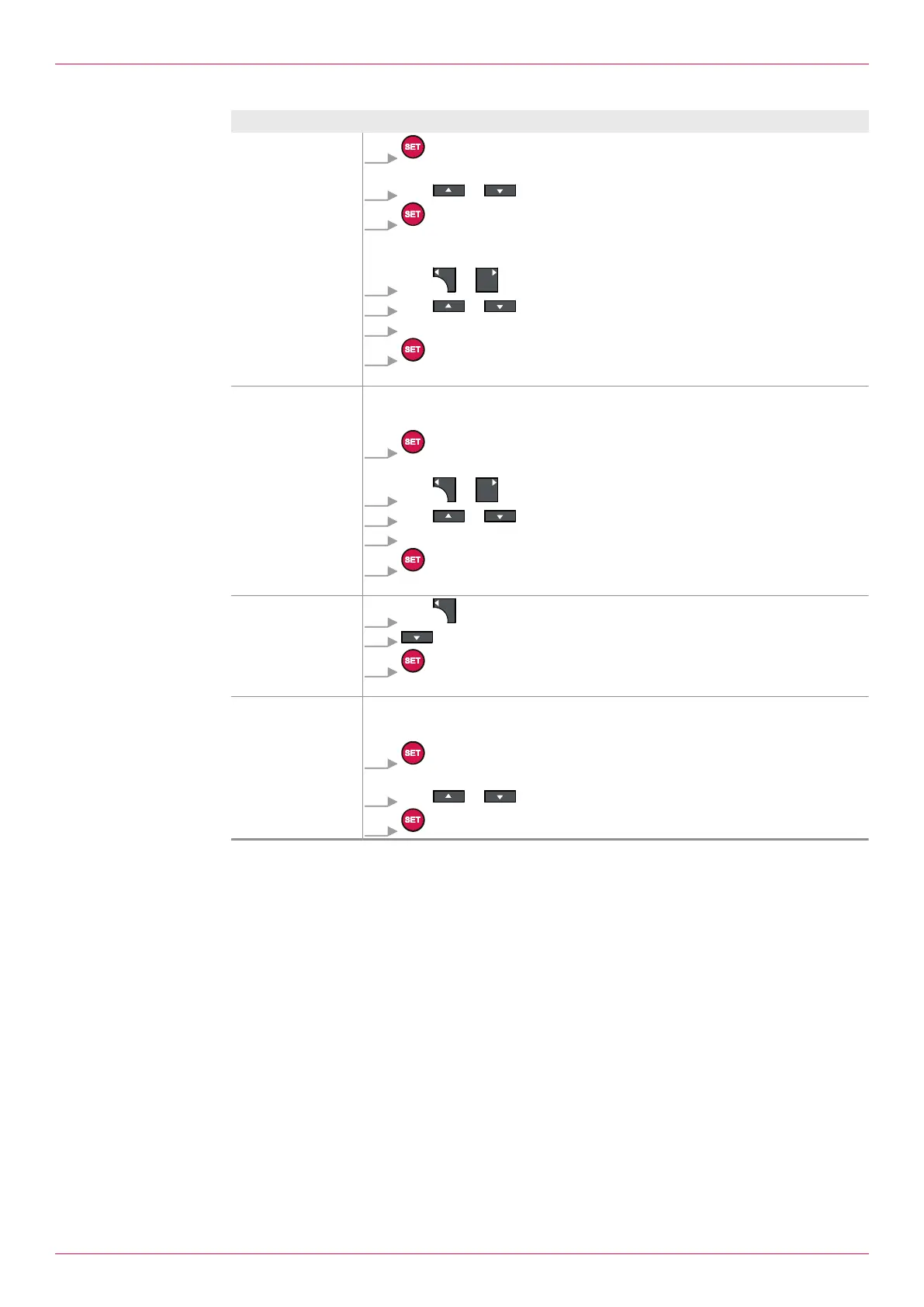
Aim Operating steps
Change the pass-
word, see
2.02Setting
Change password
1. Press.
ð Flashing cursor indicates the active input field.
2. With or Yes select.
3. Press.
ð 1.30Enter password setting is displayed.
ð Flashing cursor indicates the active input field.
4. With or Change the position within the number input.
5. With or Increase or decrease the digit.
6. Repeat Steps 4 and 5 for all the digits.
7. Press.
ð New password is accepted.
Changing the value Requirement:
2.01 Setting Enable Password Set to No .
1. Press.
ð Flashing cursor indicates the active input field.
2. With or Change the position within the number input.
3. With or Increase or decrease the digit.
4. Repeat Steps 2 and 3 for all the digits.
5. Press.
ð Value is accepted.
Enter a minus sign
1. With Select first position left of the first number.
2. Select until the minus sign is displayed.
3. Press.
ð Minus sign is accepted.
Change the unit Requirement:
2.01 Setting Enable Password Set to No .
1. Press.
ð Flashing cursor indicates the active input field.
2. With or Select unit.
3. Press.
24
OIE 12en-GB Edition 2020-03
Operating instructions


 To Next Page