10 Operation
10.3 Operation at a glance
Operating the basic functions
The following table describes the basic operating steps. They can be carried out in part without a pass-
word having to be entered.
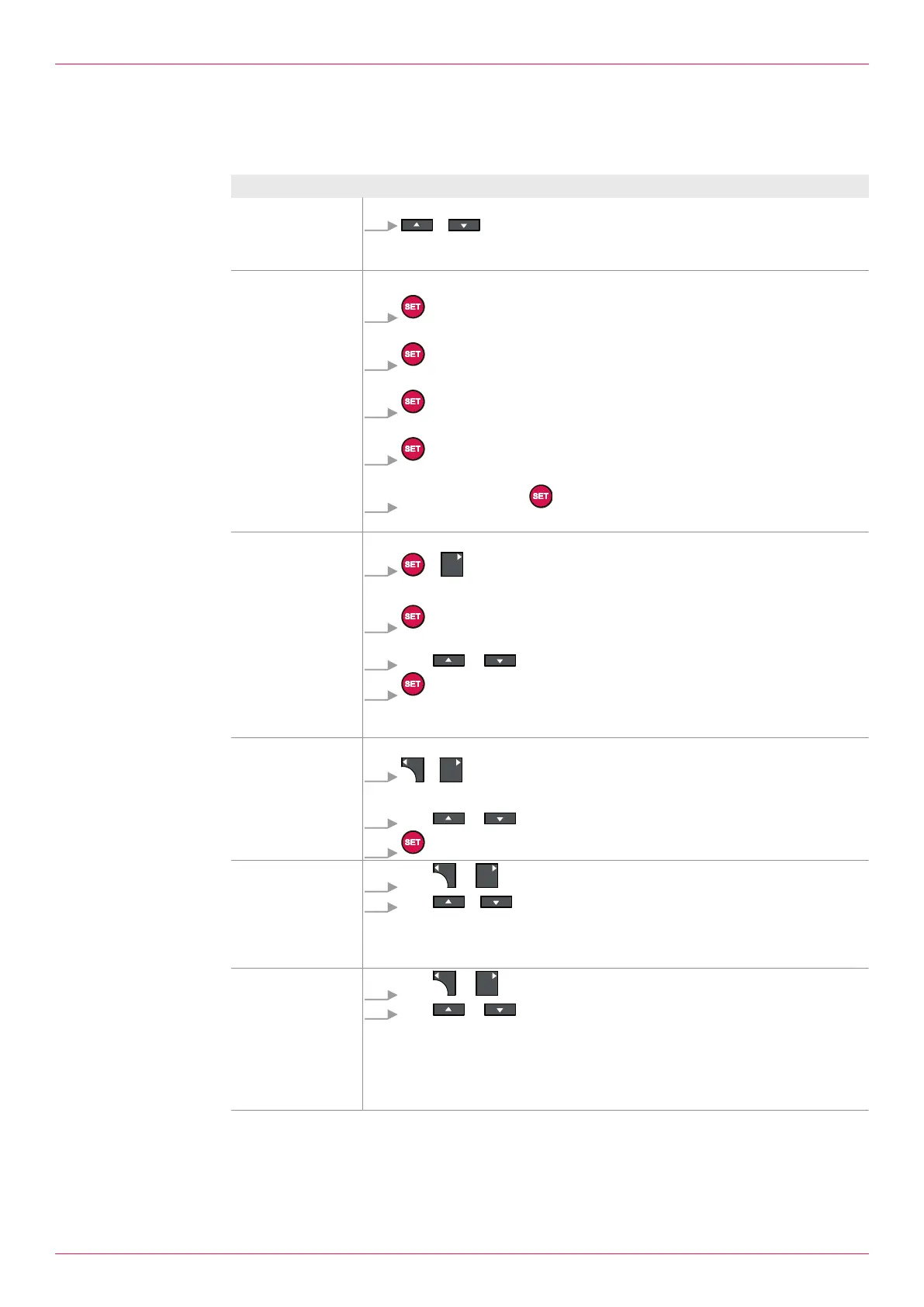
Aim Operating steps
Reading the con-
sumption, see
1.01 Consumption
display
Call up menu item
+ Press simultaneously.
Reset sum,
see 1.02Display
total,
see 1.04Display
VolumeterA Total,
see 1.06Display
VolumeterB Total
Reset of total values
1. Press.
ð Total value 1 is selected.
2. Press for three seconds.
ð Total value 1 is reset.
3. Press.
ð Total value2 is selected.
4. Press for three seconds.
ð Entry of password required.
5. Enter password and Press.
ð Total value 2 is reset.
Select the lan-
guage, see
1.13Setting Select
Language
Call up menu item
+ Press simultaneously.
Select the language
1. Press.
ð Flashing cursor indicates the active input field.
2. With or Select the language.
3. Press.
ð The selected language is applied after a different menu item has been called
up.
Calling up help, see
1.31 Help on
operation
Call up menu item
+ Press simultaneously.
Navigate
1. With or browse.
2. Press to leave the help.
Check selection of
the density determ-
ination, see
2.09Select setting
density
determination
1. With or select menu.
2. With or select menu item.
Check values of the
density determina-
tion, see Menu6:
Density table1/
density calcula-
tion,
see Menu7: Dens-
ity table2
1. With or select menu.
2. With or Select menu item.
Operating instructions
OIE 12en-GB Edition 2020-03
25


 To Next Page