EasyManua.ls Logo

KROHNE OPTISONIC 8300 - Page 29

KROHNE OPTISONIC 8300
32 pages
Print Icon
To Next Page IconTo Next Page
To Previous Page IconTo Previous Page
Loading...
START-UP 5
29
OPTISONIC 8300
www.krohne.com03/2020 - 4008065101 - QS OPTISONIC 8300 R01 en
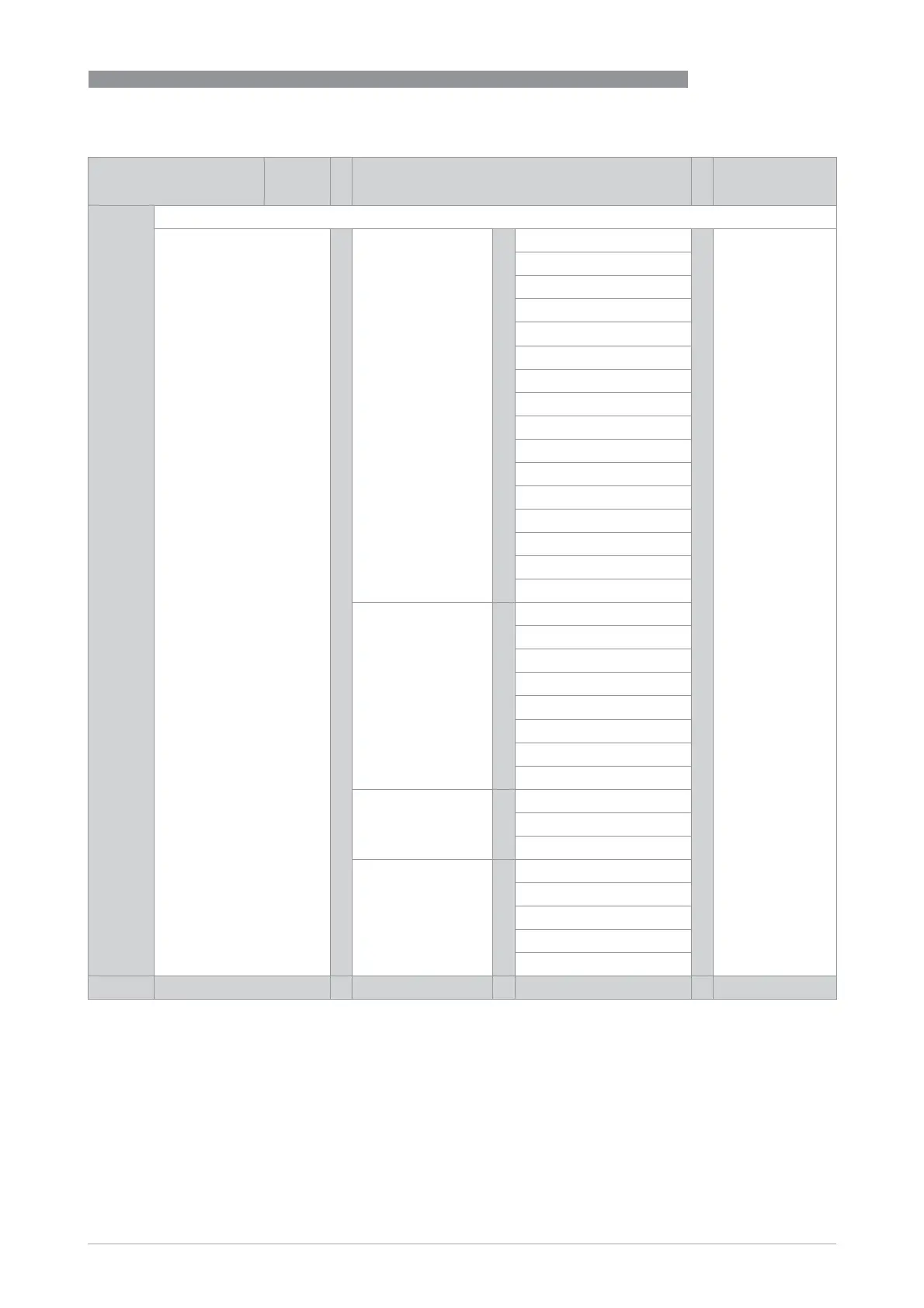
Measuring mode Select
menu
Select menu and/or sub-menu Select function
and set data
^ Press > 2.5 s
C setup >
^
C1 process input >
^
C1.1 meter size >
^
C1.2 calibration
C1.3 filter
C1.4 plausibility
C1.5 simulation
C1.6 information
C1.7 monitor VoS
1
C1.8 monitor settings
1
C1.9 linearization
C1.10 adiabatic index
2
C1.11 P & T correction
2
C1.12 P & T inputs
2
C1.13 pipe temperature
2
C1.14 pipe pressure
2
C1.15 density
2
C1.16 diagnosis value
C2 I/O (input/output) >
^
C2.1 hardware
C2._ current input X
C2._ current output X
C2._ frequency output X
C2._ pulse output X
C2._ status output X
C2._ limit switch X
C2._ control input X
C3 I/O counter >
^
C3.1 counter 1
C3.2 counter 2
C3.3 counter 3
C4 I/O HART >
^
C4.1 PV is
C4.2 SV is
C4.3 TV is
C4.4 4V is
C4.5 HART units
p n p n p n p n >
1 Steam flow option
2 Gas flow option

Other manuals for KROHNE OPTISONIC 8300

Related product manuals