COMBINATION INSTRUMENT 7
27
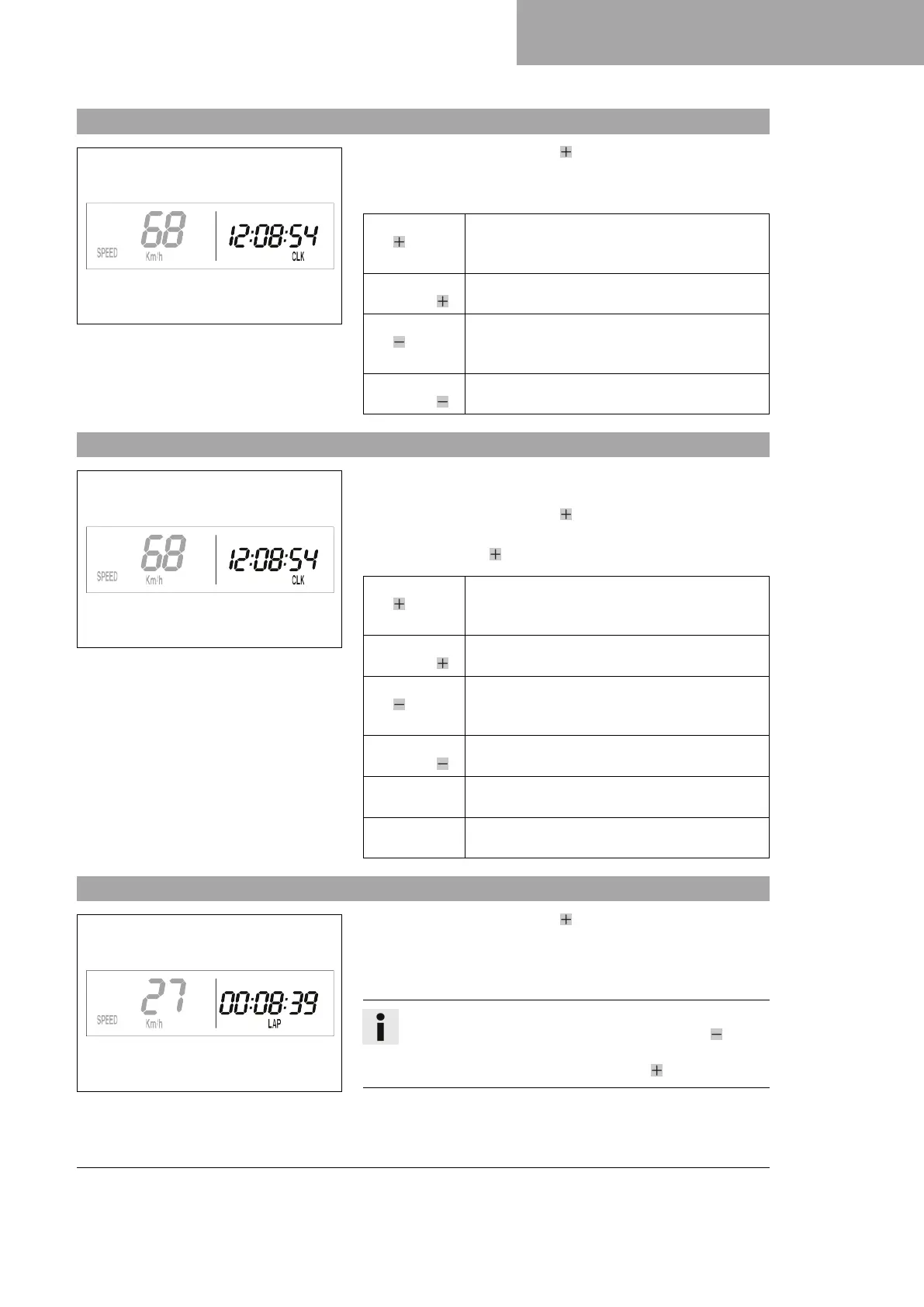
7.11 Display mode SPEED/CLK (time)
400319-01
– Repeatedly press the button briefly until CLK appears at the
bottom right of the display.
The time is shown in display mode CLK.
Press the but-
ton for 2–3
seconds.
The display changes to the Setup menu of the
clock.
Briefly press
the button .
Next display mode
Press the but-
ton for 2–3
seconds.
No function
Briefly press
the button .
No function
7.12 Setting the clock
400319-01
Condition
• The motorcycle is stationary.
– Repeatedly press the button briefly until CLK appears at the
bottom right of the display.
– Press the button for 2–3 seconds.
Press the but-
ton for 2–3
seconds.
Increases the value
Briefly press
the button .
Increases the value
Press the but-
ton for 2–3
seconds.
Reduces the value
Briefly press
the button .
Reduces the value
Wait 3 - 5
seconds.
Changes to the next value
Wait 10 - 12
seconds.
Closes the SETUP menu
7.13 Display mode SPEED/LAP (lap time)
400320-01
– Repeatedly press the button briefly until LAP appears at the
bottom right of the display.
In the LAP display mode, up to 10 lap times can be timed with the
stop watch.
Info
If the lap time continues running after the button is
pressed, 9 memory locations are occupied.
Lap 10 must be timed using the button .



 To Next Page