7 COMBINATION INSTRUMENT
28
Press the but-
ton for 2–3
seconds.
The stop watch and the lap time are reset.
Briefly press
the button .
Next display mode
Press the but-
ton for 2–3
seconds.
Stops the clock.
Briefly press
the button .
Starts the stop watch or stop the current lap
time measurement, stores it and the stop watch
starts the next lap.
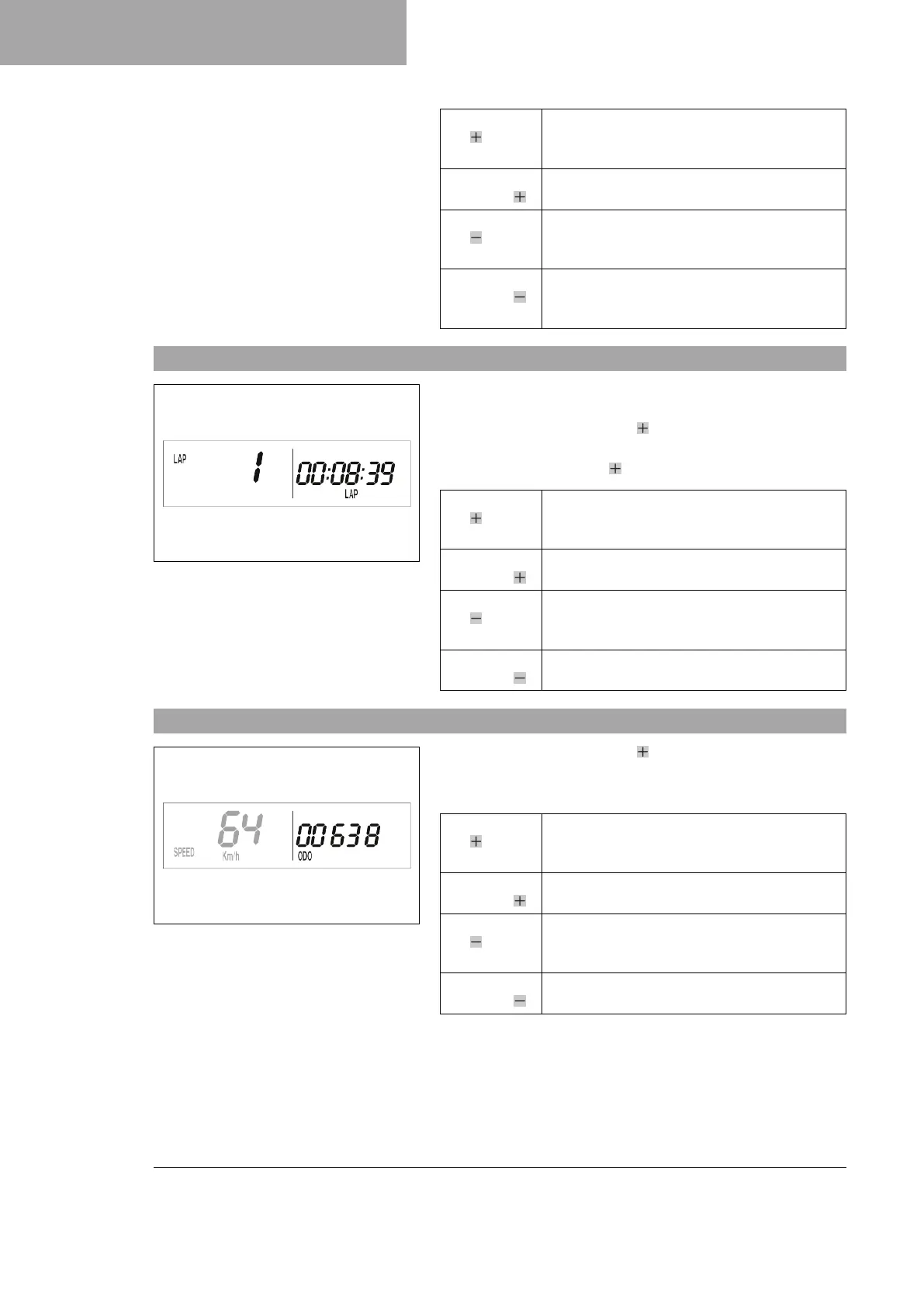
7.14 Viewing the lap time
400321-01
Condition
• The motorcycle is stationary.
– Repeatedly press the button briefly until LAP appears at the
bottom right of the display.
– Briefly press the button .
Press the but-
ton for 2–3
seconds.
The stop watch and the lap time are reset.
Briefly press
the button .
Select a lap from 1–10
Press the but-
ton for 2–3
seconds.
No function
Briefly press
the button .
View the next lap time.
7.15 Display mode SPEED/ODO (odometer)
400317-01
– Repeatedly press the button briefly until ODO appears at the
bottom right of the display.
The total traveled distance is shown in display mode ODO.
Press the but-
ton for 2–3
seconds.
No function
Briefly press
the button .
Next display mode
Press the but-
ton for 2–3
seconds.
No function
Briefly press
the button .
No function



 To Next Page