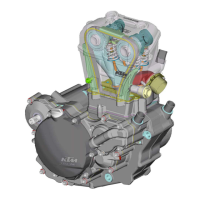
Checking the clutch
– Clamp the clutch in a vise (use protective jaws), gradually loosen
special tool 750.29.033.000
1 and remove.
– Remove the clutch from the vise and place it on a clean workbench
with the outer hub
2 face down.
– Remove the inner hub
3 and clutch springs 4 from the outer hub.
– Remove the clutch disks
5 from the outer hub.
– Remove the spring ring
6 and supporting ring 7.
– Thoroughly clean all parts.
– Check both hubs for seizing marks and damage.
– Check the contact area
A on the lining disks for wear. If the indents
are larger than 0.5 mm, replace the lining disks and the outer
clutch hub.
– Check the thickness of the lining disks; minimum thickness: 2.5
mm. The lining disks must be flat.
– Clutch disks must be flat. Check for mechanical damage. Replace
the clutch disks if you detect any roughness or chipped material.
1
2
3
4
5
6
7
A
5-17


 To Next Page
 Loading...