7 COMBINATION INSTRUMENT 39
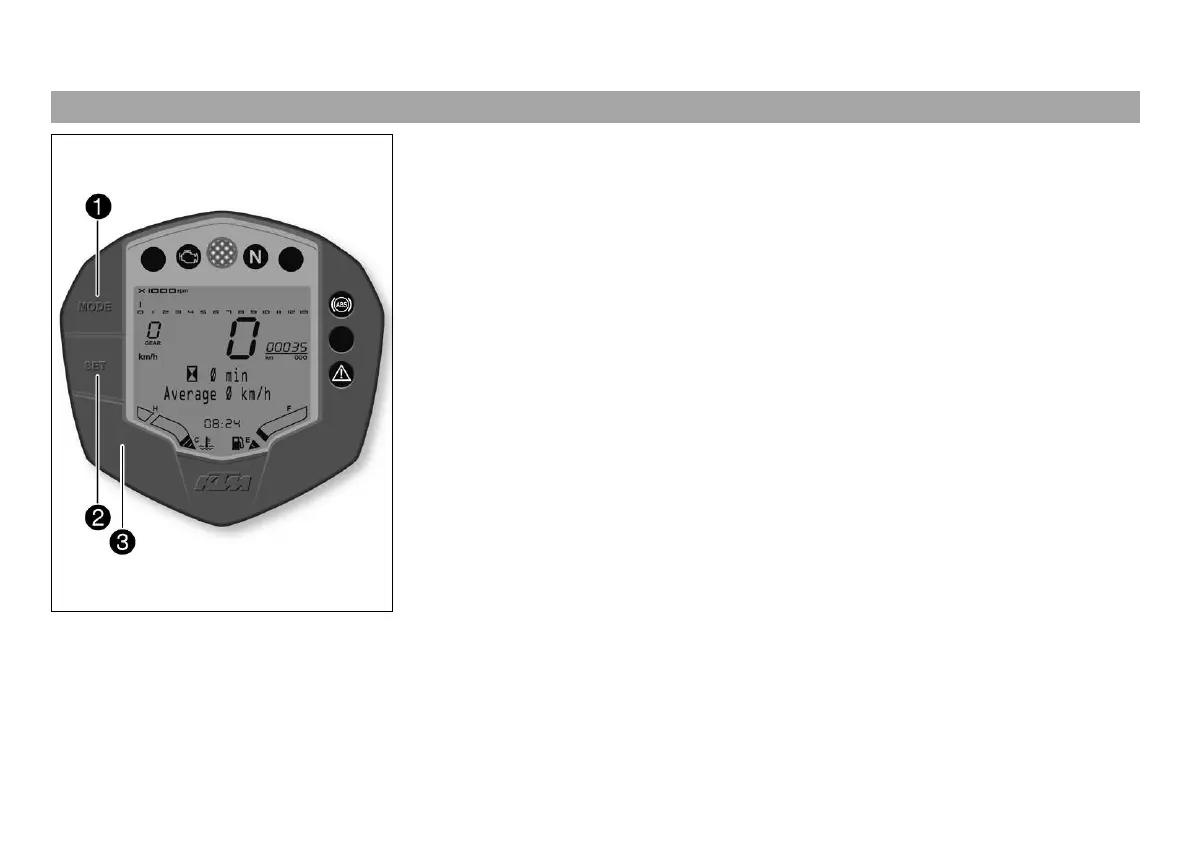
7.4 Function buttons
401685-12
You can change the display mode with the MODE button
.
Possible display modes are total distance traveled (TRIP 1), distance 1 (ODO) and
distance 2 (TRIP 2).
Pressing and holding the SET button
resets the distance 1 (TRIP 1) and
distance 2 (TRIP 2) functions to 0.0 and briefly pressing the SET button
changes the
info display to the next display mode.
(RC 125)
The ABS can be switched off using button
.
(RC 200)
Button
has no function.



 To Next Page