INTELLIPANEL(TM) CONTROL28
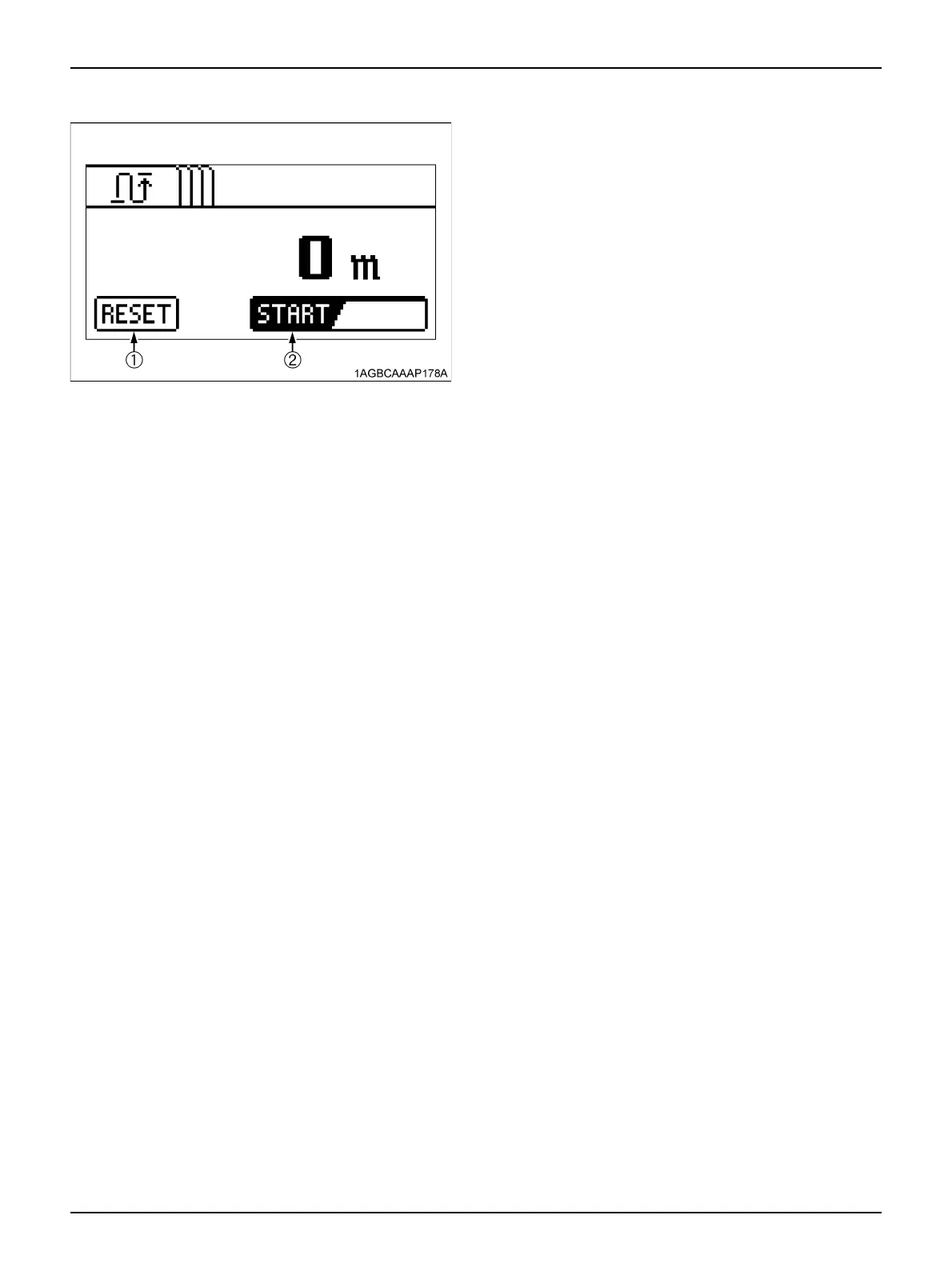
4. Select "START" with the "Select" switch and then
press the "ENT" switch. Distance measuring begins.
Press the "ENT" switch again, and this function is
interrupted.
5. To reset the measurement to zero, select "RESET"
with the "Select" switch and then press the "ENT"
switch.
6. If during measurement you want to clear the past
measuring data and restart measuring from the
present, select "RESET" with the "Select" switch and
then press the "ENT" switch. The current data gets
cleared and the distance from this point is measured.
7. Press the "ESC" switch, and the setting mode screen
appears again. Press this switch again, and the
normal screen reappears.
(1) RESET
(2) START



 To Next Page