27INTELLIPANEL(TM) CONTROL
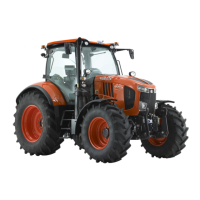
4. Select "►" with the "Select" switch and then press the
"ENT" switch to choose the "main gear shift of
minimum traveling speed" (highlighted).
5. Select "▼" or "▲" with the "Select" switch and then
press the "ENT" switch to determine the "minimum
main gear shift".
6. Select "►" with the "Select" switch and then press the
"ENT" switch to choose the "main gear shift of
maximum traveling speed" (highlighted).
7. Select "▼" or "▲" with the "Select" switch and then
press the "ENT" switch to determine the "maximum
main gear shift".
8. Select "Set" with the "Select" switch and then press
the "ENT" switch. The setting is made and the setting
mode screen appears again.
BDistance Measuring
This function serves to measure the distance from your
home to the field and other distances.
C Measuring the distance
1. Get the engine started.
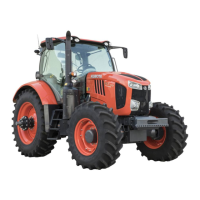
2. Press the "SET UP/00" switch to make the various
setting mode screen appear.
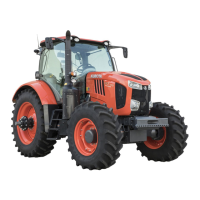
3. Select "Distance measuring" with the "Select" switch
and then press the "ENT" switch. The distance
measuring screen shows up.
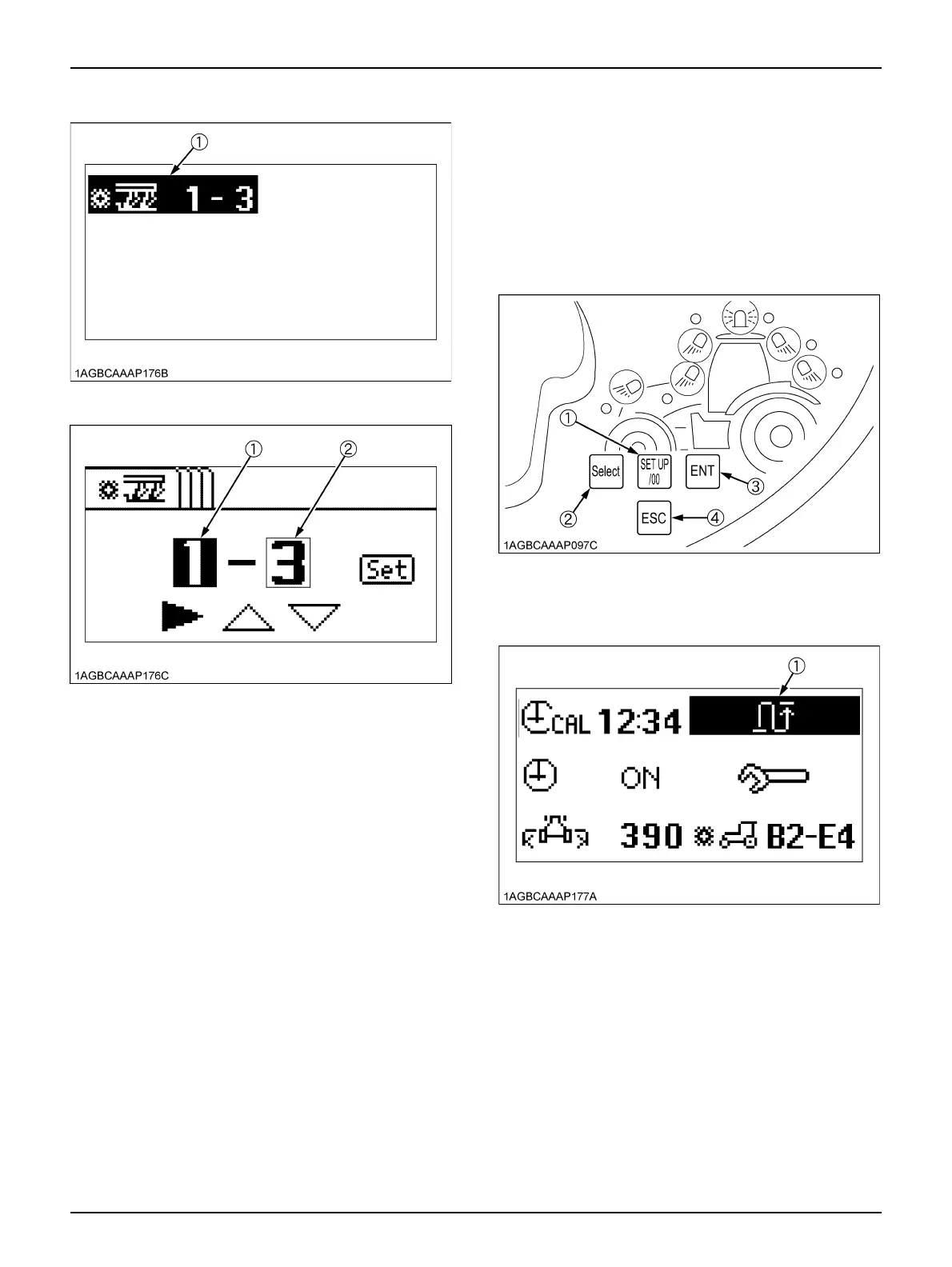
(1) Auto shift (field mode)
(1) Minimum main gear shift
(2) Maximum main gear shift
(1) SET UP/00 switch
(2) Select switch
(3) ENT switch
(4) ESC switch
(1) Distance measuring



 To Next Page