Controls - 32 RT120Q Operator’s Manual
Center Console
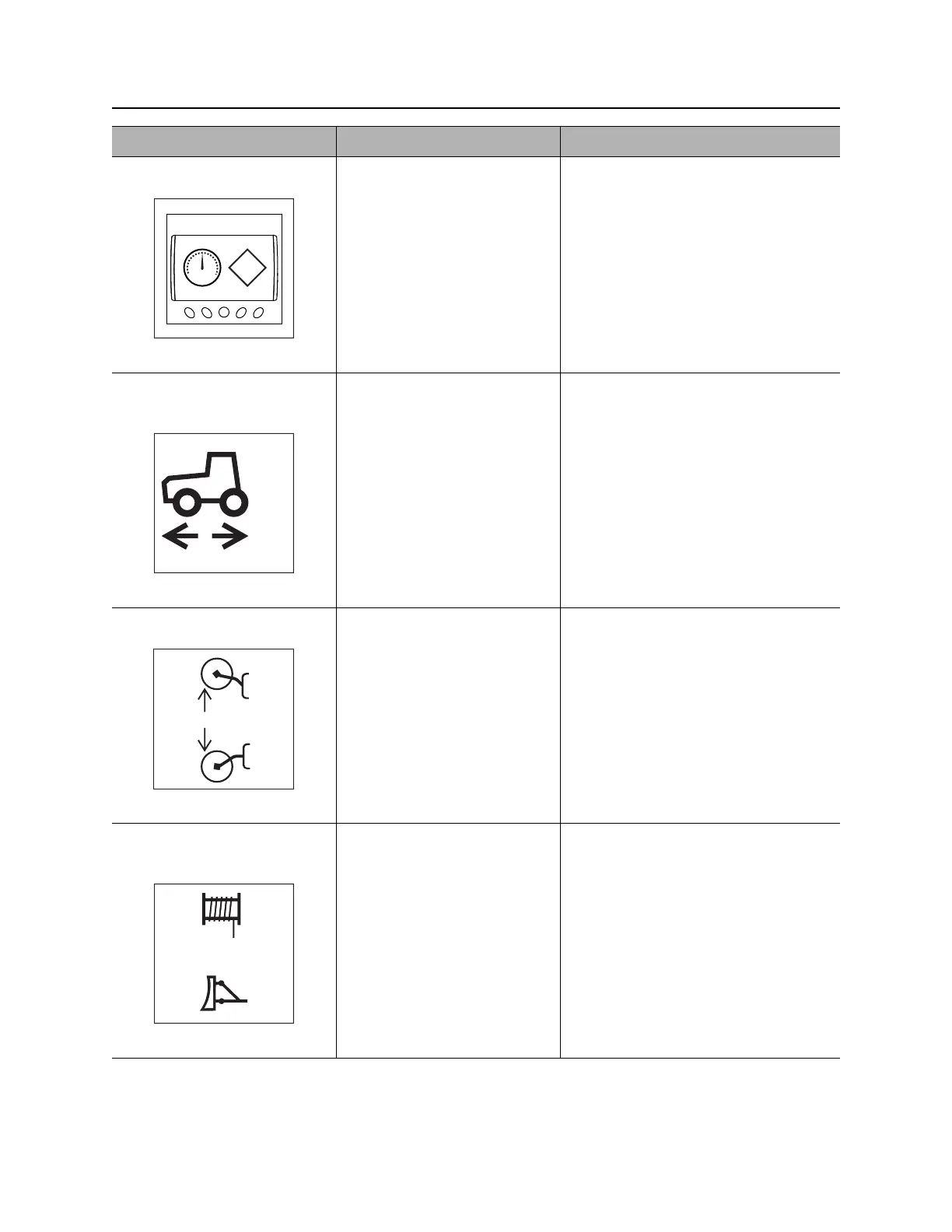
5. Graphic display Graphic symbols are
displayed for indicators and
conditions previously shown
with gauges.
See more information in “Graphic
Display” on page 34.
6. Ground drive speed
switch
To select High (3), Medium
(2) or Low (1), press
appropriate switch position.
Screen icon displays High, Medium or
Low selection.
7. Reel carrier switch To raise, press top.
To lower, press bottom.
8. Reel winder selector
switch
To change backfill blade
joystick to reel winder control
mode, press top.
To return to backfill blade
mode, press bottom.
Item Description Notes



 To Next Page