Phone Basics 19
● Banner: Displays the carrier name or the status of SIM Card which is inserted in the
device.
● Clock display: Displays time, date, and your phone's battery charge level as a
percentage. You can turn on or off this display from the Settings menu. See Clock
Display.
● Left softkey: Displays actions or menu items that you can select by pressing the
left softkey.
● Center softkey: Displays actions or menu items that you can select by pressing the
center softkey ( key).
● Right softkey: Displays actions or menu items that you can select by pressing the
right softkey.
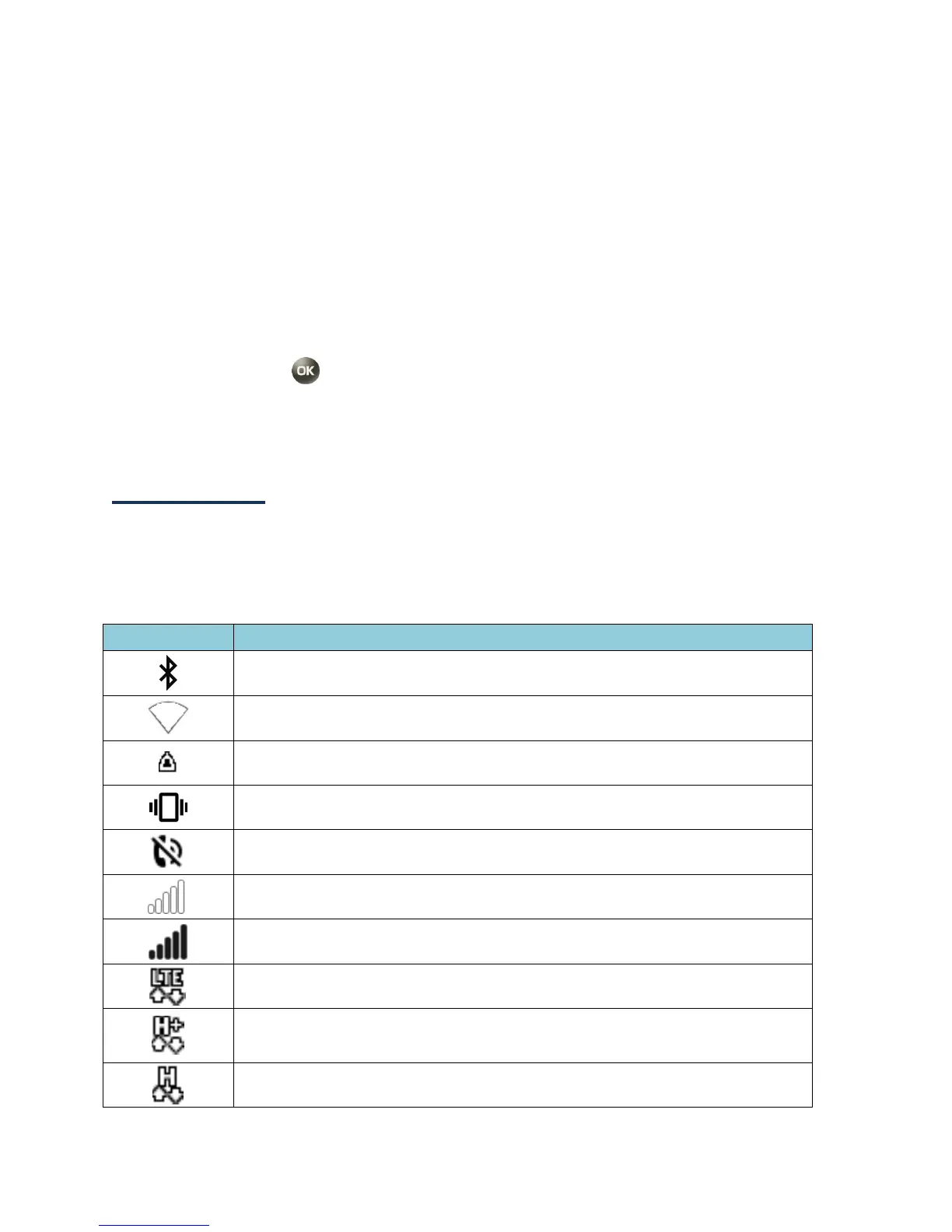
Status bar
The status bar appears at the top of your phone’s display screen. It provides phone and
service status information on the right side and notification alerts on the left.
Status Icons
Wi-Fi
®
active (full signal)















 To Next Page