Text Entry 23
Text Entry
Your phone provides convenient ways to enter letters, numbers, and symbols whenever
you are prompted to enter text.
Key Function
For text entry, you can use the following keys as mentioned below.
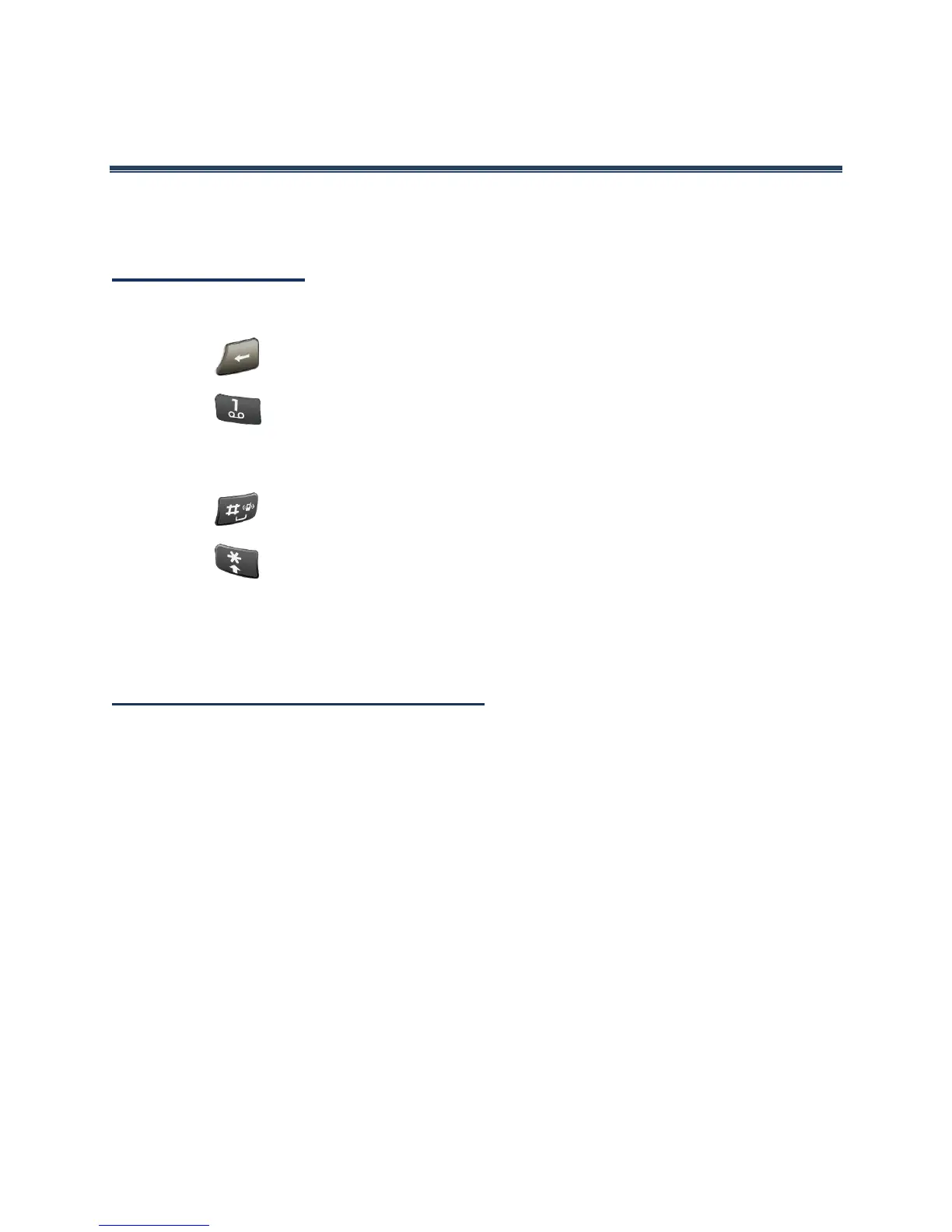
● Press to delete characters from the display.
● Press to enter some frequently used symbols, such as period, comma, @, ?, !,
/, etc. Note that each time you press the key the next symbol appears. This function
is not available in XT9 Word mode and 123 mode.
● Press to enter a space or long press for Return (if available).
● Press to change the capitalization style as Abc > ABC > abc (ABC mode), or
as XT9Word > XT9WORD > XT9word (T9Word mode). The selected style is
displayed in the bottom-right corner of the screen, above the right softkey label (if
applicable).
Select a Text Input Mode
1.
When entering text, you can change the input mode or access the text options menu
by pressing
Text mode
(center or left softkey).
2.
Select one of the following options (available options vary depending on the field):
Abc to enter characters by using the alphabet mode. See Abc Mode.
XT9Word to enter text using a predictive text system. See XT9Word.
123 to enter numeric characters.
Symbols to enter symbols.
Smileys to enter smile icons.
Emoticons to enter “emoticons.”
Web shortcuts to enter Web shortcuts (for example, www., http://,
or .com).















 To Next Page