Using Optional Equipment
99
I
Combinations
To adjust media combination settings:
1 Enter the page number to insert. A page will be inserted between the page number you
entered and the page before it. You can designate for pages to be inserted starting from
page 2 and ending on page 255.
2 To designate several pages in the document for insertion, enter a comma (,) to separate
them. For a series of insertions in a range of pages, use a hyphen (-). For example, to insert
a page before pages 5, 11, 12, 13, and 18, enter [
5,11-13,18].
3 From the
Media for Page list, select the media type of the inserted page or the source paper
cassette.
5
Page Insert
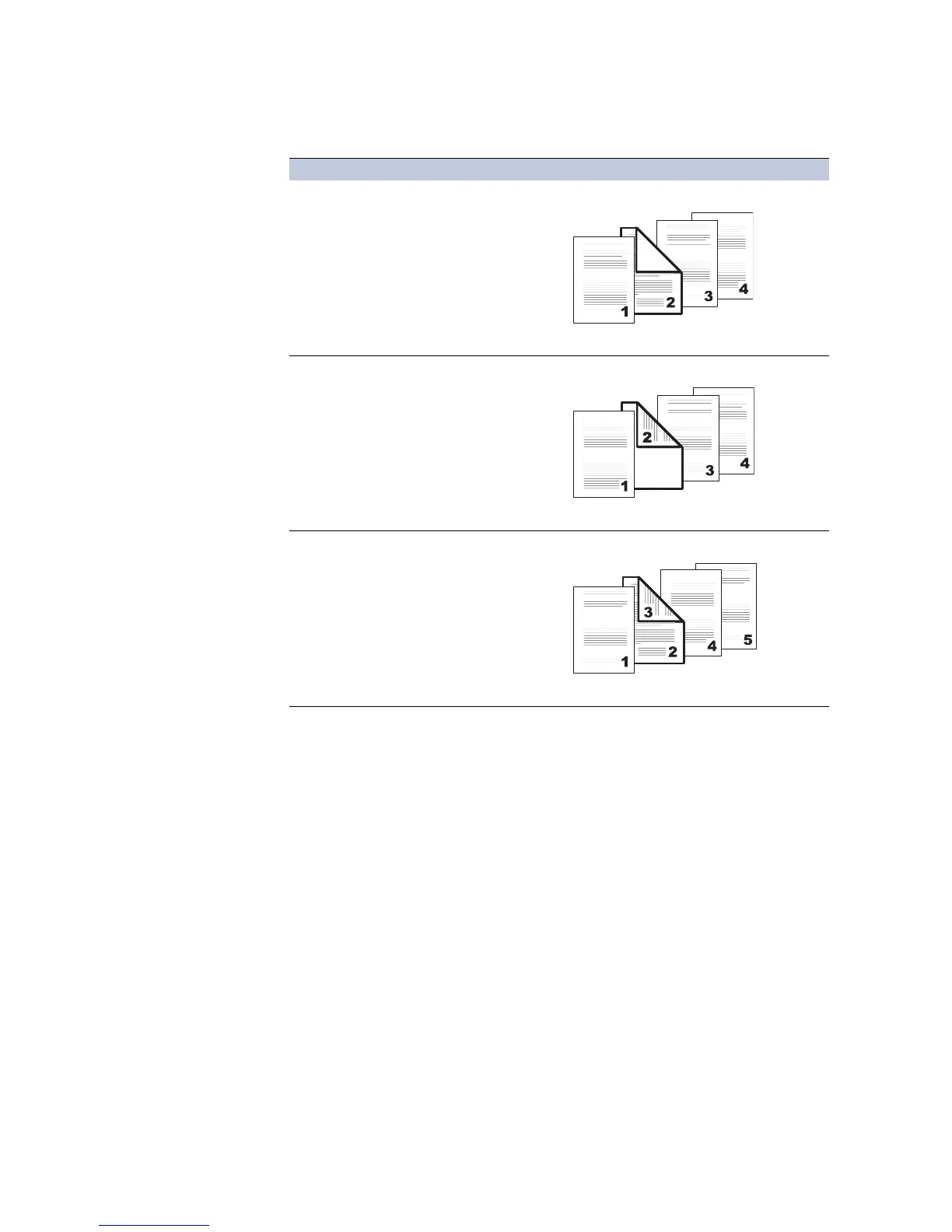
5Print onto Front
• Prints on the outside surface of the inserted page.
5Page Insert
5Print onto Back
Duplex Printing (page 50).
• Prints on the inside surface of the inserted page.
5Page Insert
5Print onto Front
5Print onto Back
Duplex Printing (page 50).
• Prints on both sides of the inserted page.
Check Box Options Printing Inserted Pages Descriptions
Inserted
page
Inserted
page
Inserted
page














 To Next Page