Installation
27
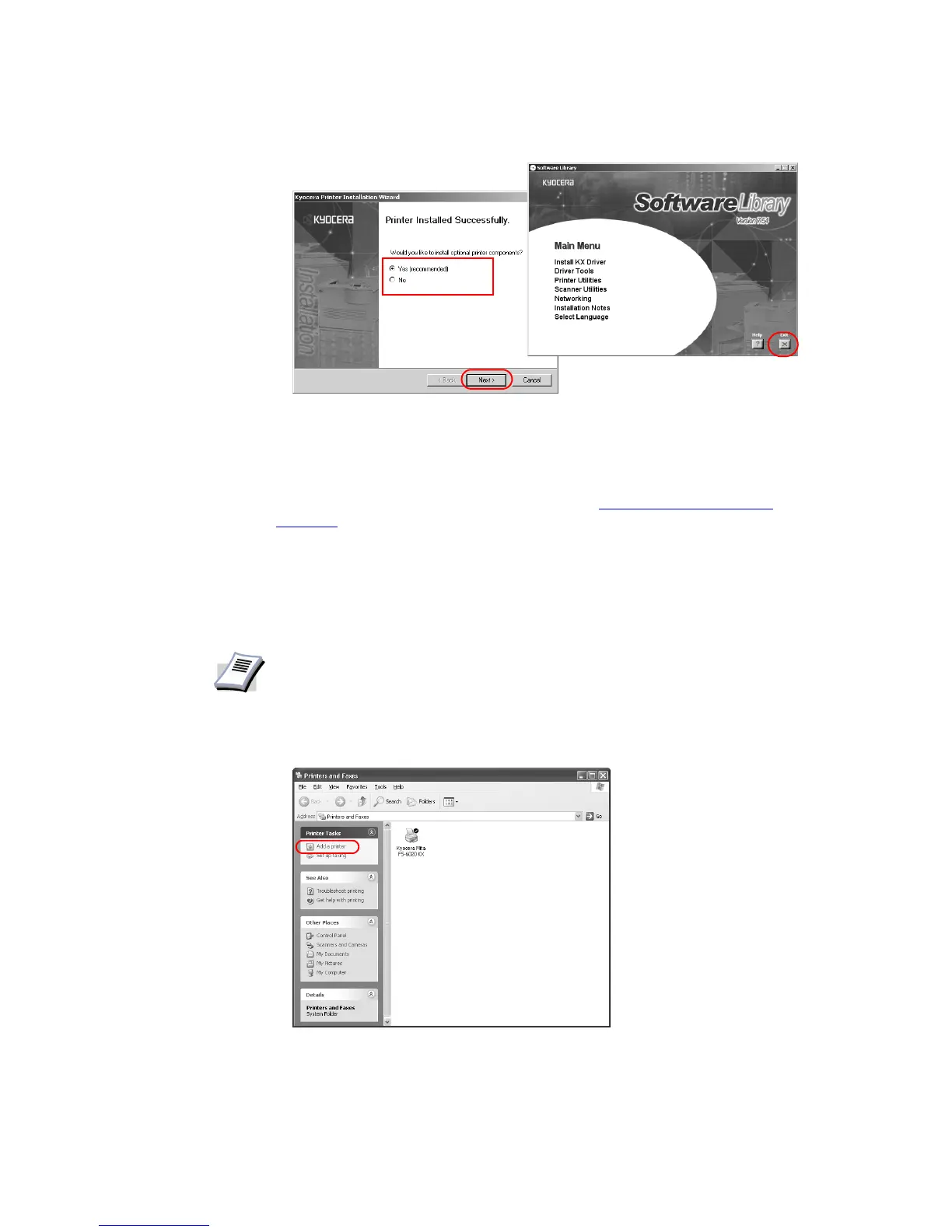
The installation of the printer driver is now complete
. If prompted, restart your system.
Installing the Latest Printer Driver
The latest Kyocera printer driver can be obtained from http://www.kyoceramita.com/
download/, and can be installed using the Windows Add Printer Wizard.
To install using the Add Printer Wizard
This section describes how to install a printer driver using the Add Printer Wizard.
1Click
Start in the Windows taskbar, and click Printers and Faxes to open the Printers
and Faxes
window.
2Click
Add a printer in the Printer Tasks area on the left. The Add Printer Wizard dialog
box appears.
NOTE
Windows 95/98/2000: Click Start in the Windows taskbar, click Settings-Printers
in sequence to open the Printer dialog box.














 To Next Page