94
3 Select the
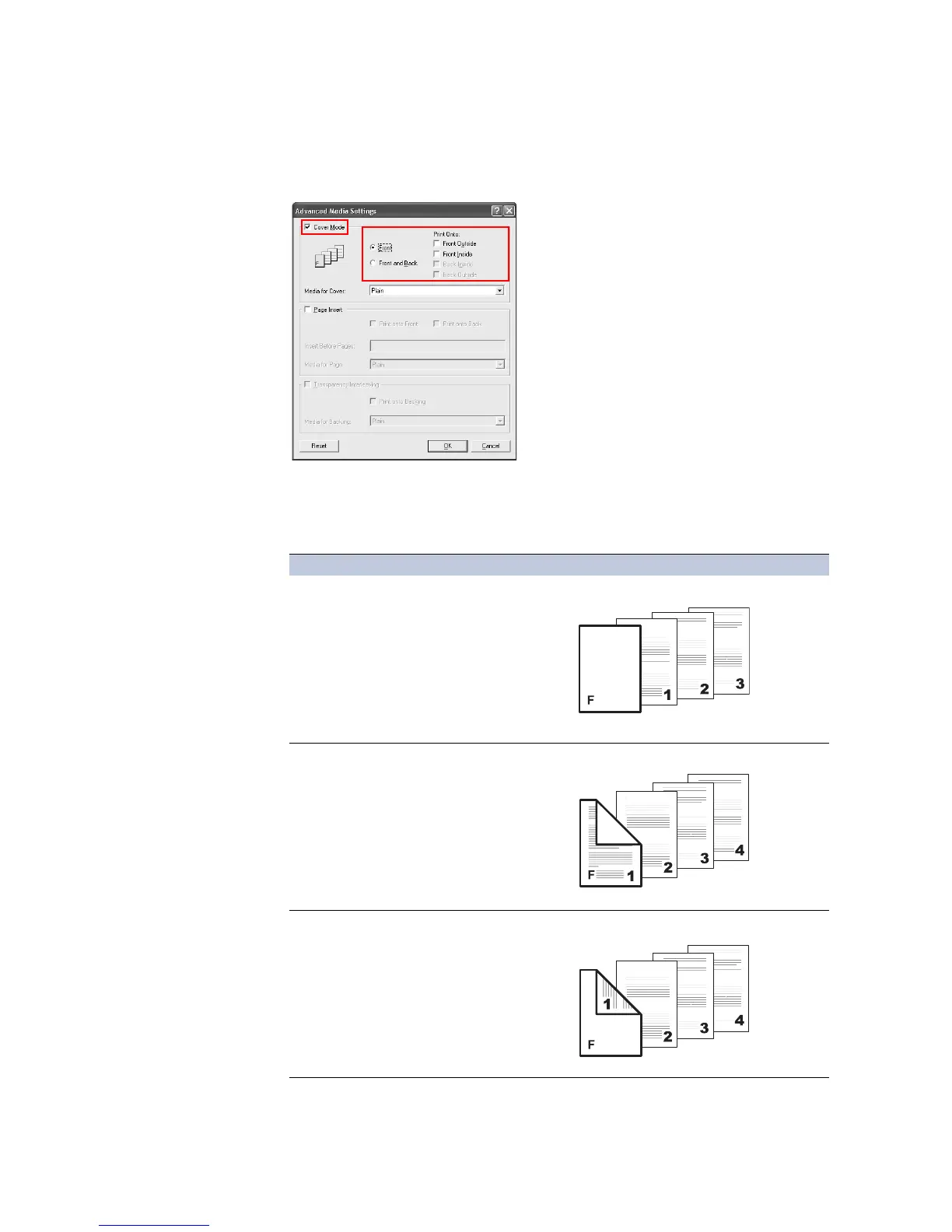
Cover Mode check box. Select your desired page arrangement as shown in the
following table.
Cover Printing
Options
Check Box Selection Cover Insertion Type
Front • Inserts a blank front cover.
Front
5Front Outside
• Prints on the outside surface of the front cover.
Front
5Front Inside
Duplex Printing (page 50).
• Prints on the inside surface of the front cover.
Front
cover
Front
cover
Front
cover














 To Next Page