Using Optional Equipment
131
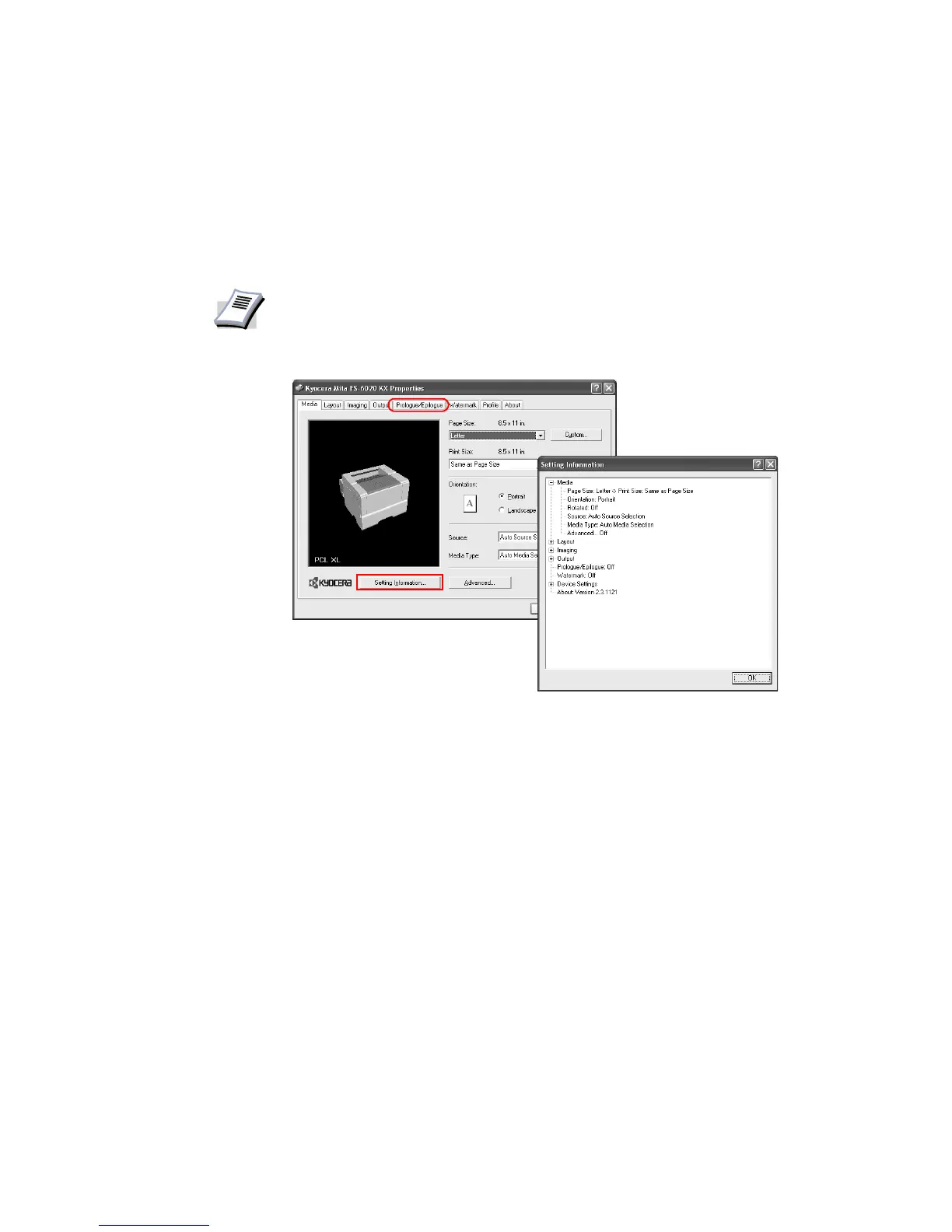
Setting Information
You can confirm settings made on the Media, Layout, Imaging, Color, Output, Prologue/
Epilogue, Watermark,
and Device Settings tabs.
By simply clicking
Setting Information... on the Printing Preferences/Properties dialog
box, current driver settings can be displayed in a tree view.
NOTE
Displayed settings may vary depending on the PDL














 To Next Page