124
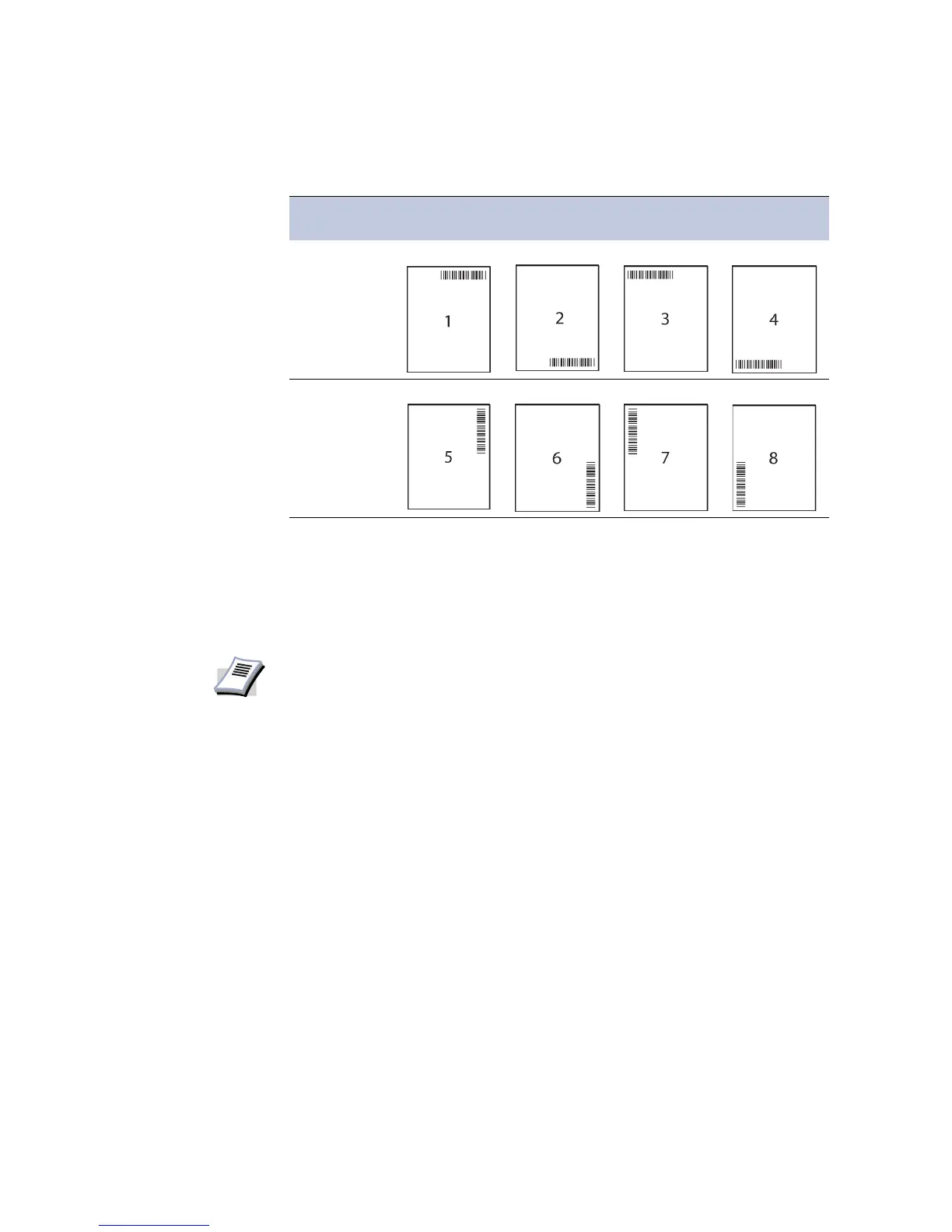
The combinations of barcode printing position and orientations are shown in the table below.
When printing, the barcode is printed in the designated position.
Reading with the
Barcode Reader
When the printed job ID is read by the barcode reader, the printer outputs that page.
• If the barcode on the front cover is read, all pages are printed.
• If pages are read individually, only the pages that are read are printed.
Orientations Position
Upper-Right Lower-Right Upper-Left Lower-Right
Horizontal
Vertical
NOTE
This feature requires switching the serial interface mode to work with the barcode
reader. For further details, refer to the barcode reader's Operation Guide.














 To Next Page