Installation
25
Installing Components
You can expand the functions of your printer driver by installing components that compliment
the ways in which you utilize your printer. For more information on profiles, refer to Saving
Profiles on page 125.
To install Printer Components:
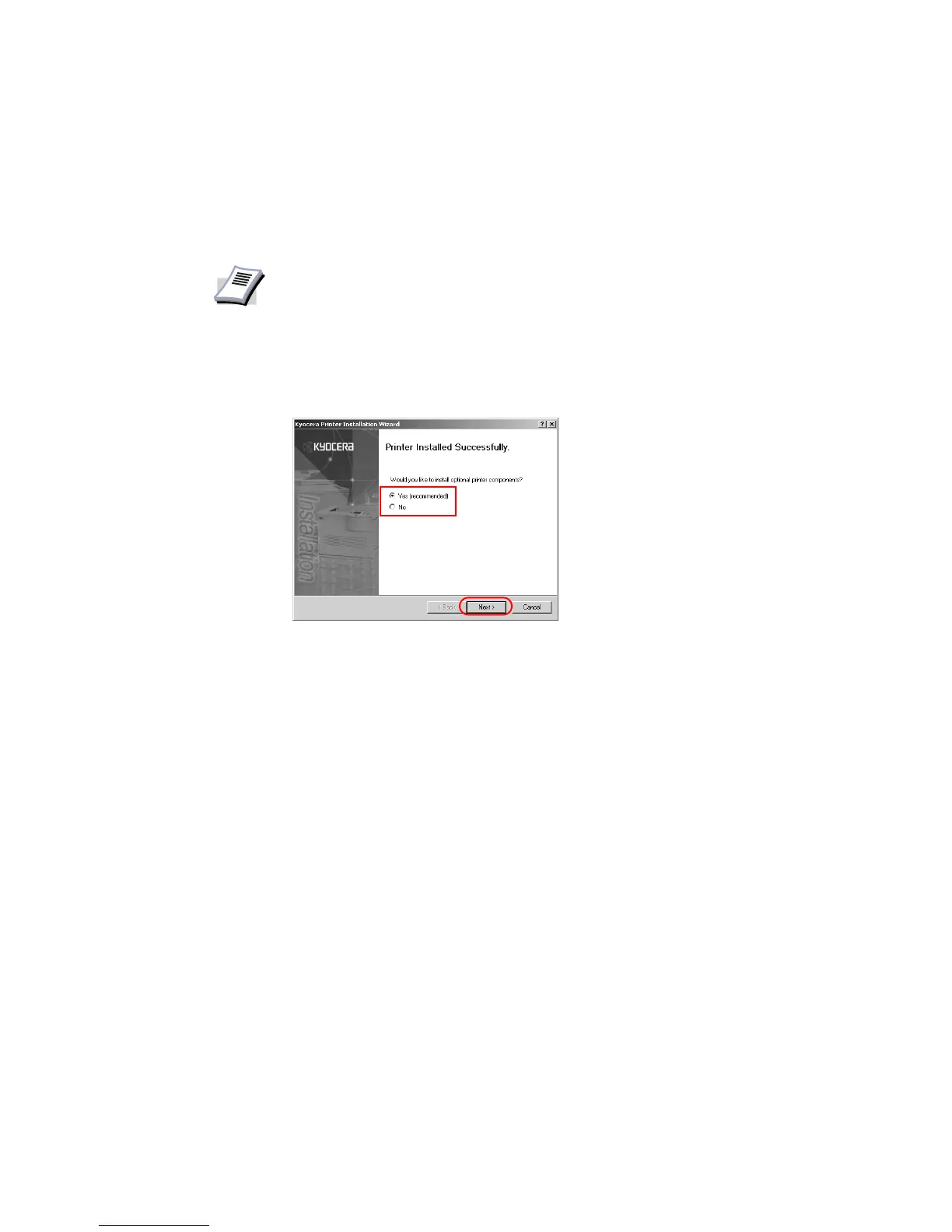
1 Once the installation is complete, the Printer Installed Successfully dialog box appears.
Select
Yes (recommended) and click Next.
NOTE
The displayed components may vary based on the printer model.














 To Next Page