6-26
Sending > Registering Destinations in the Address Book
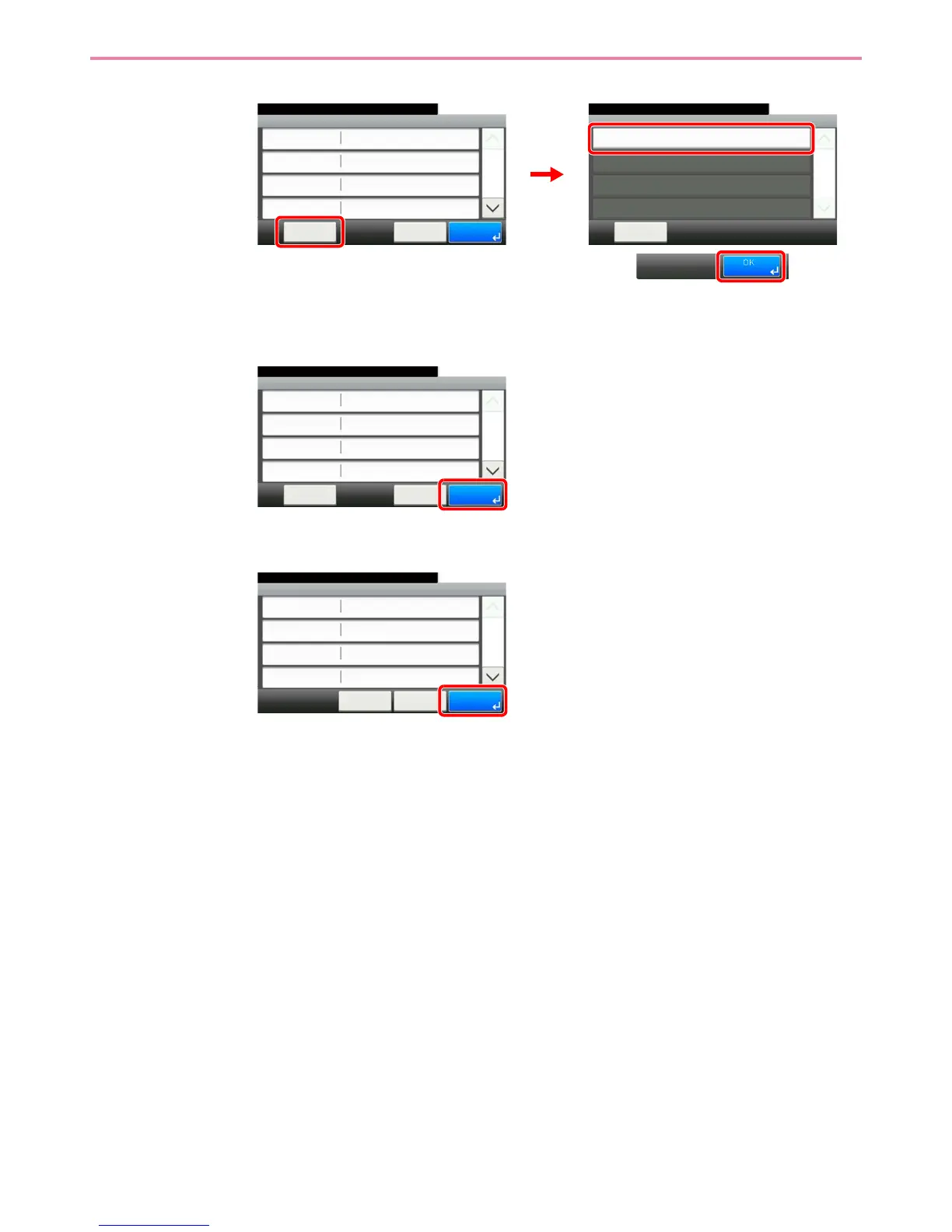
2 Confirm the connection status.
Connected. appears when connection to the destination is correctly established. If Cannot
connect. appears, review the entry.
3
7
Register the destination.
Menu
Connection Test
10:10
Close
1/1
FTP
10:10
Menu
Ready to send.
Path
Port
Login User Name
Host Name
21
Cancel
1/2
OK
abc
abc
abc
GB0709_03
GB0696_00
2
1
3
FTP
10:10
Menu
Ready to send.
Path
Port
Login User Name
Host Name
21
Cancel
1/2
OK
abc
abc
abc
GB0709_03GB0078_02
Add - Confirmation
Sales department 1
10:10
Cancel
Select the item that you want to change.
Address Number
FAX
Name
Auto
< Back
1/2
Save
E-mail Address



 To Next Page