ESI-2000
Pilot’s Guide 1-13
Description
ALTITUDE
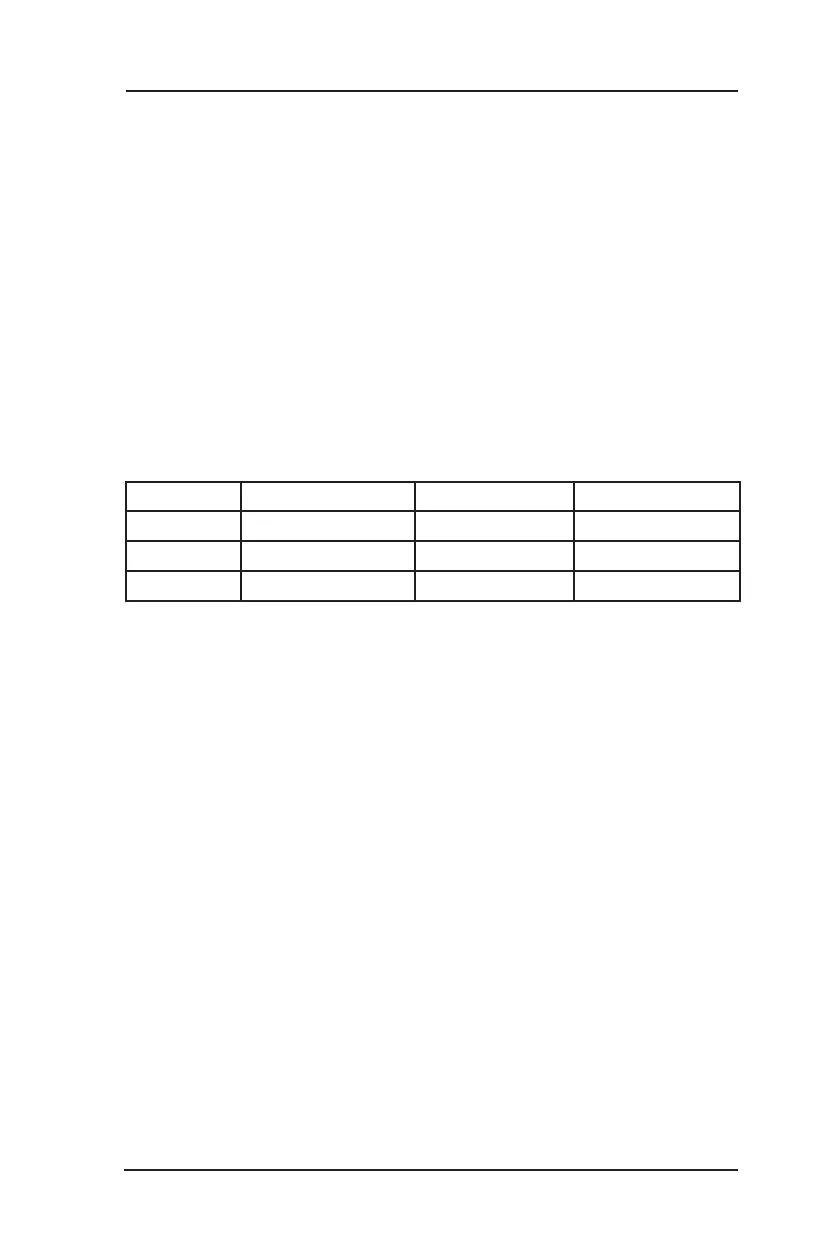
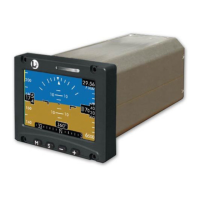
Altimeter Tape (refer to Figure 1-6)
The baro-corrected altitude tape is located on the right side of the display.
The tape scrolls up as aircraft altitude decreases and scrolls down as aircraft
altitude increases. Tick marks are shown every 100 feet and numbered digits
every 500 feet. The tape has a maximum viewable altitude of 1000 feet and
can go as low as -2000 feet and as high as 56,000 feet.
Conguration Option: The tape background may be either clear or gray.
Barometric Pressure Window (refer to Figure 1-6)
Located at the top right of the display screen. The value shown is used by
the indicator to determine the current altitude.
Conguration Option: The baro digits may be white, cyan, or green on a
black background.
The units shown in the window can be changed using the menu screen and
has three settings: “in. Hg”, “hPa” and “mb”. The barometric (baro) pressure
ranges and standard values are shown in the table below:
Unit Standard Value Lowest Value Highest Value
In. Hg 29.92 27.00 32.00
hPa 1013 914 1083
mb 1013 914 1083


 To Next Page