ESI-2000
Pilot’s Guide2-4
Basic Operation
The barometric pressure has a range of between 27.00 and 32.00 in. Hg. or
914 and 1083 for hPa or mb. The last change to the baro value will be saved
to memory and applied at power-up.
BARO ADJUSTMENT (Refer to Figure 2-6)
When selected in the menu window the current barometric pressure is
shown. The baro value can be changed as follows:
A single press of the +/- buttons increases or decreases the baro
value by 0.01 inches of mercury “in. Hg” or by 1 for “hPa” or “mb”.
Holding in the +/- buttons adjusts the baro value until released.
A single press of the Select S button sets the baro value to the
standard value of 29.92 in. Hg or 1013 hPa or mb.
•
•
•
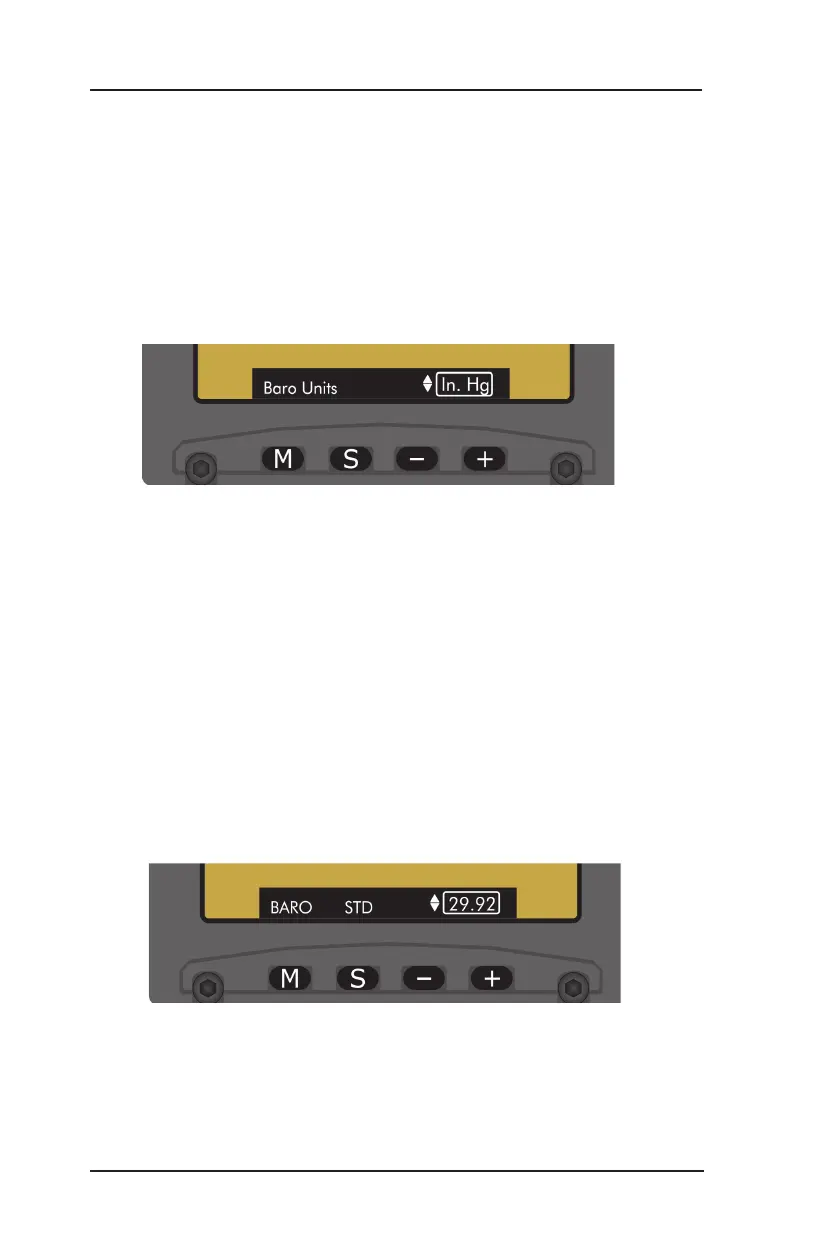
BARO UNITS ADJUSTMENT (Refer to Figure 2-5)
When selected in the menu window the current barometric unit is shown.
Press of the +/- buttons to change the baro unit selection from/to
one of the following units: “in. Hg”, “hPa” or “mb”.
The unit value changes in the baro window as the units are
changed in the menu.
•
•
Figure 2-6: Baro Adjustment Menu
Figure 2-5: Baro Unit Adjustment Menu


 To Next Page