ESI-2000
Pilot’s Guide2-2
Basic Operation
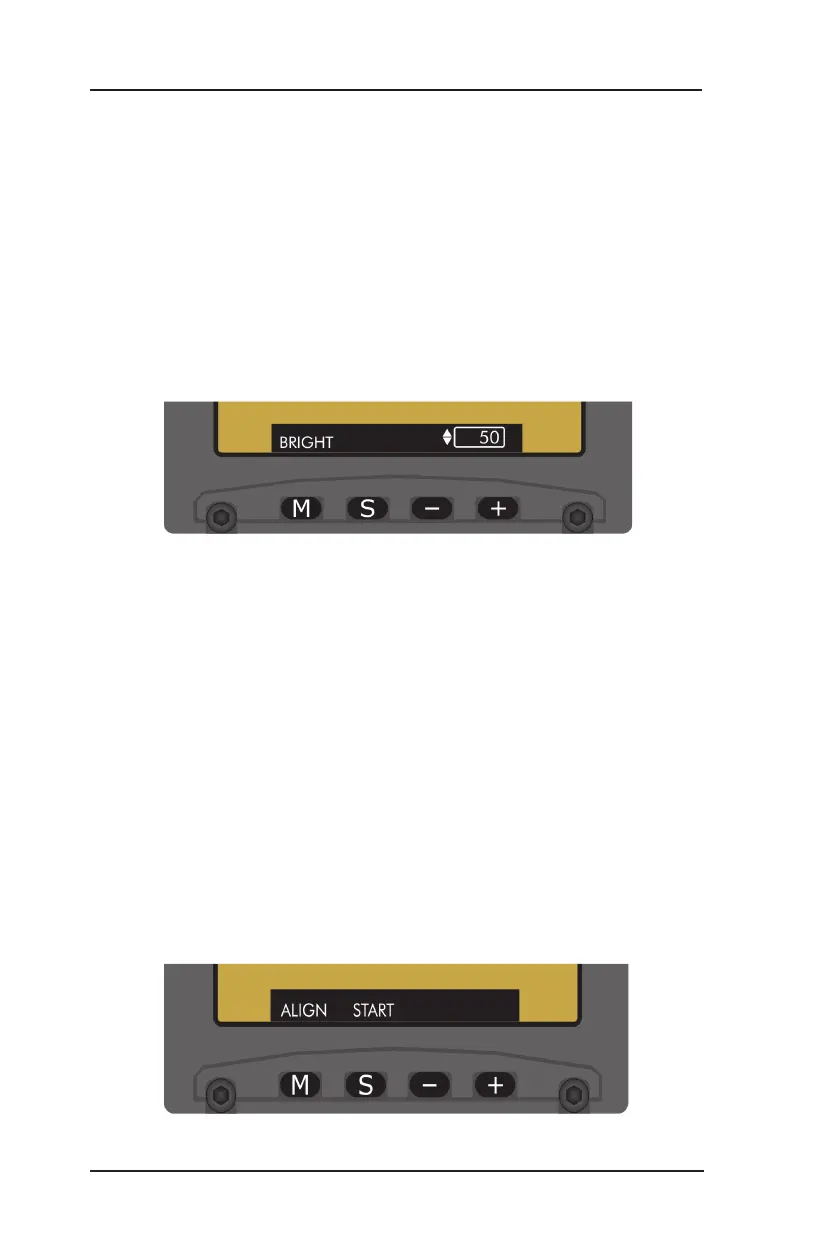
Figure 2-2: Brightness Adjustment Menu
BRIGHTNESS ADJUSTMENT (Refer to Figure 2-2)
When selected in the menu window, the current brightness adjustment
(0 to 100) is shown. Increase or decrease the brightness value by single
press or holding the +/- buttons. The last change to the brightness
level will be saved to memory and applied at power-up.
The brightness can also be increased outside the menu window by
pressing and holding the M button.
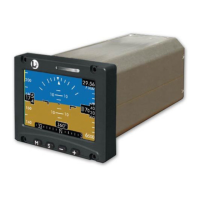
USER INITIATED ALIGNMENT (Refer to Figure 2-3 and 2-4)
When selected in the menu window, pressing the Start S button will force
the indicator to re-align. The attitude will align within 1 minute if the aircraft
is on ground and stationary.
If a magnetometer is installed the heading reference will align to
less than or equal to 2° within 3 minutes.
Release 1.0 & 1.1. Part 27/29 Rotorcraft only. The user initiated
alignment is not available if magnetic heading data is invalid (red
X showing in heading tape).
•
•
Figure 2-3: Alignment Menu


 To Next Page