Chapter 2 - System Status Menu TM00358 Rev. A
October 2007 L-3 WESCAM
30 All Rights Reserved
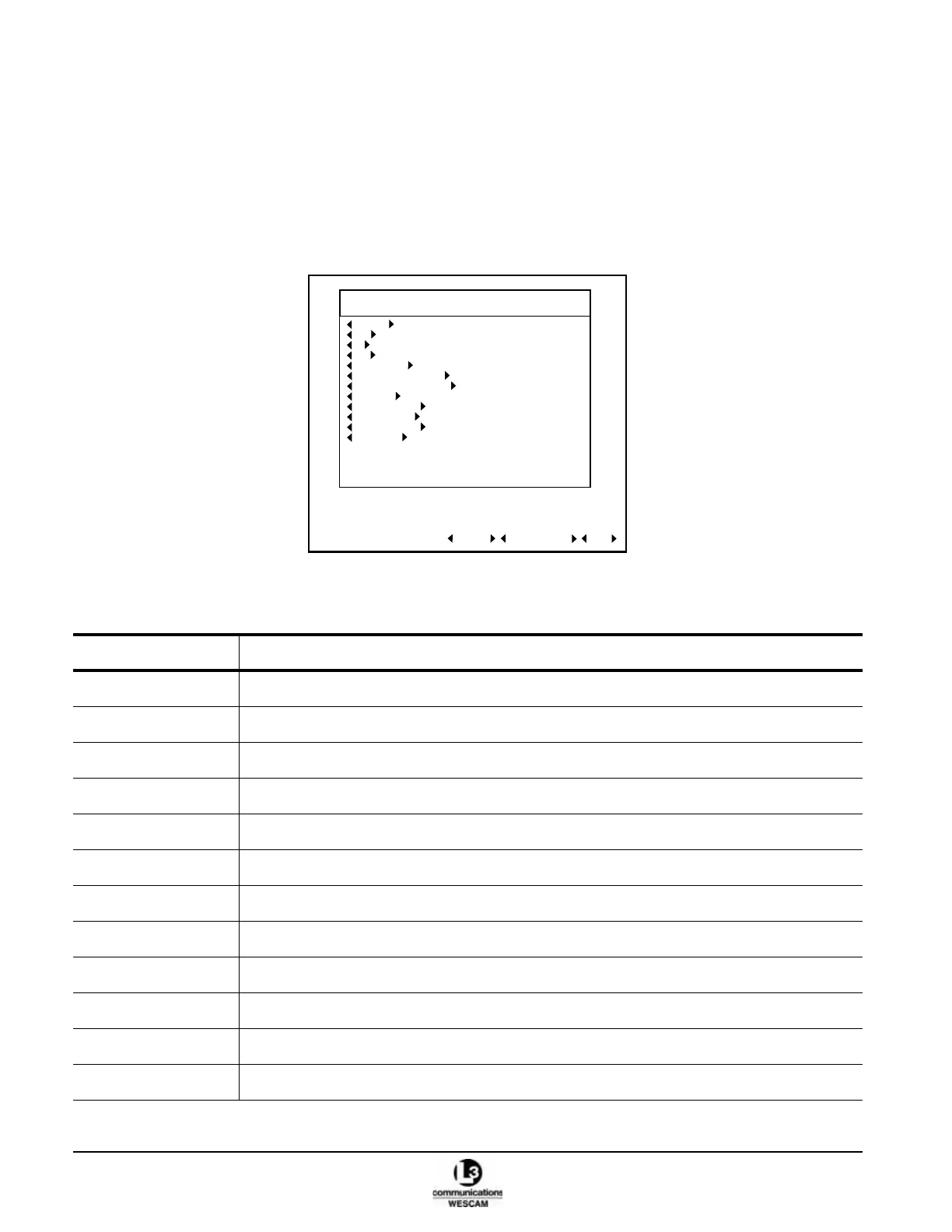
2.4 SYSTEM STATUS MENU
The System Status Menu is the main user menu that enables operators to:
• Review major operational status indicators for main turret components.
• Access sub menus and other screens.
• Reset the MX-15i system without removing power, and run an MX-15i System BIT.
• Access to Alarms page.
Figure 2-21 Level 1 System Status Menu
Table 2-4 Fields in the Level 1 System Status (Main) Menu
Field Description
GIMBAL Displays the Gimbal menu.
EOW Displays the EOW menu.
IR Displays the IR menu.
EON Displays the EON menu.
VIDEO I/O Displays the Video I/O menu.
OPERATOR GIMBAL Displays the Operator Gimbal menu.
OPERATOR PAYLOAD Displays the Operator Payload menu.
MISSION Displays the Mission menu.
OVERLAY EOW Displays the Overlay menu for the EOW.
OVERLAY IR Displays the Overlay menu for the IR.
OVERLAY EON Displays the Overlay menu for the EON.
PROFILES Displays the Profiles menu.
LEVEL 1 - SYSTEM STATUS
EOW OK OPERATIONAL
IR OK OPERATIONAL
VIDEO I/O OK OPERATIONAL
OPERATOR GIMBAL
ALARMS SYSTEM BIT DONE
GIMBAL OK OPERATIONAL
EON OK OPERATIONAL
OPERATOR PAYLOAD
MISSION
OVERLAY EOW
OVERLAY IR
OVERLAY EON
PROFILES USER DEFAULT



 To Next Page