TM00358 Rev. A Chapter 2 - Hand Controller Controls
L-3 WESCAM October 2007
All Rights Reserved 11
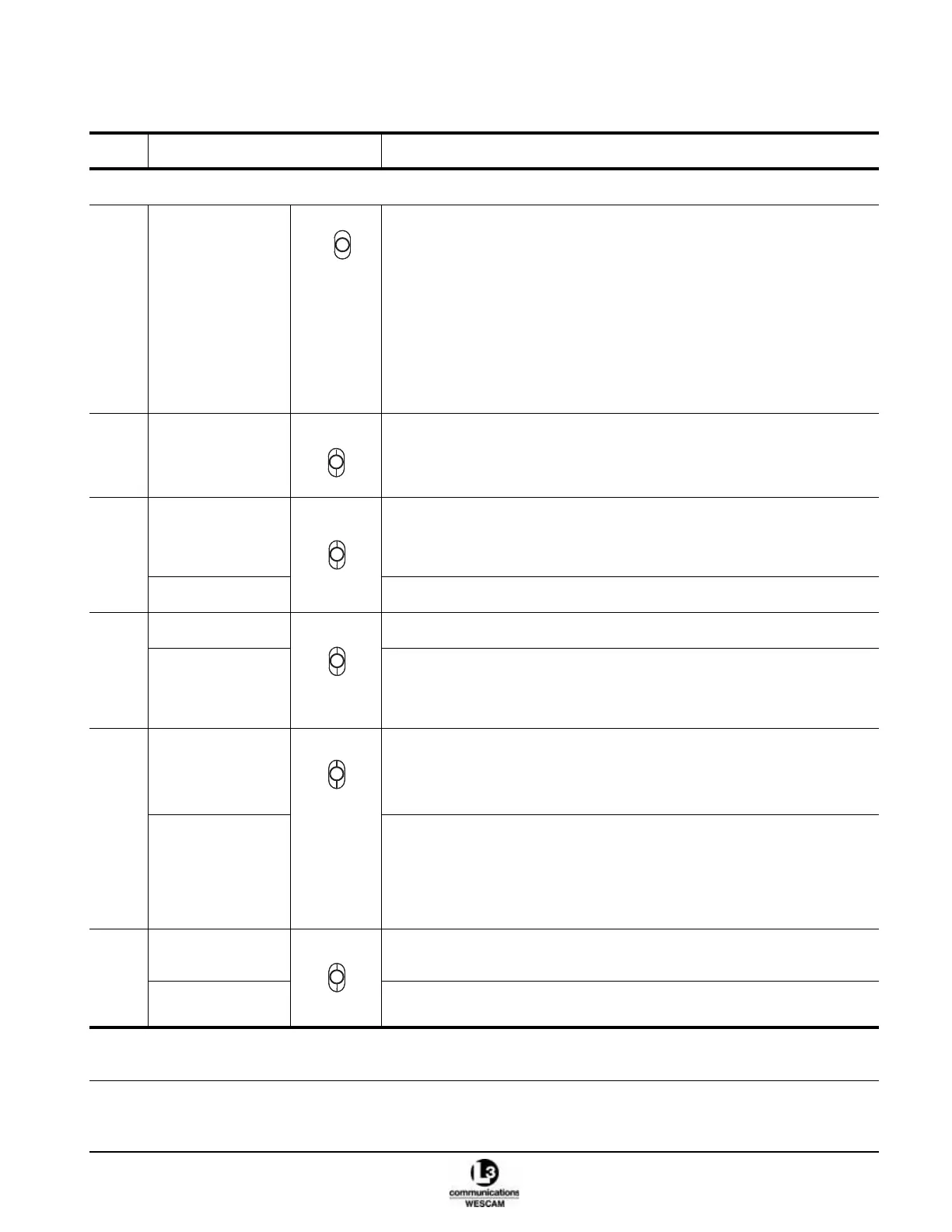
Table 2-1 Hand Controller Primary Switch Controls
Item Control Description
SWITCHES AND CONTROLS
(1) ZOOM switch Sensor:
• For the Video-In-Control (VIC), click up to zoom-in on the video image.
• For the VIC, click down to zoom-out of the video image.
Menu:
• When in a user menu, click up or down to navigate one step in the menu
options.
• When in a user menu, hold up or down to scroll through the menu options.
Note: The VIC’s sensor must have zoom capability.
Note: For sensors with a stepped zoom, click once and allow switch to return
to its neutral position.
(2) VIC switch • Click up to change the Video-In-Control (VIC) to another sensor view.
Note: The VIC is the sensor that is affected by all common controls, e.g.
zoom and focus.
(3) *AVT GATE switch • Click up to select an AVT gate size.
Note: The AVT button must also be pressed and held when selecting gate
size.
*AVT MODE switch • Click down to select an AVT tracking algorithm.
(4) *AUTO switch • Click up to enable an Auto (Geo Position) steering mode.
MANUAL switch • Click down to enable a Rate (Manual) steering mode.
Note: Excluding Stow, this selection will cancel all other disabled, assisted or
automated steering modes.
(5) AID switch • When operating in a Rate (Manual) steering mode, click up to enable a
Rate-Aid steering mode.
• When operating in an Auto steering mode, click up to enable an Auto-Aid
steering mode.
ZMULTI switch • Click down to enable or disable the slew transducer’s automated steering
sensitivity adjustment.
Note: For the Video-In-Control, turret steering will speed or slow to
compensate for focal length changes. Unzoomed viewing will steer
quickly while zoomed viewing will be less responsive.
(6) SLEW switch • Click up to have the turret steered to a position supplied by a radar, moving
map system, or other external data sources.
FWD switch • Click down to steer the turret to a known fixed position.
* Optional functions. These controls will have no effect if the hardware or software features have not been integrated as part
of the turret system.
Z
O
O
M
AVT
GATE
AVT
MODE



 To Next Page