TM00358 Rev. A Chapter 2 - Video I/O Menu
L-3 WESCAM October 2007
All Rights Reserved 39
2.9 VIDEO I/O MENU
The Video I/O menu provides status information and various controls for managing video inputs and outputs.
Operators would use this menu to configure the device that accepts video inputs (monitor, VTR, VCR, mapping
computers) and video outputs (EOW, EON, IR). Operators can set which of the video displays that will be presented
with the overlay information. For security reasons, some recorded feeds may need to be set so the overlay is not
presented.
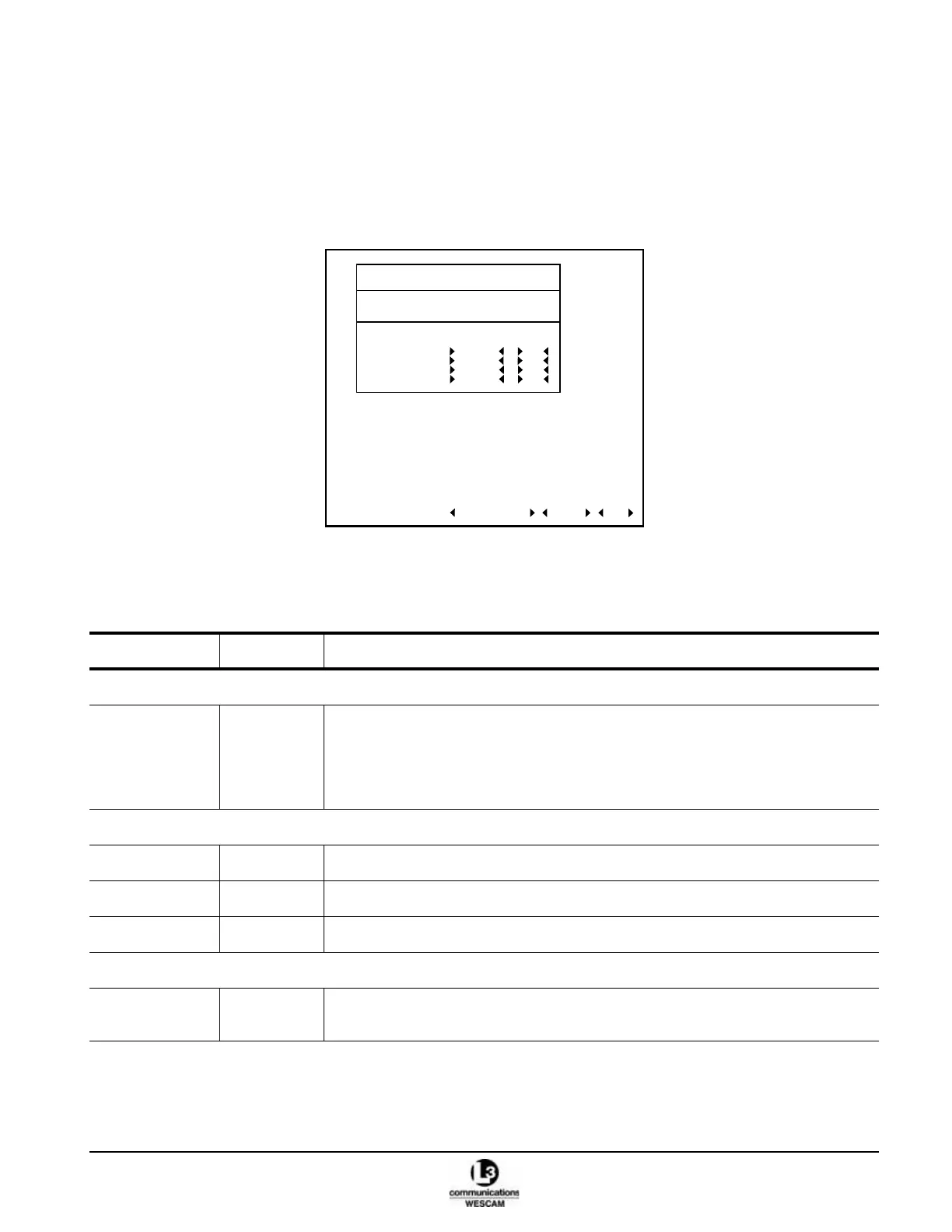
Figure 2-26 Level 2 Video I/O Menu
Table 2-10 Status Information and Controls in the Level 2 Video I/O Menu
Field Values Description
VALUE FIELDS
VIDEO
OUTPUTS
– Source:
• Sets the source and assigns a sensor to a video output channel.
Overlay:
• Enables or disables display of overlay graphics in video distributed to the output
channel.
ACTION FIELDS
FACTORY DFLT – Resets all user configured value fields to factory default settings.
ALARMS – Displays Alarms page with BIT test results for the Video I/O.
DONE – Exits menu.
STATUS INDICATORS
VIDEO IN
CONTROL
IR, EOW,
EON, OFF
Displays the current sensor that is the video in control.
LEVEL 2 - VIDEO I/O
MODE OPERATIONAL
ALARMS OK
VIDEO IN CONTROL (VIC) EOW
VIDEO OUTPUT SOURCE OVERLAY
FACTORY DFLT ALARMS DONE
1 VIC ON
2 VIC ON
3 VIC ON
4 VIC ON



 To Next Page