Chapter 2 - Hand Controller Controls TM00358 Rev. A
October 2007 L-3 WESCAM
12 All Rights Reserved
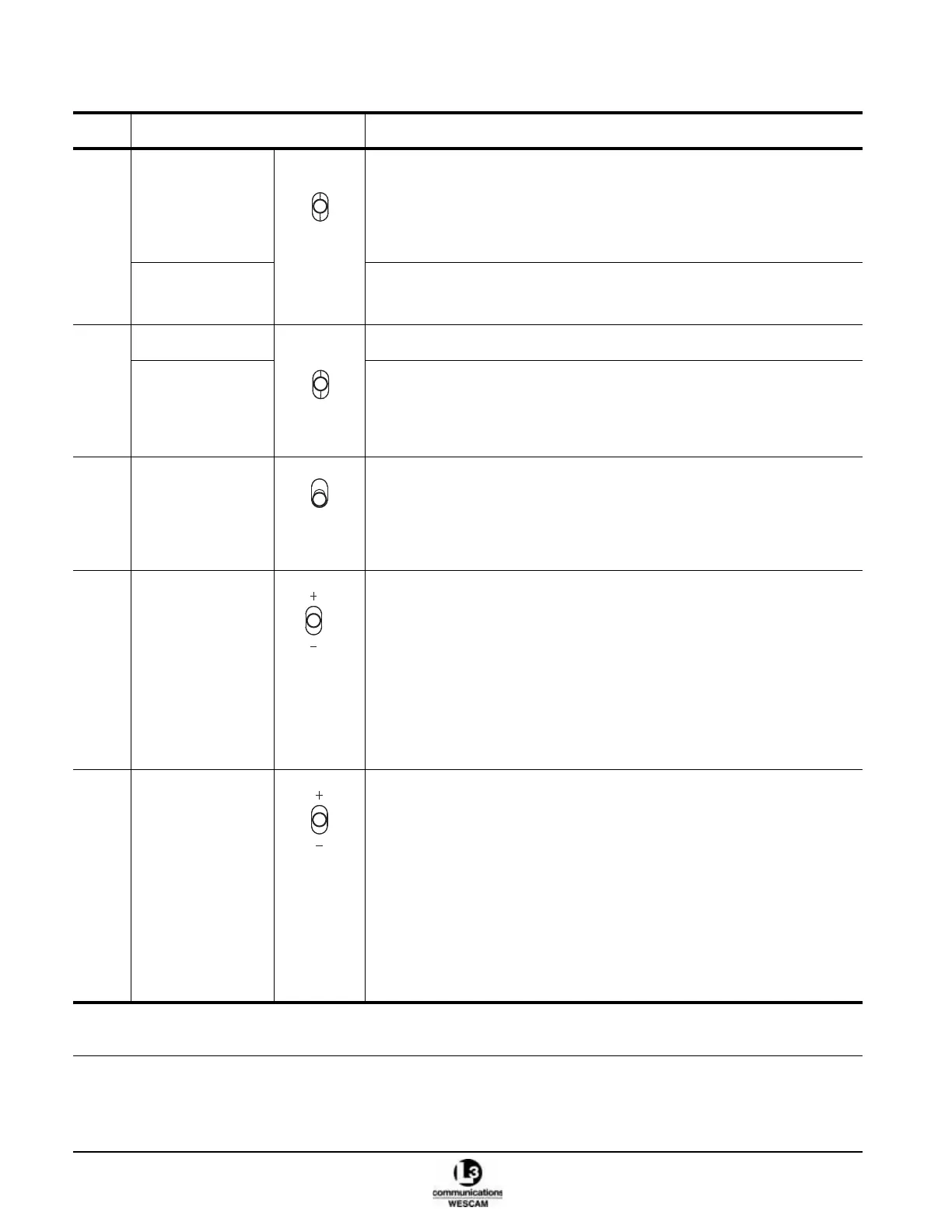
(7) MAN/AUTO switch • Click up to enable or disable the automatic sensitivity for the Video-In-
Control.
• When in Manual mode, use the SENS switch to change sensitivity.
Note: Sensitivity is similar to a brightness control on a television or computer
monitor.
*FILTER switch • Click down to cycle through the VIC sensor’s available filters.
Note: Filters options are hardware and software specific.
(8) *IMAGE INT switch • Click up to select the intensity of an applied Image Processor mode.
*IMAGE MODE
switch
• Click down to select an available Image Processing mode.
Note: The factory default setting for the Image Processor is disabled in the
Video I/O user menu. Operators must select and input source to
enable an Image Processing mode.
(9) POWER switch • Lift up and push forward to enable turret power.
• Lift up and pull back to disable turret power.
Note: This is a protected switch with detents that prevents accidental
switching. You must lift up to pass the detent to either enable or
disable system power.
(10) OFFSET switch IR Sensor:
• When in Manual Sensitivity mode, click up to increase the IR temperature
offset.
• When in Manual Sensitivity mode, click down to decrease the IR
temperature offset.
EOW & EON Sensors:
• Click up to increase the video’s black level.
• Click down to decrease the video’s black level.
Note: Offset sensitivity is similar to the contrast control on a television or
computer monitor.
(11) SENS switch IR Sensor:
• When in Manual Sensitivity mode, click up to increase the sensitivity value.
• When in Manual Sensitivity mode, click down to decrease the sensitivity
value.
EOW & EON Sensors:
• When in Manual Sensitivity mode, click up to increase the sensitivity value.
• When in Manual Sensitivity mode, click down to decrease the sensitivity
value.
Menu:
• When in a user menu, click up or down to change selected field values.
Note: Iris/Gain sensitivity is similar to the brightness control on a television or
computer monitor.
Table 2-1 Hand Controller Primary Switch Controls (Continued)
Item Control Description
* Optional functions. These controls will have no effect if the hardware or software features have not been integrated as part
of the turret system.
MAN/
AUTO
FILTER
O
F
F
S
E
T
I
R
I
S
G
A
I
N



 To Next Page