TM00358 Rev. A Chapter 2 - Hand Controller Controls
L-3 WESCAM October 2007
All Rights Reserved 13
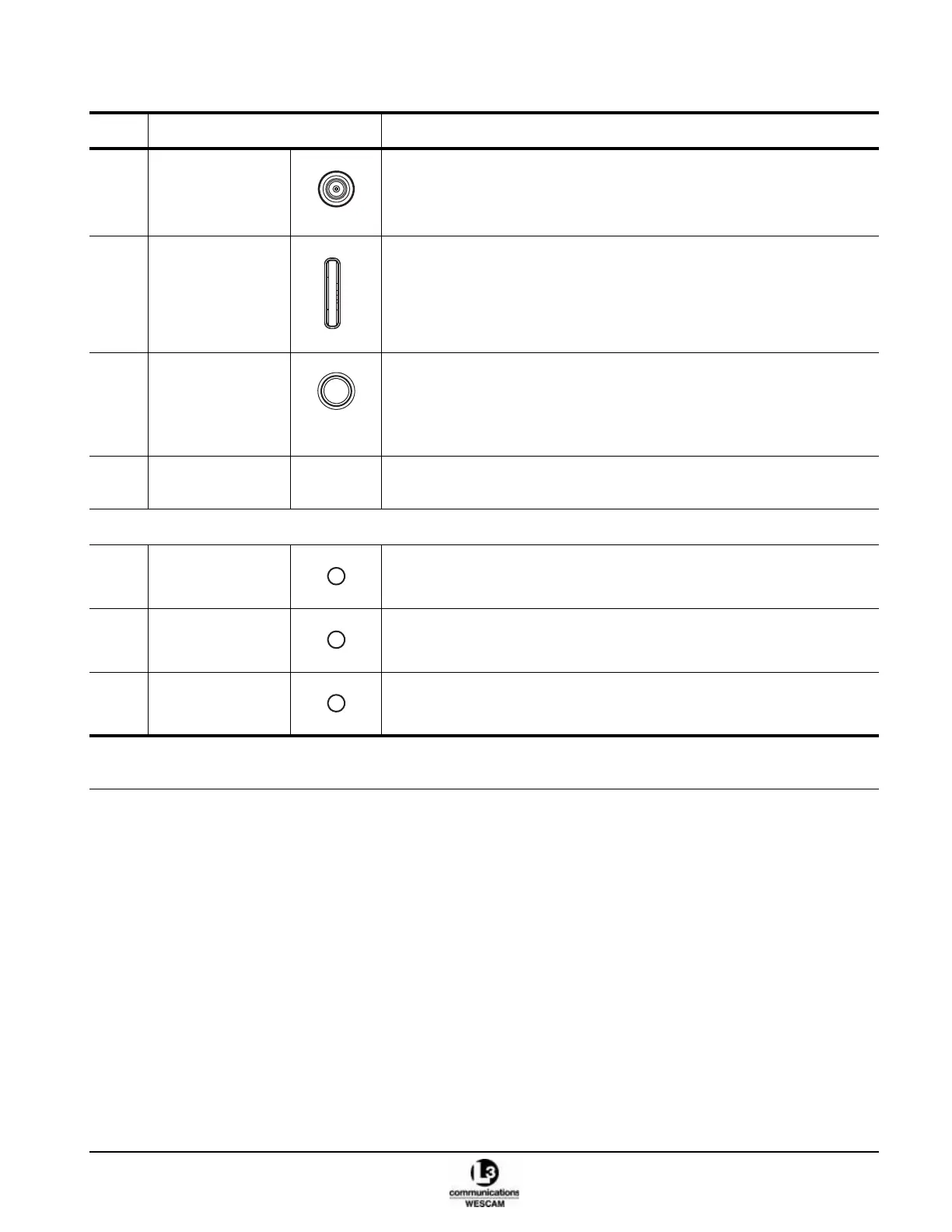
(12) Slew Transducer
joystick
• Press up or down to change the elevation position of the turret.
• Press left or right to change the azimuth position of the turret.
Map Mode:
• Moves map screen cursor.
(13) FOCUS dial • For the Video-In-Control, scroll up or down to adjust the VIC sensor’s focus.
(14) *AVT button AVT Mode:
• Push and hold the button to enable AVT function.
• Release button to set the target lock.
Map Mode:
• Press button to initiate a left mouse click on a Moving Map.
*Deadman lever • Pull in to allow arming of the Laser Illuminator.
• Release to disarm the Laser Illuminator.
STATUS LIGHTS
(15) *ARMED status
light
• Lit LED indicates that the Laser Illuminator is armed.
• Unlit LED indicates that the Laser Illuminator is disarmed.
(16) *ACTIVE status
light
• Lit LED indicates that the Laser Illuminator is firing.
• Unlit LED indicates that the Laser Illuminator not firing.
(17) ON status light • Lit LED indicates that the turret is powered.
• Unlit LED indicates that the turret has no power.
Table 2-1 Hand Controller Primary Switch Controls (Continued)
Item Control Description
* Optional functions. These controls will have no effect if the hardware or software features have not been integrated as part
of the turret system.
F
O
C
U
S
AVT



 To Next Page