5-6 Echo Liquid Handler User Manual
2. Click the N
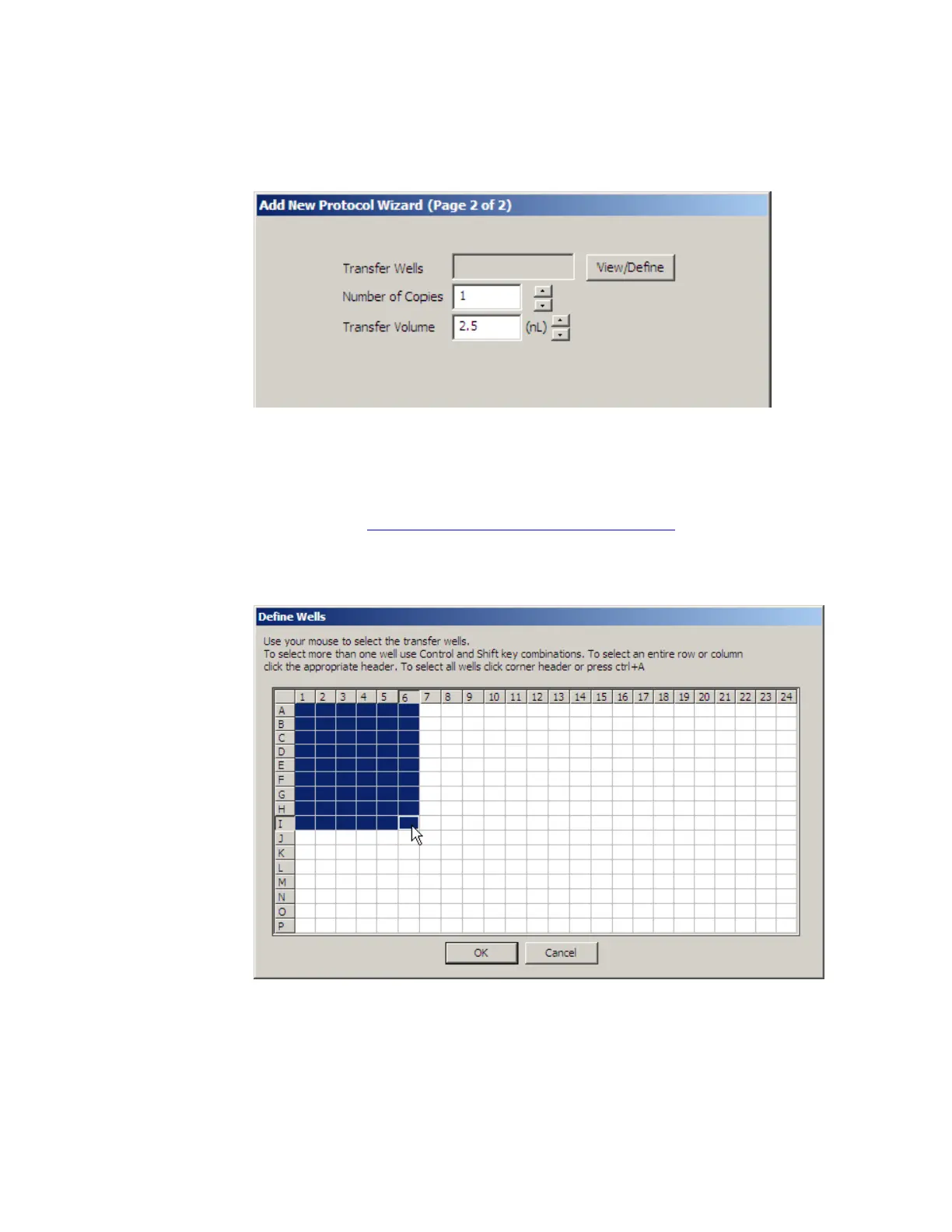
EXT button. The second ADD NEW PROTOCOL WIZARD dialog
box opens.
Figure 5.4 Add new protocol wizard, page 2 of 2
3. Transfer Wells: Click the VIEW/DEFINE button to select the wells to be
transferred from the source plate.
a. Select the source plate wells that contain the compound to be
transferred. See Figure 5.5. For information on how to select transfer
wells, see “Create a transfer map” on page 5-14.
b. Click the OK button to return to the previous screen.
Figure 5.5 The Define Wells dialog box
4. Number of Copies: Enter the number of times the protocol will be
executed. The valid range is 1 to 10,000 copies. The operator is
prompted to load and unload the source microplate and the specified
number of destination microplates.



 To Next Page