5-10 Echo Liquid Handler User Manual
3. Click the N
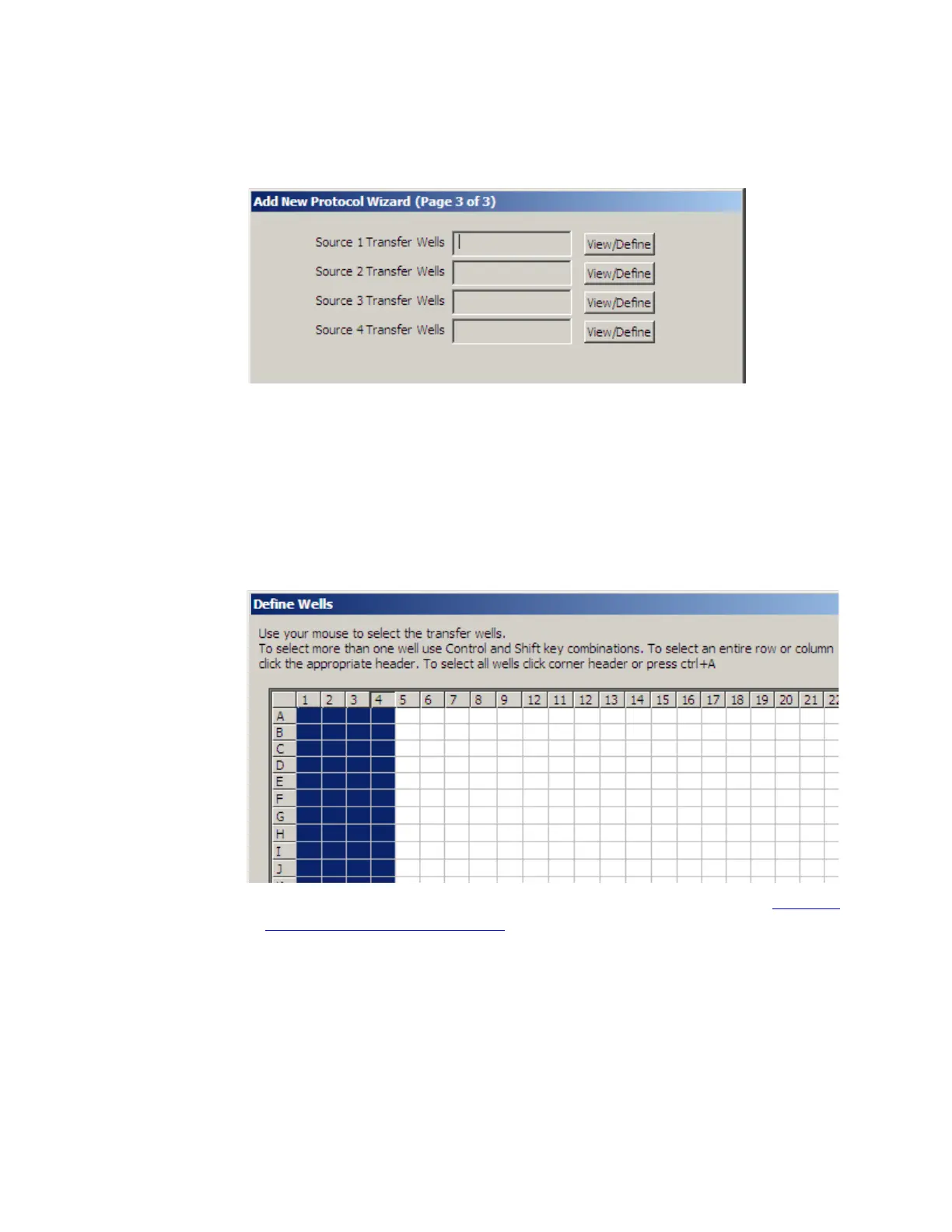
EXT button to open the third ADD NEW PROTOCOL WIZARD
dialog box.
Figure 5.11 Add new protocol wizard page 3 of 3
You must define a fluid transfer map for each of the source microplates
used.
4. Click the VIEW/DEFINE button to create a transfer map for the first
source plate. The Define Wells dialog box shows the wells that are
available for transfer. Select the wells you want to include in the
transfer. Repeat this step for the other source plates and click the OK
button.
Figure 5.12 Define wells in a transfer map
For an explanation on how to select wells in a transfer map, see “
Create
a transfer map” on page 5-14.
5. Click the F
INISH button after all four transfer maps have been created.



 To Next Page