5-8 Echo Liquid Handler User Manual
Create a new 1536:1536 protocol definition
If your Echo liquid handler has been calibrated for 1536-well source plates,
you can create a new 1536:1536 protocol definition using the ADD NEW
PROTOCOL WIZARD as described above for 384:384 protocols with the
following exceptions:
An existing 1536-well source microplate must be selected.
The transfer volume range may be different than those used with
384-well source plates. For example, for the Echo-qualified 1536-well
source microplate, the valid range is 2.5 to 2000 nL in increments of
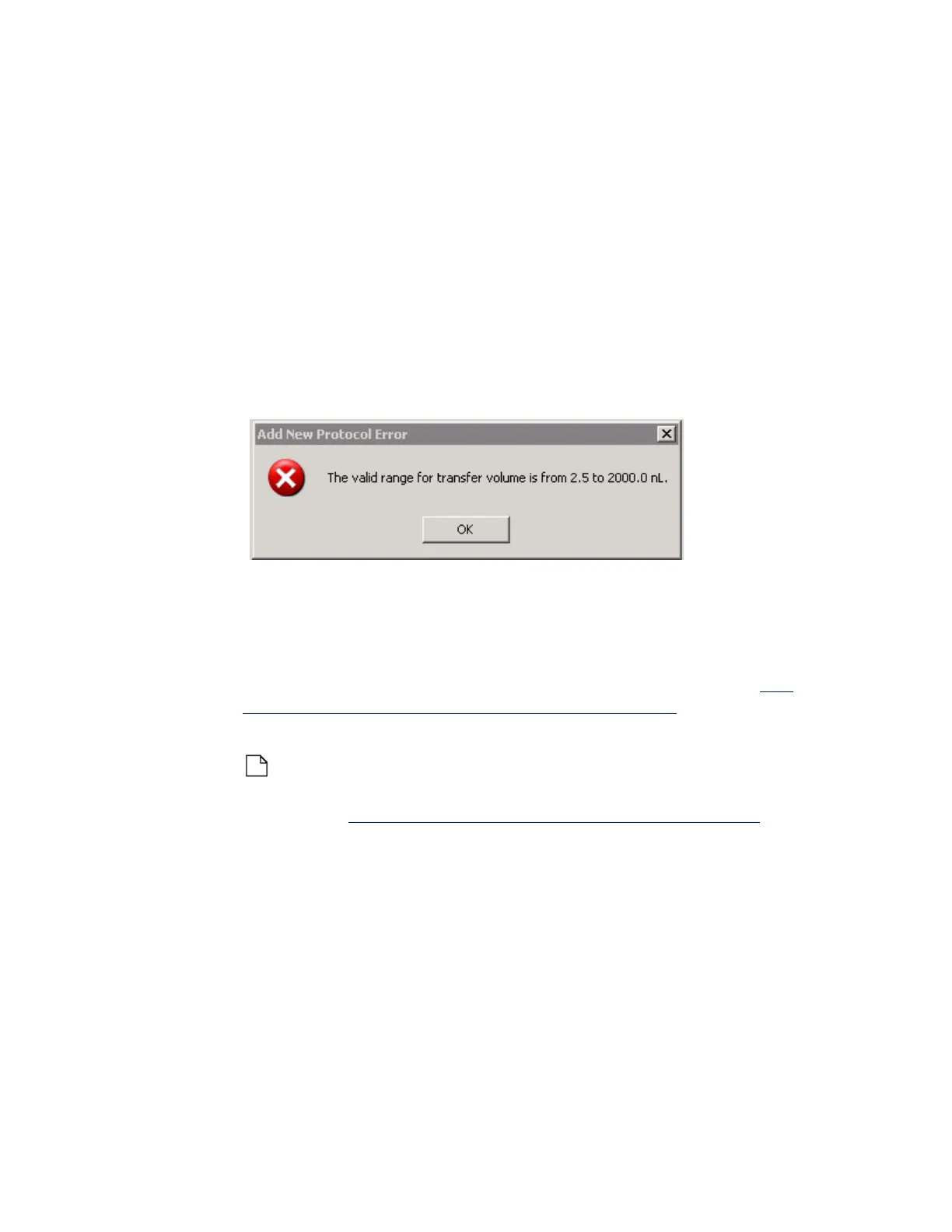
2.5 nL. If you type an invalid transfer volume, you will receive an error
message that displays the correct transfer range.
Figure 5.8 Invalid transfer volume for 1536-well plate
Create a new 384:1536 protocol definition
Create a new 384:1536 protocol definition using the stacking features of
the ADD NEW PROTOCOL WIZARD. Compound from four 384-well source
plates can be transferred to a single 1536-well destination plate. See
“384-plate to 1536-plate liquid transfer” on page 1-15 for an illustration of
plate-mapping to more than one destination plates.
Note: If the new liquid transfer protocol requires a new destination
microplate definition, create it before running the ADD NEW PROTOCOL
W
IZARD. See “Manage labware specifications” on page 5-24.
1. Click the ADD button to start the ADD NEW PROTOCOL WIZARD. Enter the
following information:
Protocol Name: Enter a name for the new protocol. It must not
already be in use.
Source Plate Type: Select a source plate type from the first drop-
down list.
Destination Plate Type: Select a destination plate type from the
second drop down list. The destination plate definition must already
exist in the Echo database.



 To Next Page