Echo Liquid Handler Software 5-11
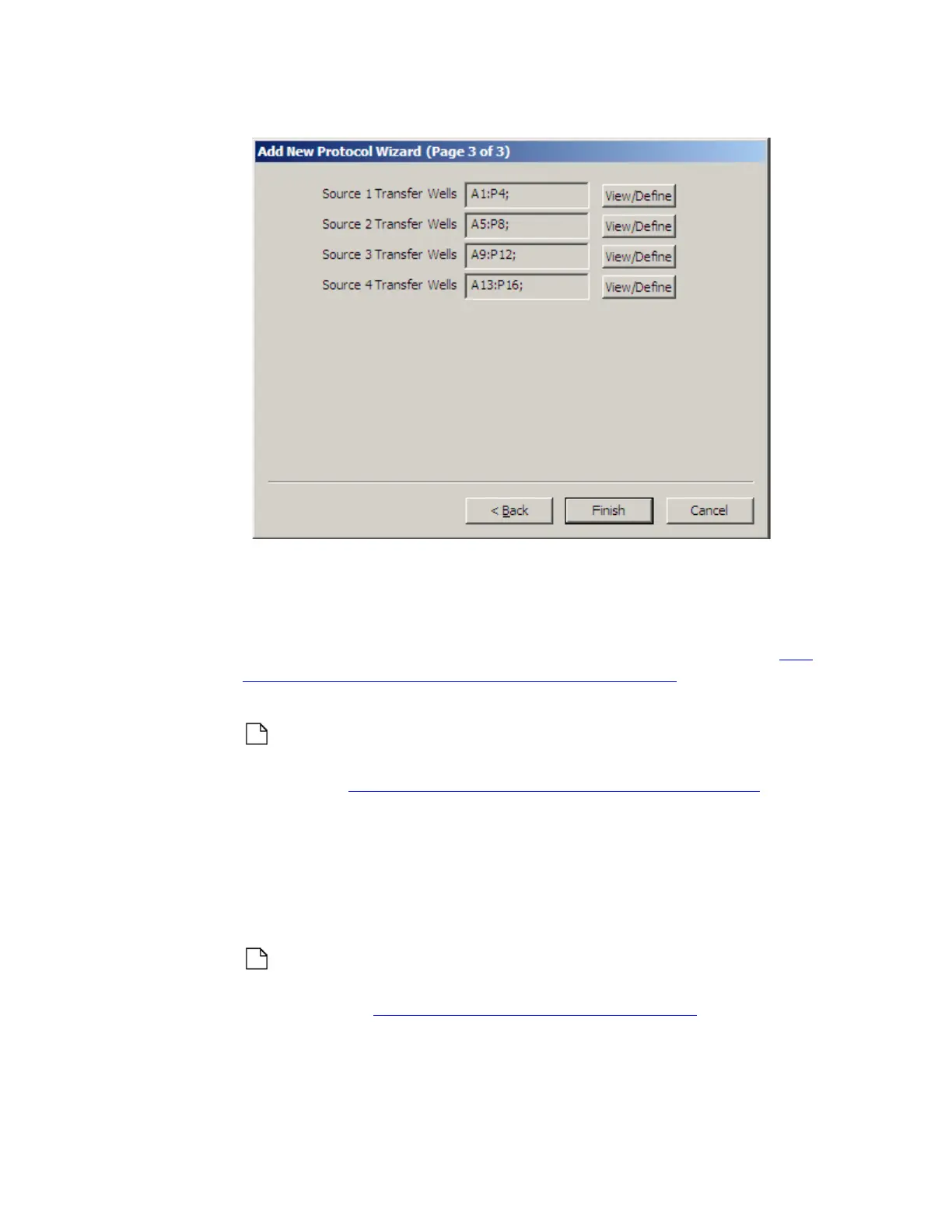
Figure 5.13 384:1536 protocol finished
Create a new 1536:384 protocol definition
Create a new 1536:384 protocol definition using the destacking features of
the ADD NEW PROTOCOL WIZARD. Compound from a single 1536-well
source plate can be transferred to four 384-well destination plates. See
“384-plate to 1536-plate liquid transfer” on page 1-15 for an illustration of
plate-mapping to more than one destination plates.
Note: If the new liquid transfer protocol requires a new destination
microplate definition, create it before running the A
DD NEW PROTOCOL
WIZARD. See “Manage labware specifications” on page 5-24.
1. Click the A
DD button to start the ADD NEW PROTOCOL WIZARD.
2. Protocol Name: Enter a name for the new protocol. It must not already
be in use.
a. Source Plate Type: Select a source plate type from the first drop-down
list.
Note: A 1536-well source microplate must already exist in the Echo
database. Contact Labcyte to purchase a 1536-well source plate
definition. See “Contact information” on page 7-1.
b. Destination Plate Type: Select a destination plate type from the
second drop down list. The destination plate definition must already
exist in the Echo database.



 To Next Page