LaCie 12big Rack Storage Server
User Manual page 46
BIOS Settings
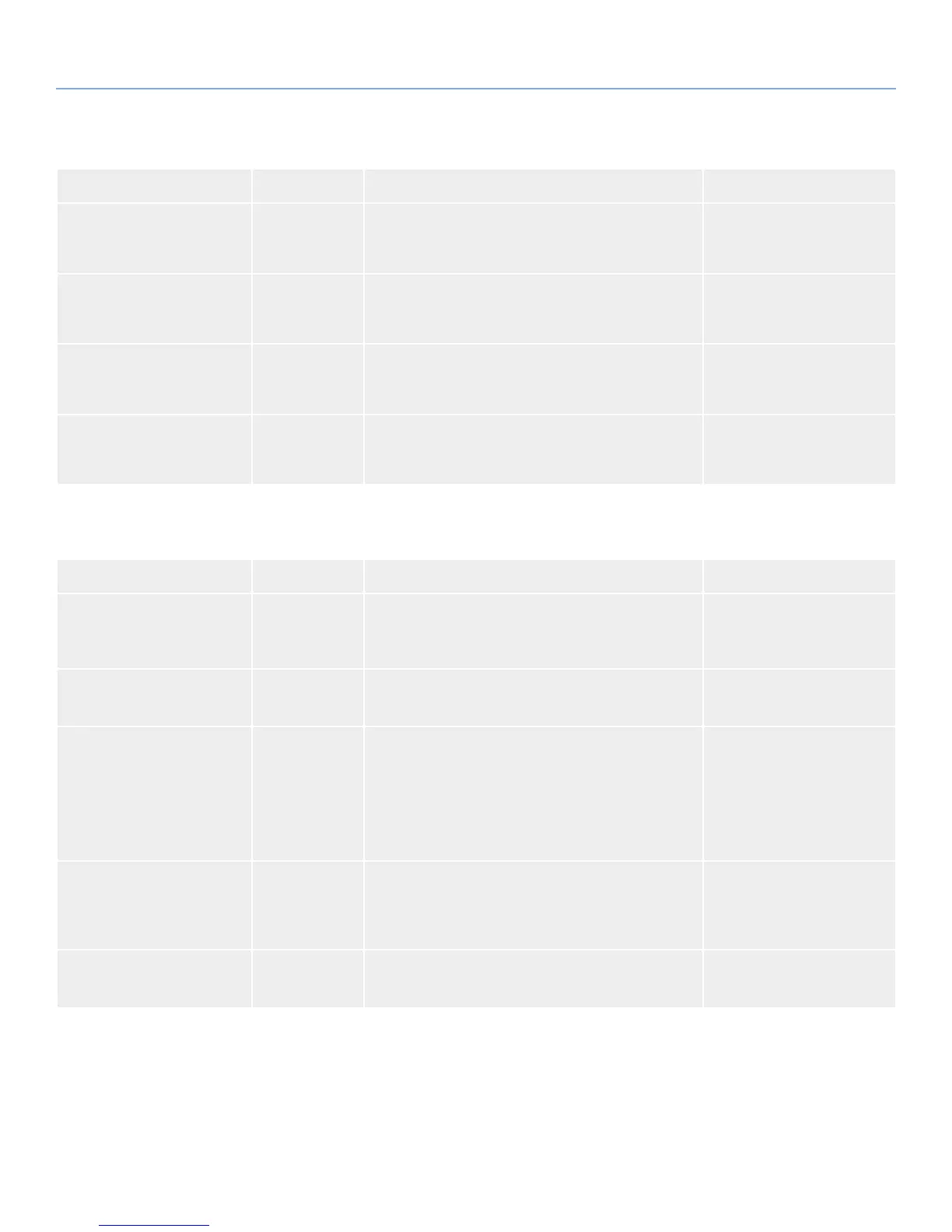
Feature Options Description Setup Help
CD/DVD Drives N/A "Press Enter to go to sub screen ""CD/DVD Drives""." Specifies the Boot Device Pri-
ority sequence from available
CD/DVD Drives.
USB Drives N/A "Press Enter to go to sub screen ""USB Drives""." Specifies the Boot Device Pri-
ority sequence from available
USB Drives.
Network Drives N/A "Press Enter to go to sub screen ""Network Drives""." Specifies the Boot Device Pri-
ority sequence from available
Network Drives.
Other Drives N/A "Press Enter to go to sub screen ""Other Drives""." Specifies the Boot Device Pri-
ority sequence from available
Other Drives.
6.5.1. Boot Settings Configuration Sub-Menu
Table 44 - Boot Settings Configuration Sub-Menu
Feature Options Description Setup Help
Boots Graphic Adapter Prior-
ity
✦ Auto
✦ Onboard
VGA
Select which graphics controller to use as the primary
boot device.
Quiet Boot ✦ Disabled
✦ Enabled
Disabled: Displays normal POST messages. Enabled:
Displays OEM Logo instead of POST messages.
Warm Reset Initial count ✦ Never
✦ Always
✦ 5
✦ 10
✦ 15
Select the value of the warm
reset count. Always: always
do a warm reset. Never: al-
ways do a cold reset.
Save CMOS in FLASH Enabled Saving CMOS memory con-
tent into Flash Memory will
prevent loosing CMOS op-
tions when battery fails.
Interrupt 19 Capture
✦ Disabled
✦ Enabled
Enabled: Allows option ROM
to trap interrupt 19.


 To Next Page