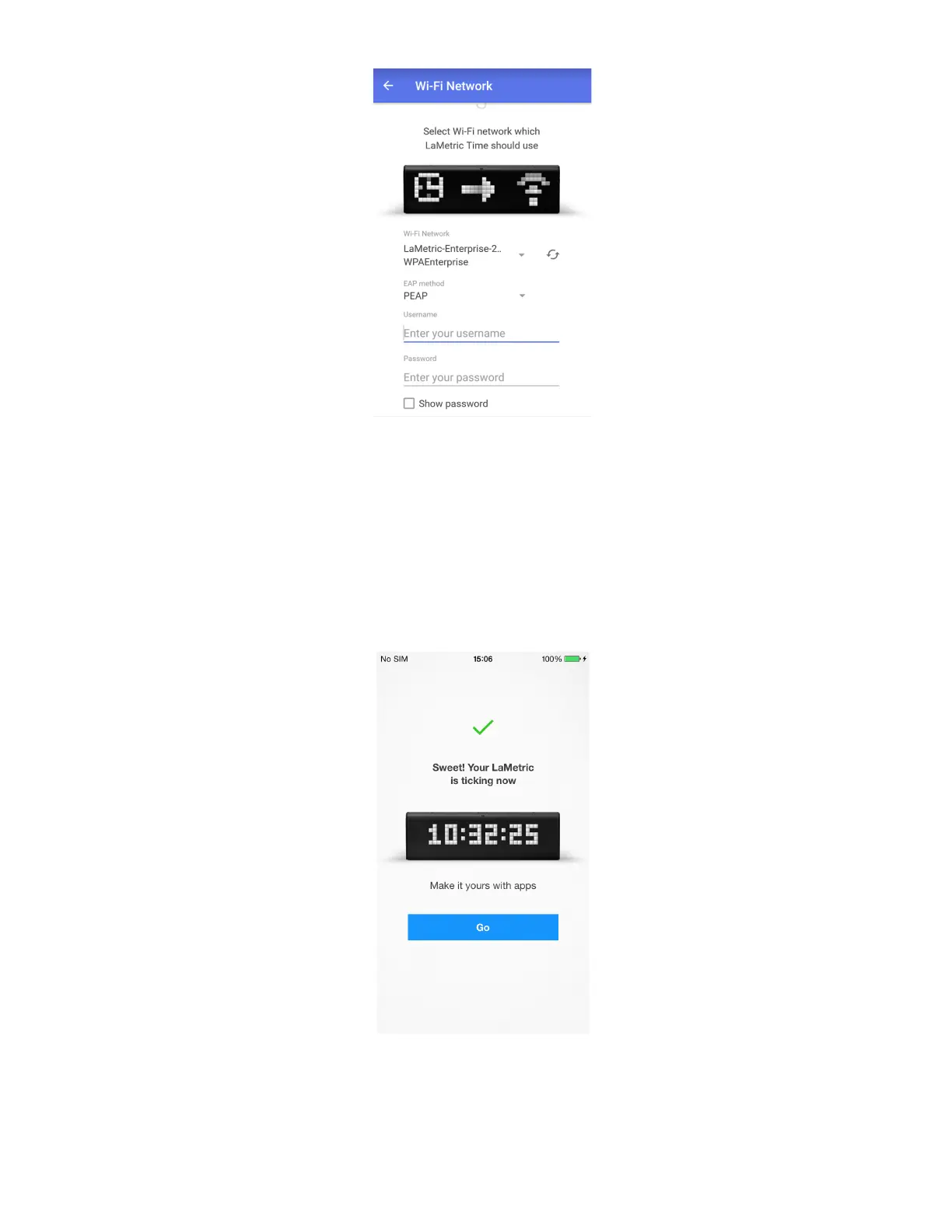
4. Wait a few seconds while LaMetric is connecting to Wi-Fi network.
5. Time at LaMetric. Congratulations, your LaMetric is ticking now! You can press the Right or Left
navigation button to switch between basic apps as well. But this is not the end! You might want to
continue device configuration and make it show other information. You just need to tap Go when the
screen, that you see below, appears.
Do you see LaMetric with a clock on the screen? Tap it to adjust settings of basic applications.
9



 To Next Page