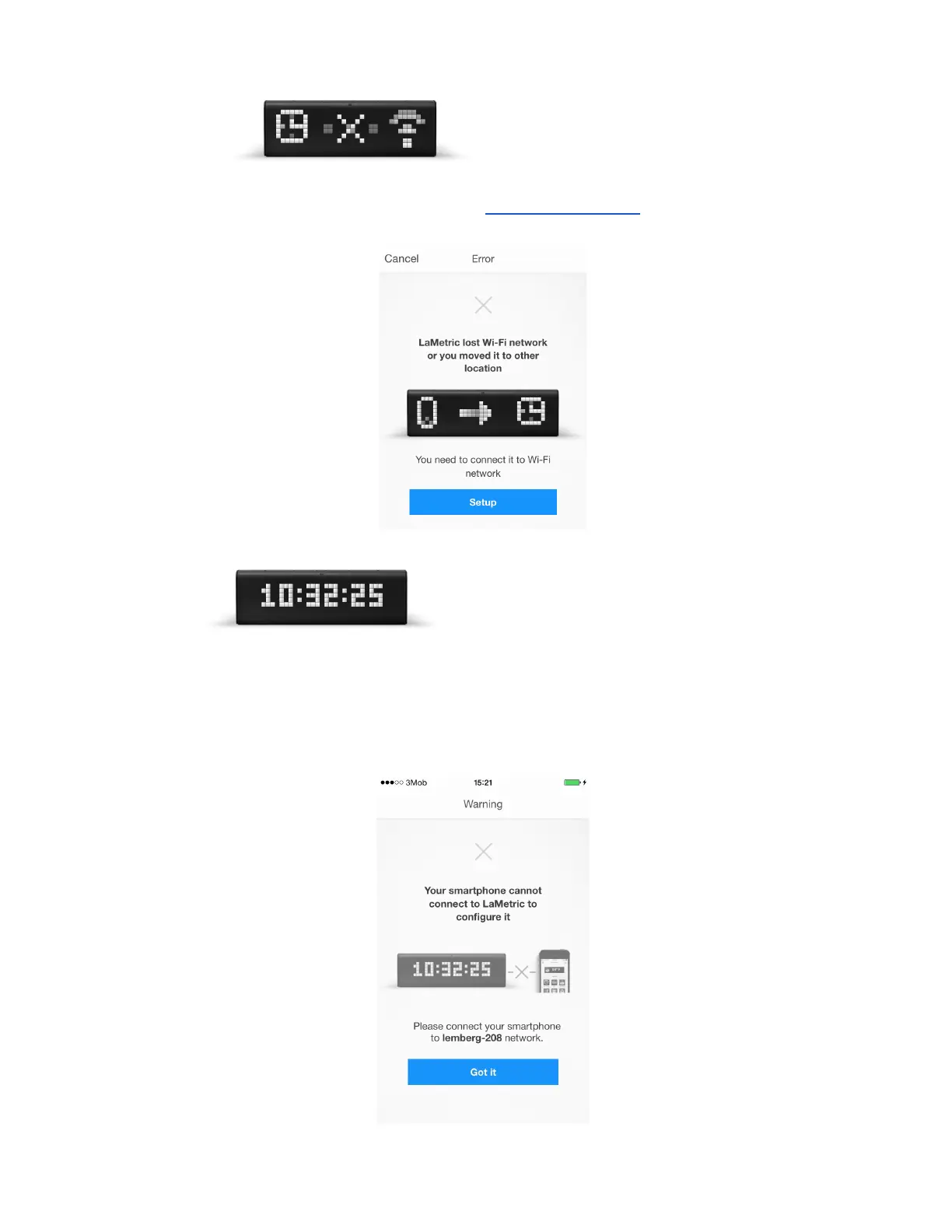
Look at your device:
1. If you see , it means LaMetric lost Wi-Fi, it may happen when
the device was moved to another place. Tap on the same image on the screen, then click on
Setup and begin configuration process from 3.3.2.Configuration .
2. Tap on if you see some information on LaMetric’s display, but
can not configure it. There might be several reasons of this:
● Maybe Wi-Fi network on your smartphone is not the same as was chosen to connect LaMetric
to. Tap Got It and connect your smartphone to the right one.
18



 To Next Page