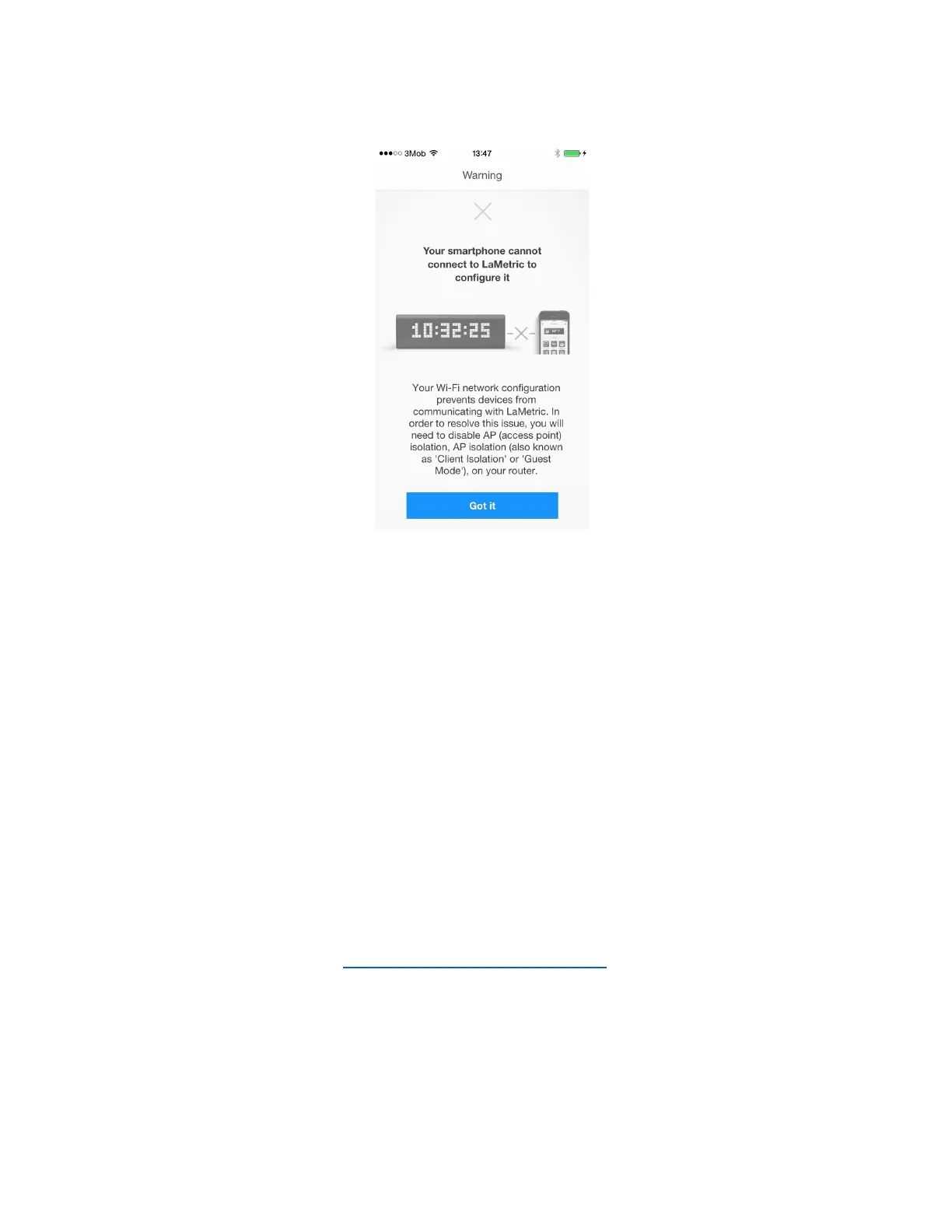
● If the problem arises because additional settings on your router are required, you will be headed
to such screen.
Your Wi-Fi network configuration prevents devices from communicating with LaMetric. In order
to resolve this issue, you will need to disable AP (access point) isolation, AP isolation (also
known as 'Client Isolation' or 'Guest Mode'), on your router. Please refer to your router
documentation to learn how to disable AP isolation.
If you do not have access to your router settings, or if you are attempting to connect through a
guest, hotel or public network with AP/client isolation, you will be unable to set up your LaMetric.
If you are attempting to connect through a Wi-Fi extender, please check your extender settings.
You will need to disable AP isolation on your Wi-Fi extender before setting up LaMetric to work
with your Wi-Fi network.
● If there was an incorrect time on your LaMetric, at first, you should try restarting it.
Tap Got it on a screen that appears and restart your device - turn off, then turn on. If it does not
help, try resetting it. Read 5.6. Resetting to factory defaults to know how to make it.
19



 To Next Page