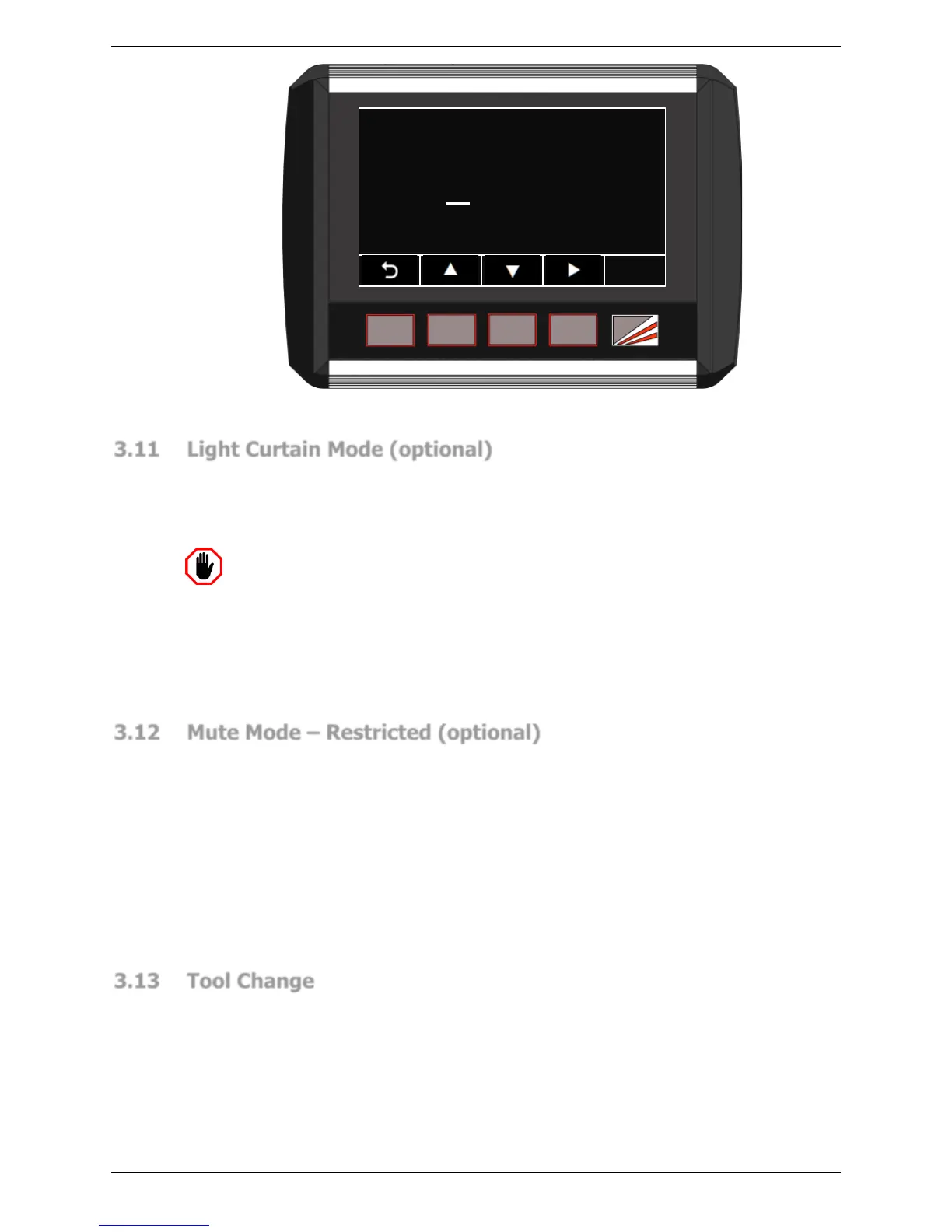
Figure 3-10: Tool Setup Mode Access Screen
3.11 Light Curtain Mode (optional)
The Sentinel Plus system also supports dual guarding, where a third party light curtain can
be connected to the PGS-3. This gives the machine operator an option to select either the
laser guarding function or light curtain function. When in Light Curtain Mode the Sentinel
Plus continues to control the mute, speed and stop time monitoring functions.
Warning: REFER TO THE LIGHT CURTAIN MANUFACTURER’S
DOCUMENTATION BEFORE OPERATING LIGHT CURTAIN MODE
The light curtain is a third party device and is not manufactured or supplied by
Lazer Safe. Please ensure that the light curtain is installed and configured
according to the manufacturer’s instructions. Ensure the machine operator has
been trained and is fully conversant in the operation and function of the light
curtain prior to operating the Sentinel Plus Press Brake Guarding System in Light
Curtain Mode.
3.12 Mute Mode – Restricted (optional)
The Sentinel Plus System may be installed on machines that do not support dual speed
operation. However, if these machines cannot close tools at safe speed, any condition that
requires safe speed will trigger an over speed error, and an E-Stop.
In this case the system must be installed with the Mute Mode Restricted option enabled.
Any condition that would normally allow closing tools in safe speed (for example, an
uncleared obstruction) is prohibited. Tools must be opened, and the condition that is forcing
safe speed cleared before normal operation can continue.
In Standard mode the Sentinel Plus automatically forces slow speed when setting the mute
point with the LZS-005-R sensors. In Restricted mode the operator must manually reduce
the closing speed on the mute setting stroke to less than 50mm/s.
3.13 Tool Change
When changing the tools the transmitter and receiver can be easily moved clear so that the
punch can be removed from either end of the machine. To realign the transmitter and
receiver each is moved quickly back into position.
The transmitter is adjusted to the correct distance from the punch tip with the aid of an
alignment tool. The receiver is then adjusted so that the tools tip is roughly centred in the
receiver window.



 To Next Page