Sentinel Plus Press Brake Guarding System Operation Manual LS-CS-M-073
Page 45
Original Language Version: 1.04 Released: 19/07/2017
a e
ENTER
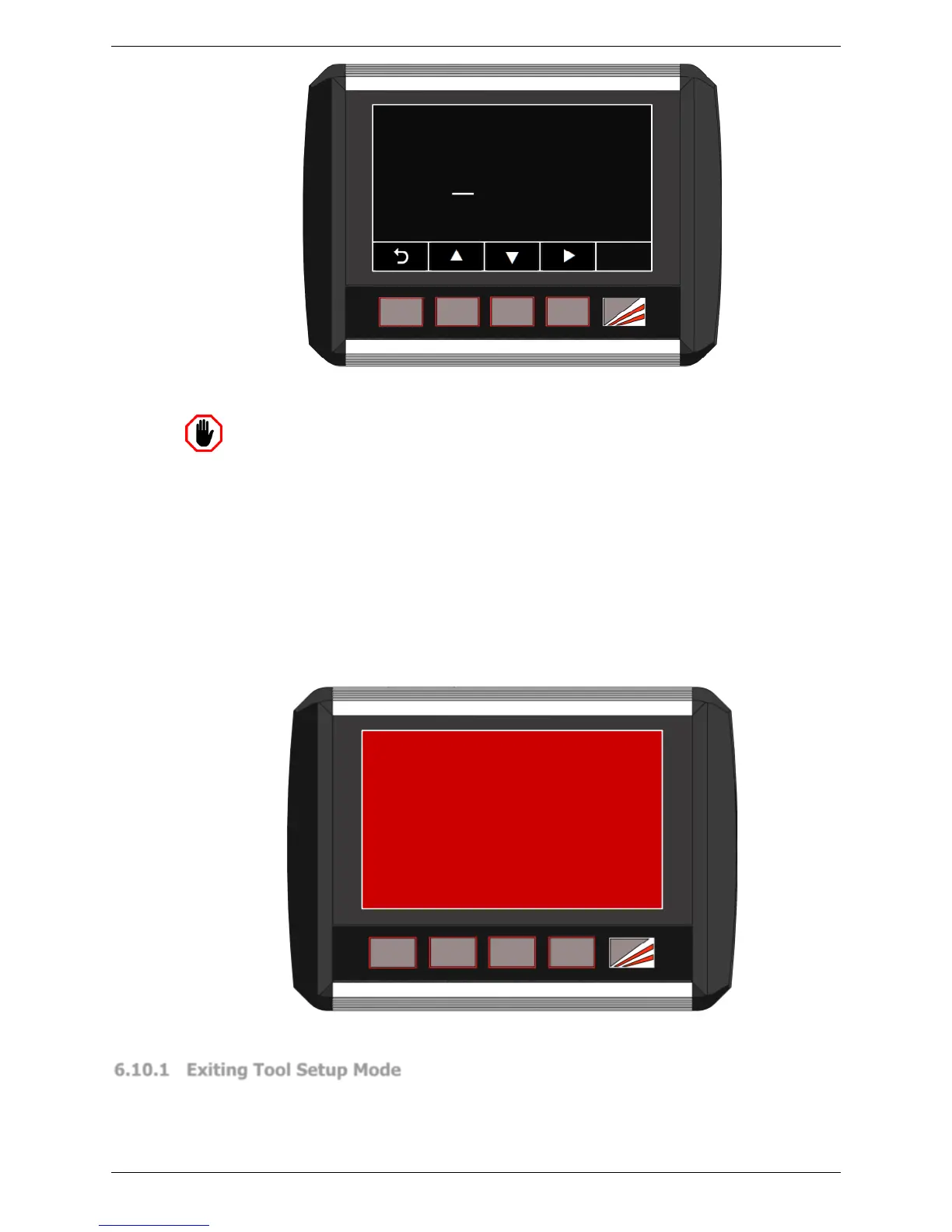
0000
Enter access code
Figure 6-17: Tool Setup Mode Access Screen
Warning: NO OPTICAL PROTECTION IN TOOL SET-UP MODE
In Tool Set-up Mode the laser is ON, but the optical protection is disabled.
Although the Sentinel Plus Press Brake Guarding System will ensure that the
machine does not exceed safe speed if the sensors are obstructed, particular
caution must be exercised.
Tool Setup mode is password protected and only accessible to operators with Supervisor
level access. When the TOOL SETUP button is pressed the screen prompts the operator to
enter the Supervisor access code, as shown in Figure 6-17.
If the code is correct the panel proceeds to the Tool Setup mode screen, and the Sentinel
Plus system will now behave as detailed in Section 3.10. If an external mute lamp has
been installed it will be switched ON to indicate that optical protection has been de-
activated.
TOOL SETUP MODE
CAUTION
OPTICAL PROTECTION INACTIVE
Press any button to exit
Figure 6-18: Tool Setup Mode Screen
6.10.1 Exiting Tool Setup Mode
Tool Setup mode can be exited by pressing any of the Sentinel Plus panel buttons when
the tools are open. This will return the Sentinel Plus panel to the previous operating mode.
If the tools are not open, the Status window will display the message Open tools to enable
button function.



 To Next Page